Transmission
40
1
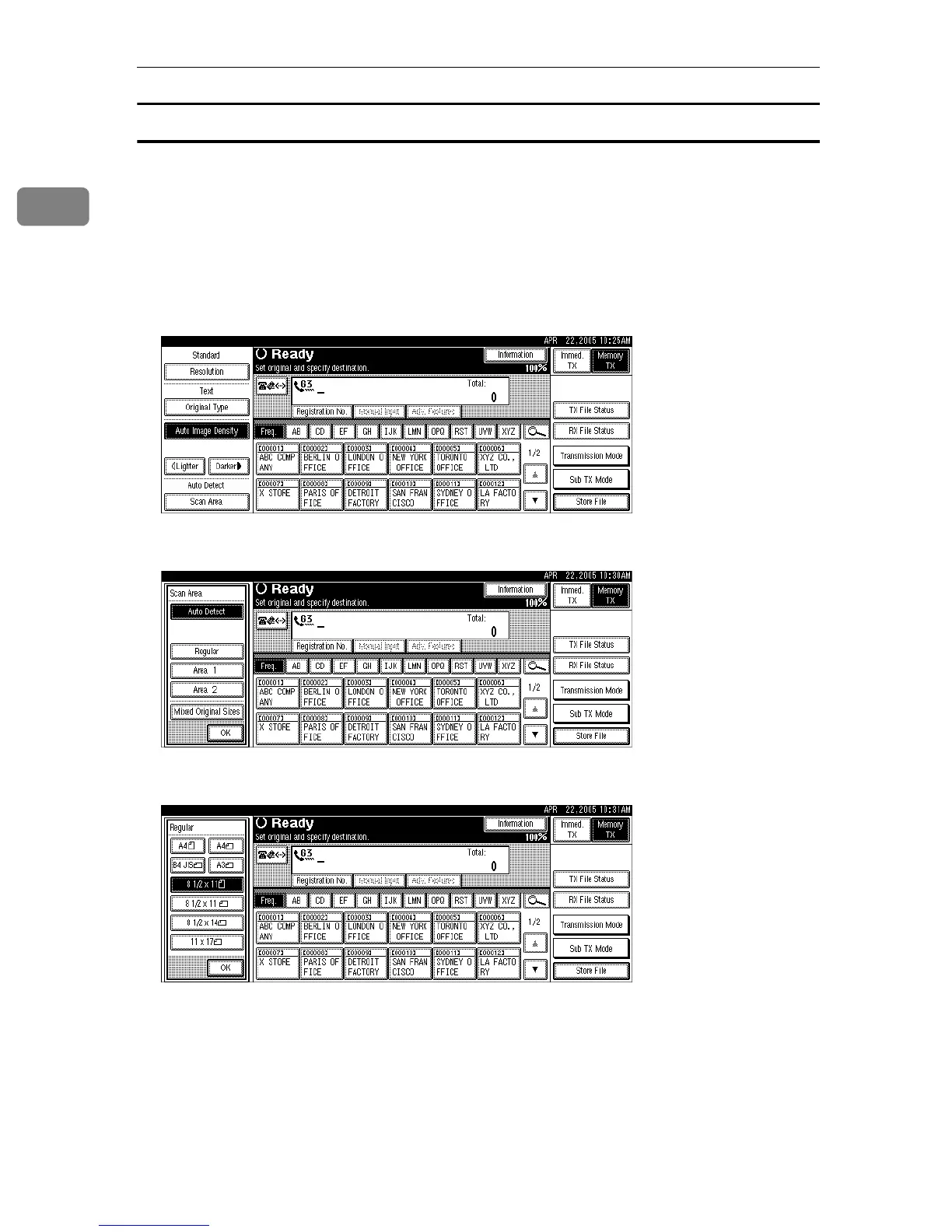
Regular
The placed original is scanned according to specified size regardless of actual
size.
The sizes that can be specified are A4KL, B4 JISL, A3L, 8
1
/
2
"×11"KL,
8
1
/
2
"×14"L, and 11"×17"L.
A Place the original, and then select the scan settings you require.
B Press [Scan Area].
C Press [Regular].
D Press the size of the originals to be sent, and then press [OK].
8
1
/
2
"×11" indicates LT. 8
1
/
2
"×14" indicates LG. 11"×17" indicates DLT.











 To Next Page