Other Transmission Features
154
2
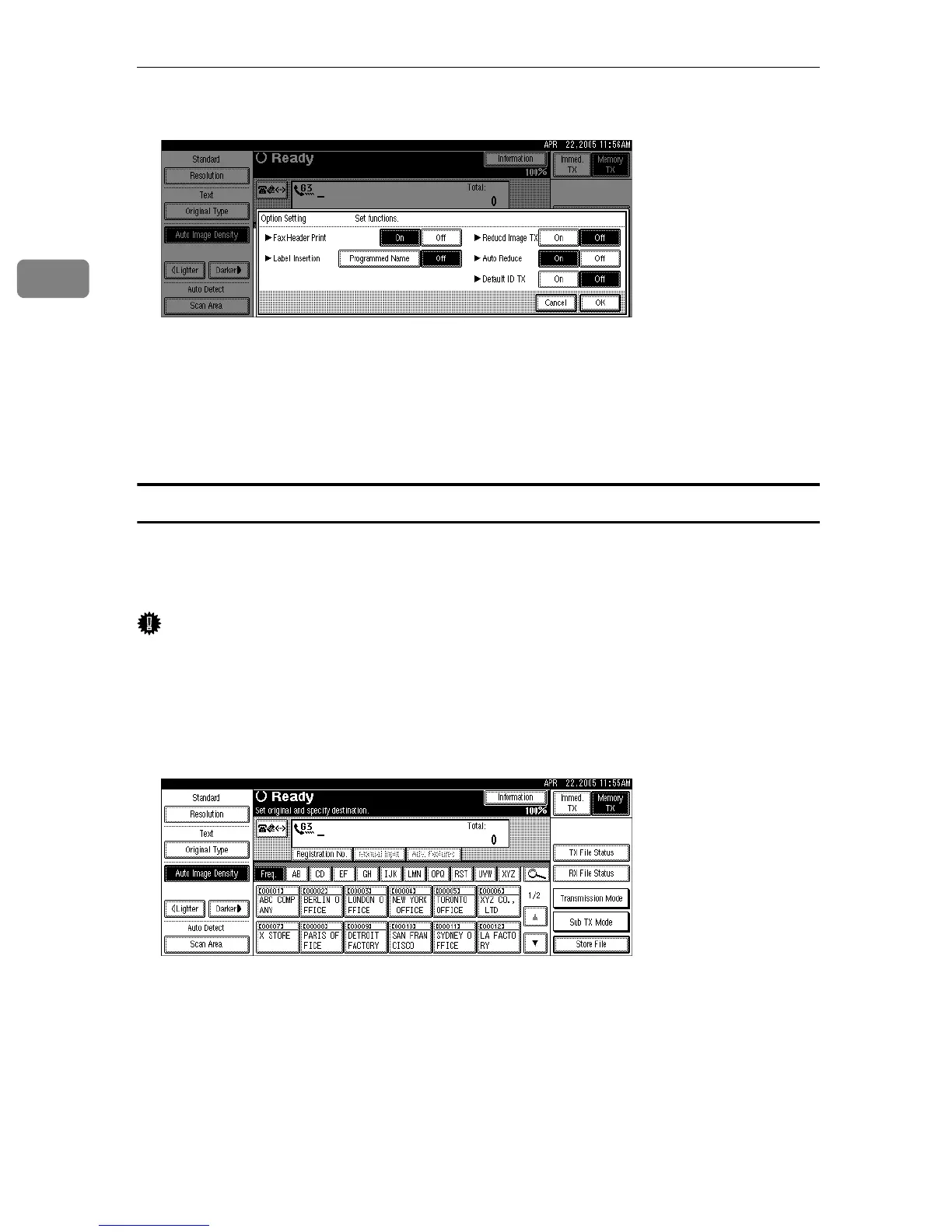
D Press [On] for Auto Reduce.
Press [Off] if you do not want to use the Auto Reduce function.
To cancel the option settings, press [Cancel].
E Press [OK] twice.
F Specify the destination, and then press the {Start} key.
Default ID Transmission
If you turn this function on, transmission will only take place if the destination's
Polling ID is the same as yours. This function can stop you accidentally sending
information to the wrong place.
Important
❒ You need to register a Polling ID beforehand.
❒ This function is not available with Internet Fax.
A Place the original, and then select the scan settings you require.
B Press [Sub TX Mode].
C Select [Options].











 To Next Page