Sub Transmission Mode
155
2
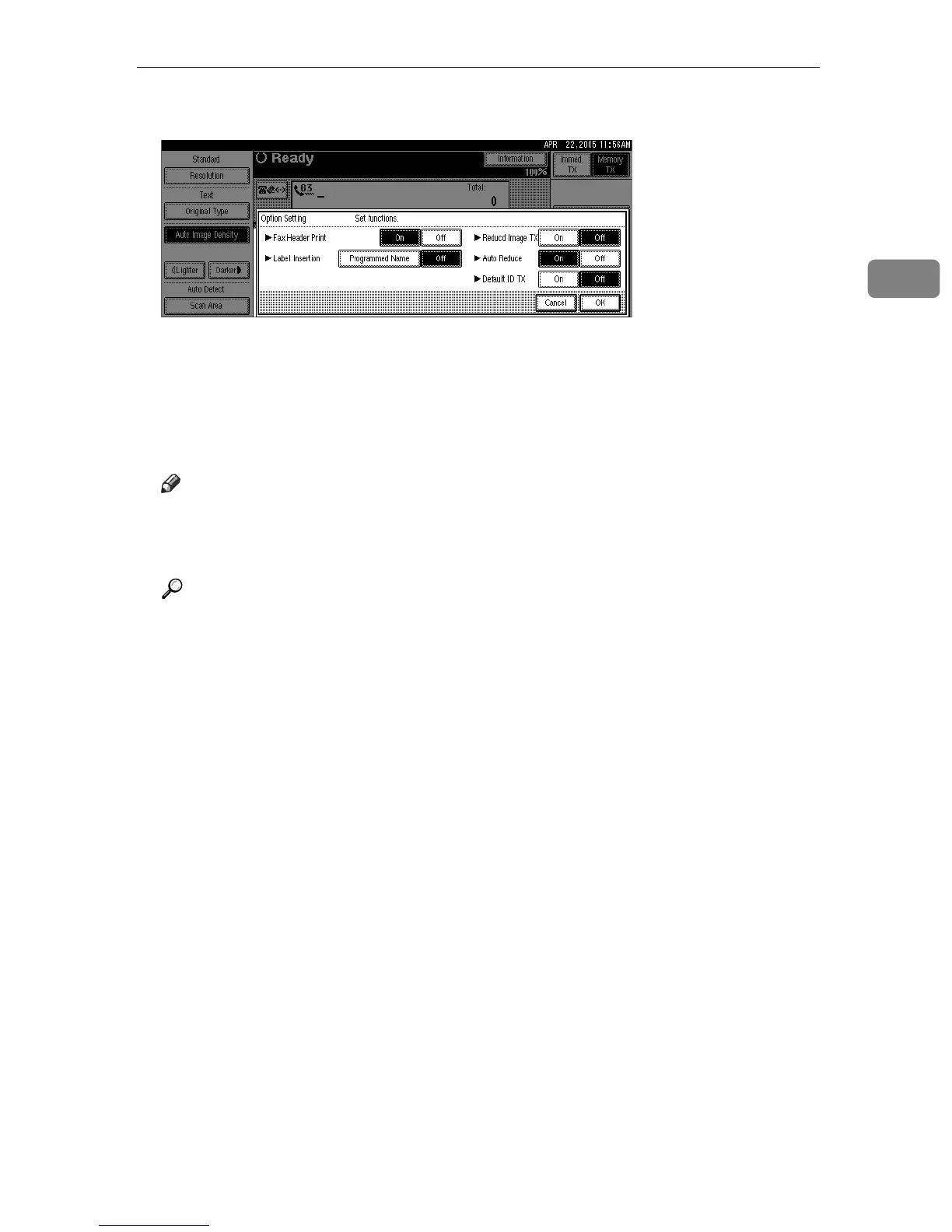
D Press [On] for Default ID TX.
Press [Off] if you do not want to use ID transmission.
To cancel the option settings, press [Cancel].
E Press [OK] twice.
F Specify the destination, and then press the {Start} key.
Note
❒ You can program one of the Quick Operation keys with operations for this
function. Using the Quick Operation key allows you to omit steps
B
through
E
.
Reference
“Facsimile Features”, General Settings Guide











 To Next Page