Sub Transmission Mode
135
2
E-mail Options
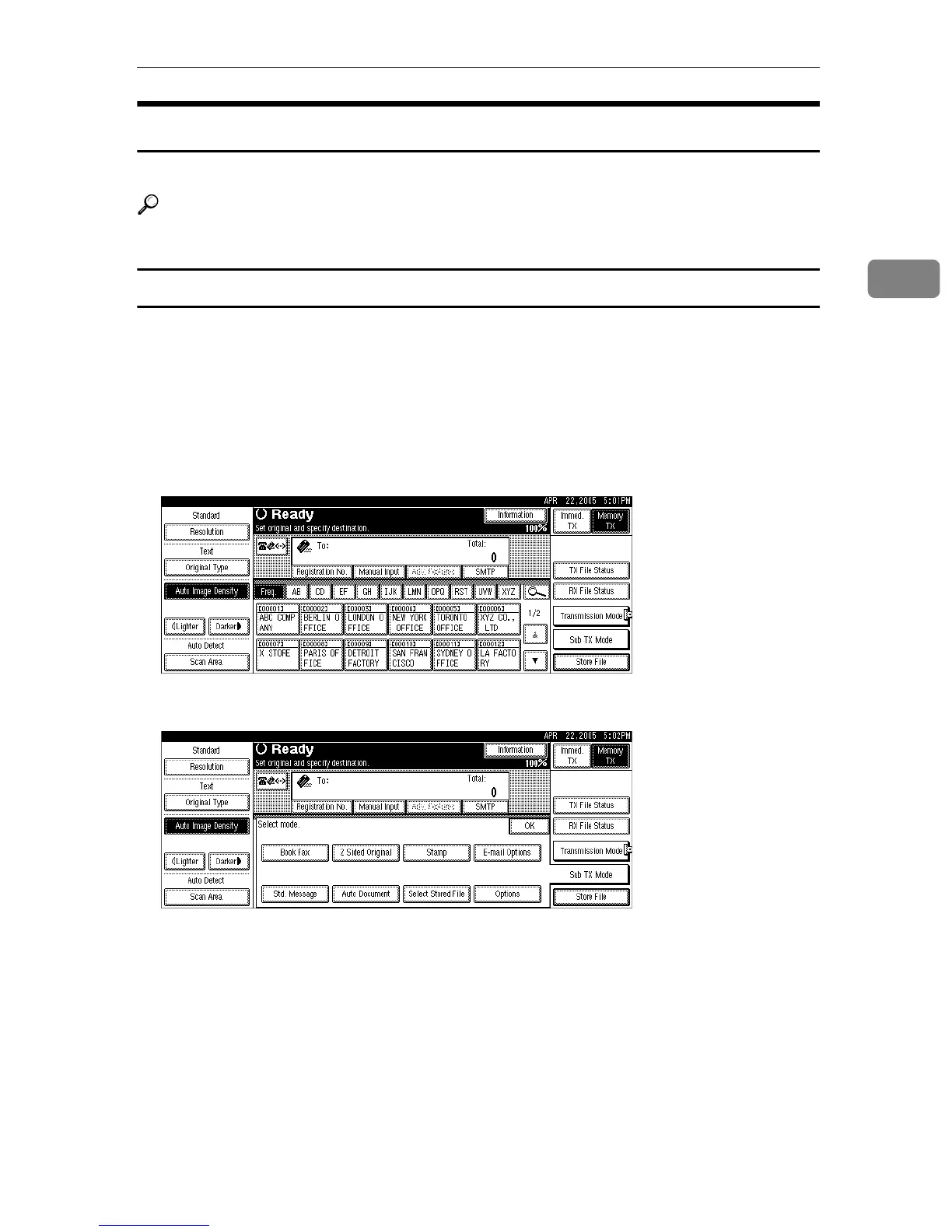
When sending documents, you can set e-mail options using [Sub TX Mode].
Reference
p.65 “Sending to an E-mail Address”
Entering the subject
Allows you to enter a subject for the e-mail document you want to send.
A Place the original, and then select the scan settings you require.
B Specify the sender.
For details about specifying senders, see “Sender Settings”.
C Press [Sub TX Mode].
D Press [E-mail Options].











 To Next Page