Transmission
14
1
Reference
p.19 “Parallel Memory Transmission”
p.21 “Simultaneous Broadcast”
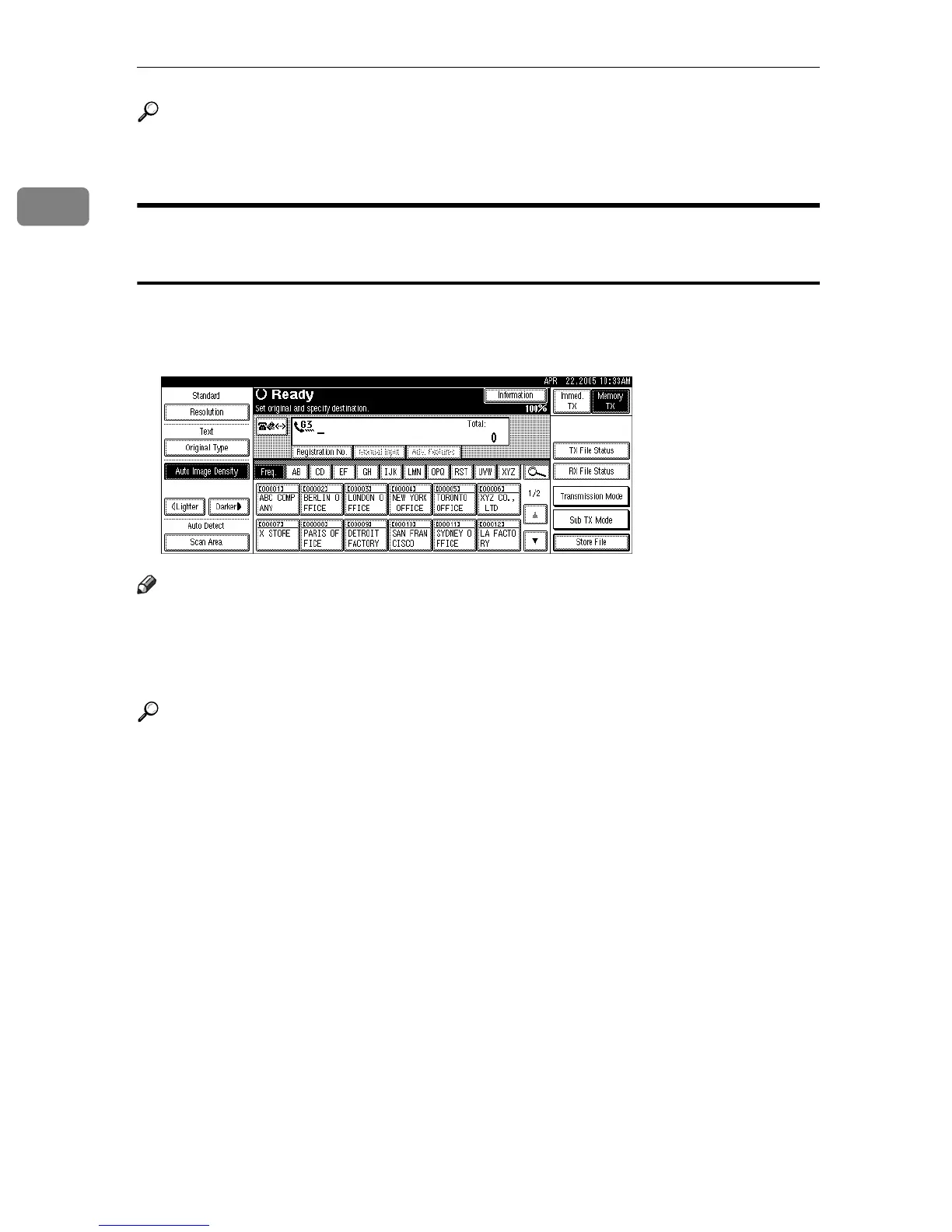
Switching between Memory Transmission and Immediate
Transmission
Check the display to see which mode is currently active. You can change trans-
mission mode by pressing [Immed. TX] or [Memory TX].
Note
❒ You can set the machine to enter Memory Transmission mode or Immediate
Transmission mode right after the power is turned on or the {Clear Modes} key
is pressed, with [Memory / Immed. Transmission Switch] under Gen. Settings/
Adjust in the Facsimile Features menu.
Reference
“Facsimile Features”, General Settings Guide











 To Next Page