Transmission
78
1
Registering Entered Destinations to the Address Book
This section explains how to register a directly entered fax number, e-mail ad-
dress, or IP-Fax destination to the Address Book.
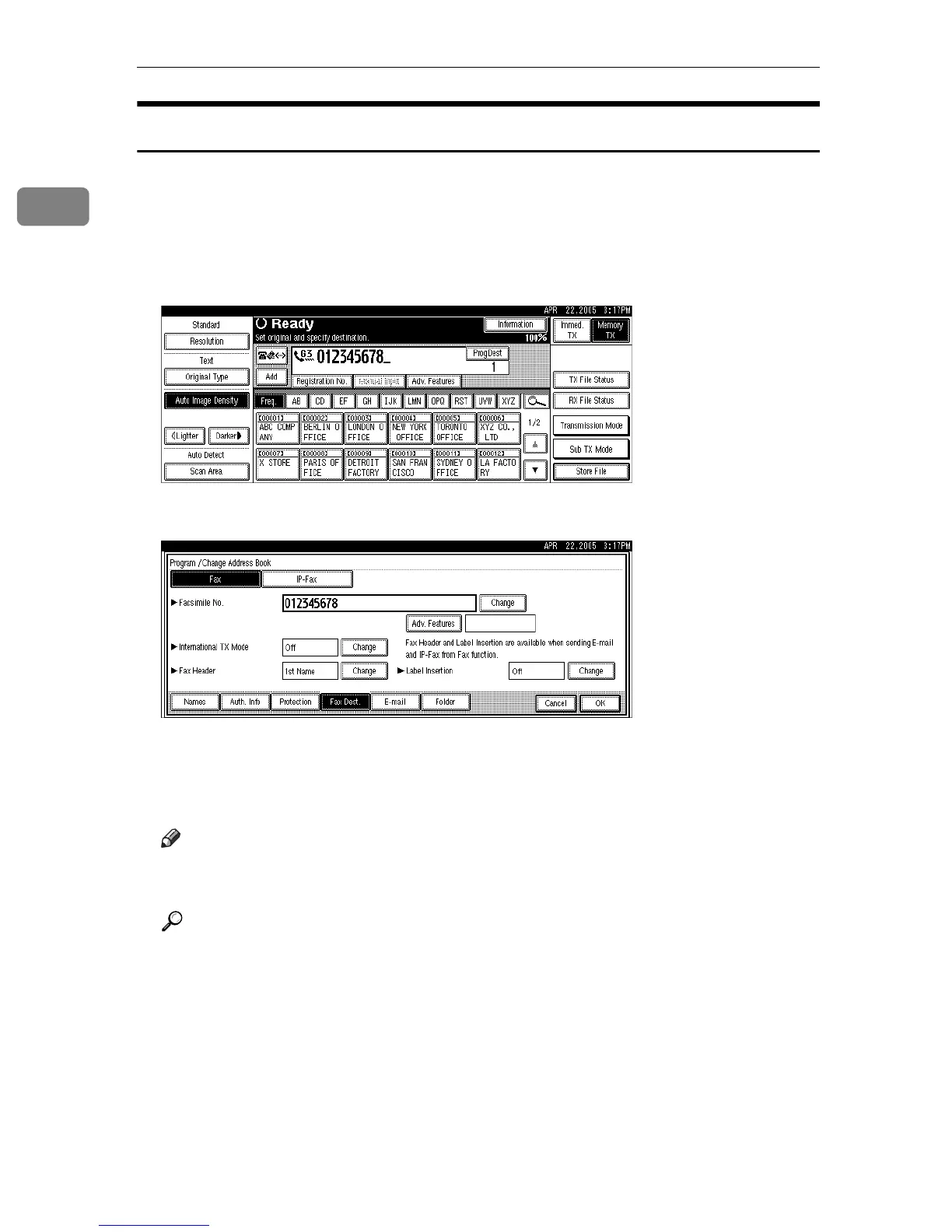
When registering a destination directly entered or displayed on the Redial
screen in the Address Book, [ProgDest] appears in the destination field.
A Press [ProgDest].
B Press [Names] and enter any necessary information.
For details about registering destinations, see “Registering Addresses and
Users for Facsimile/Scanner Functions”, General Settings Guide.
C Press [OK].
Note
❒ Depending on security settings, [ProgDest] may not appear, and you may
be unable to register the destination.
Reference
p.74 “Redial”
“Entering Text”, About This Machine
“Registering Addresses and Users for Facsimile/Scanner Functions”, Gen-
eral Settings Guide











 To Next Page