Sub Transmission Mode
133
2
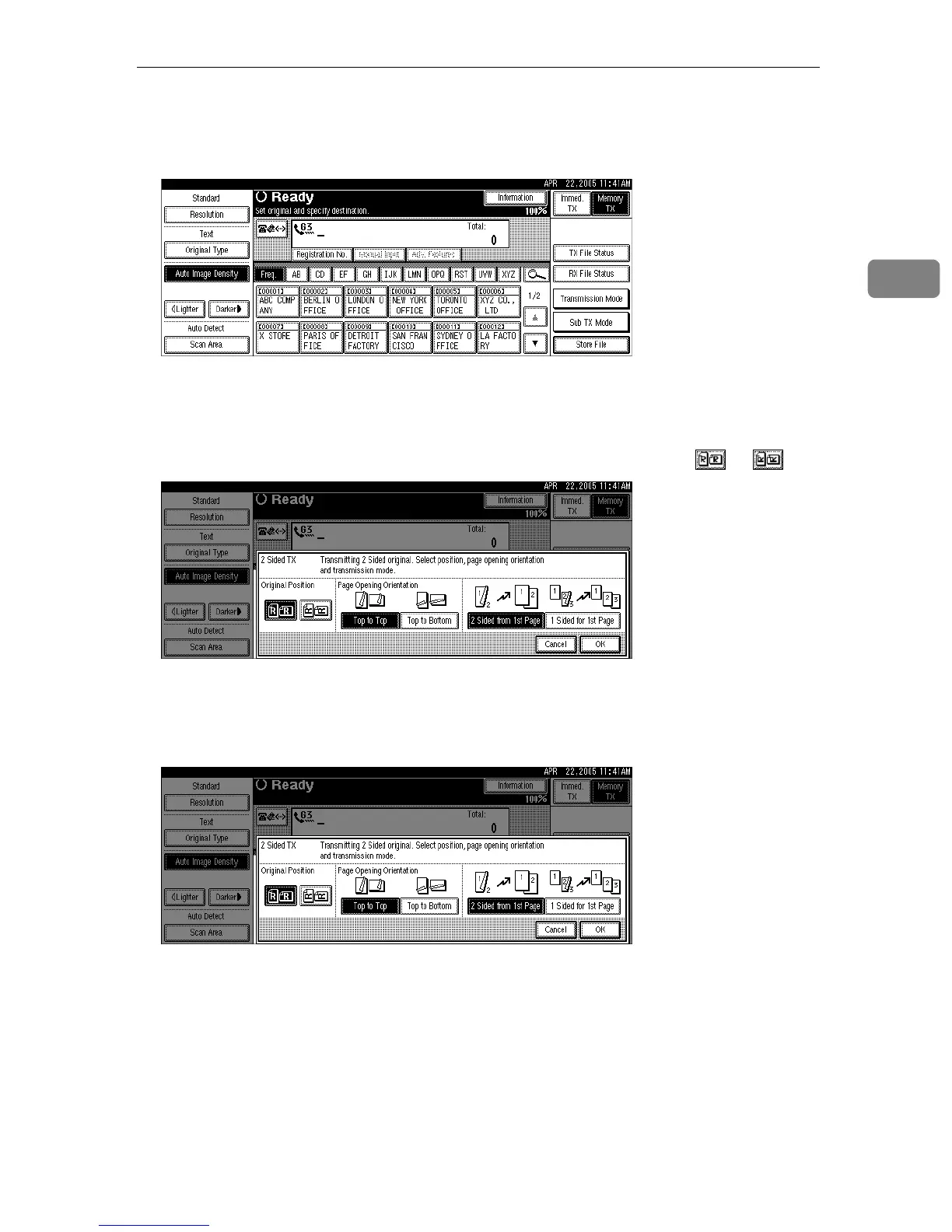
A Place the original, and then select the scan settings you require.
B Press [Sub TX Mode].
C Press [2 Sided Original].
D Specify the original position.
Check the orientation of the placed document, and then press or .
Make sure that the specified original position matches the orientation of orig-
inals loaded in the ADF.
E Specify the page opening orientation from [Top to Top] or [Top to Bottom].











 To Next Page