Storing a Document
252
5
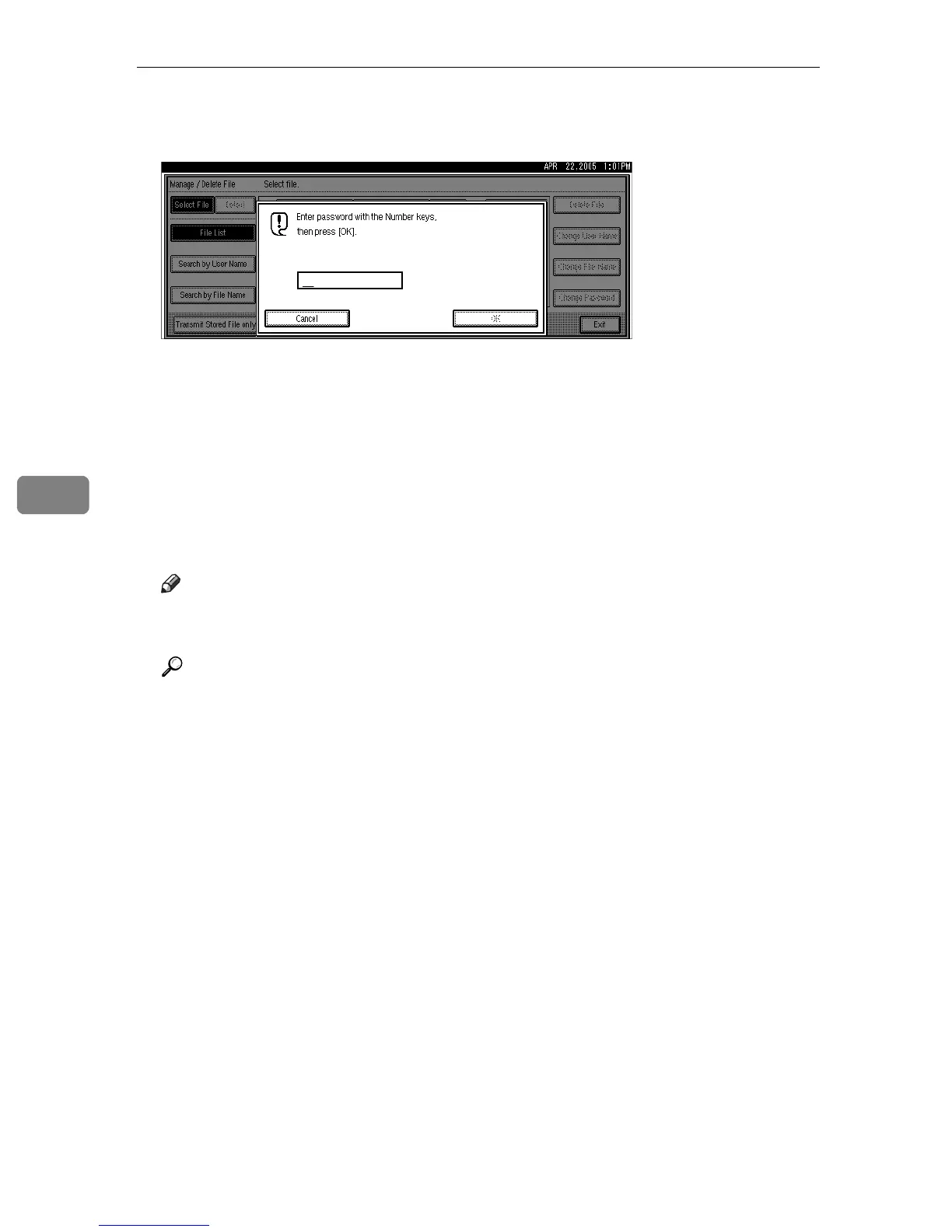
E If you select a document for which a password is set, enter a password us-
ing the number keys, and then press [OK].
F Press [Delete File].
G Press [Delete].
If you do not want to delete the document, press [Do not Delete].
H Press [Exit].
I Press [OK].
The standby display appears.
Note
❒ You can program one of the Quick Operation keys with operations for this
function. Using the key allows you to omit step
A
.
Reference
“Facsimile Features”, General Settings Guide











 To Next Page