Appendix
282
7
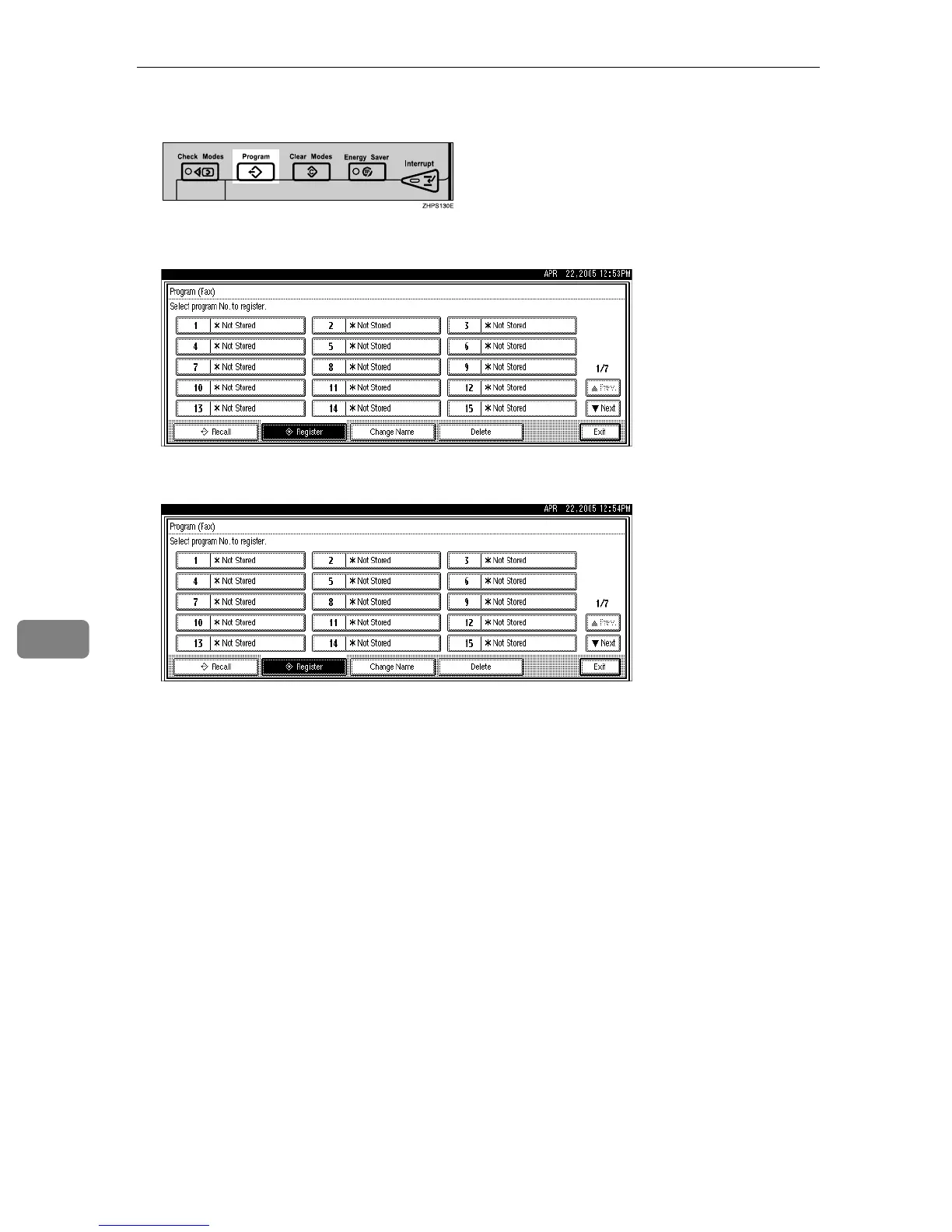
C Press the {Program} key.
D Make sure that [Register] is selected.
E Select a program number in which “pNot Stored” is shown.
If you make a mistake, press [Cancel] and select a program number again.
When you change a Keystroke Program, press [Register] after pressing the
program number you want to change. If you make a mistake, press [Do not
Register] and try again.
F Enter the program name, and then press [OK].
The standby display appears.
If the program name is already registered, the name is displayed. To change
the program name, press [Backspace] or [Delete All], and then try again.
You should register the program name.
To cancel a program, press [Cancel]. The display returns to that of step
E
.











 To Next Page