Checking the Error Log
115
3
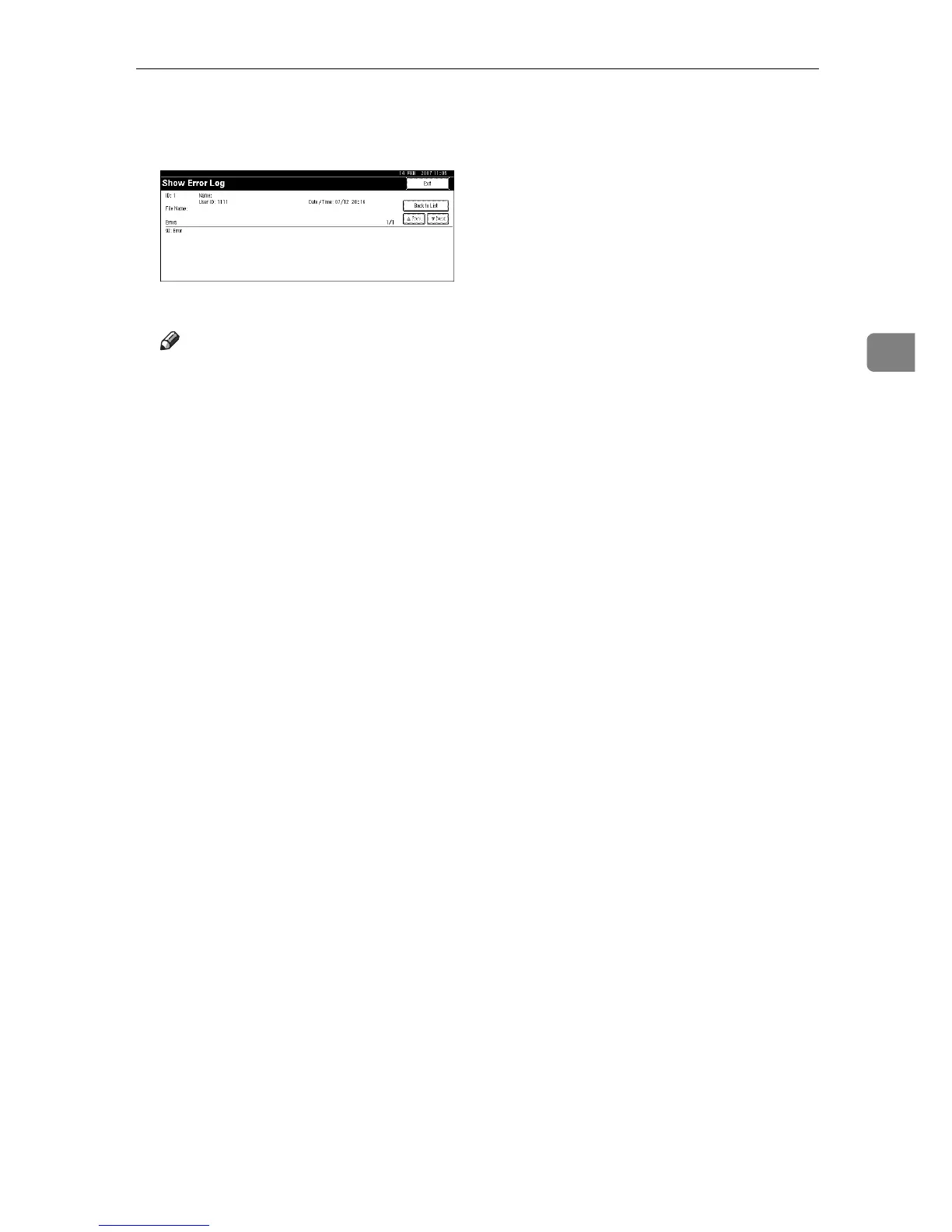
D Select the print file you want to check, and then press [Details].
A detailed error log appears.
Press [UPrevious] or [TNext] to scroll the error files.
Note
❒ Press [Exit] after checking the log.
❒ Press [Back to List] to return to the error log list.
❒ To print files that appear in the error log, resend them after stored files
have been printed or deleted.











 To Next Page