Other Print Operations
128
3
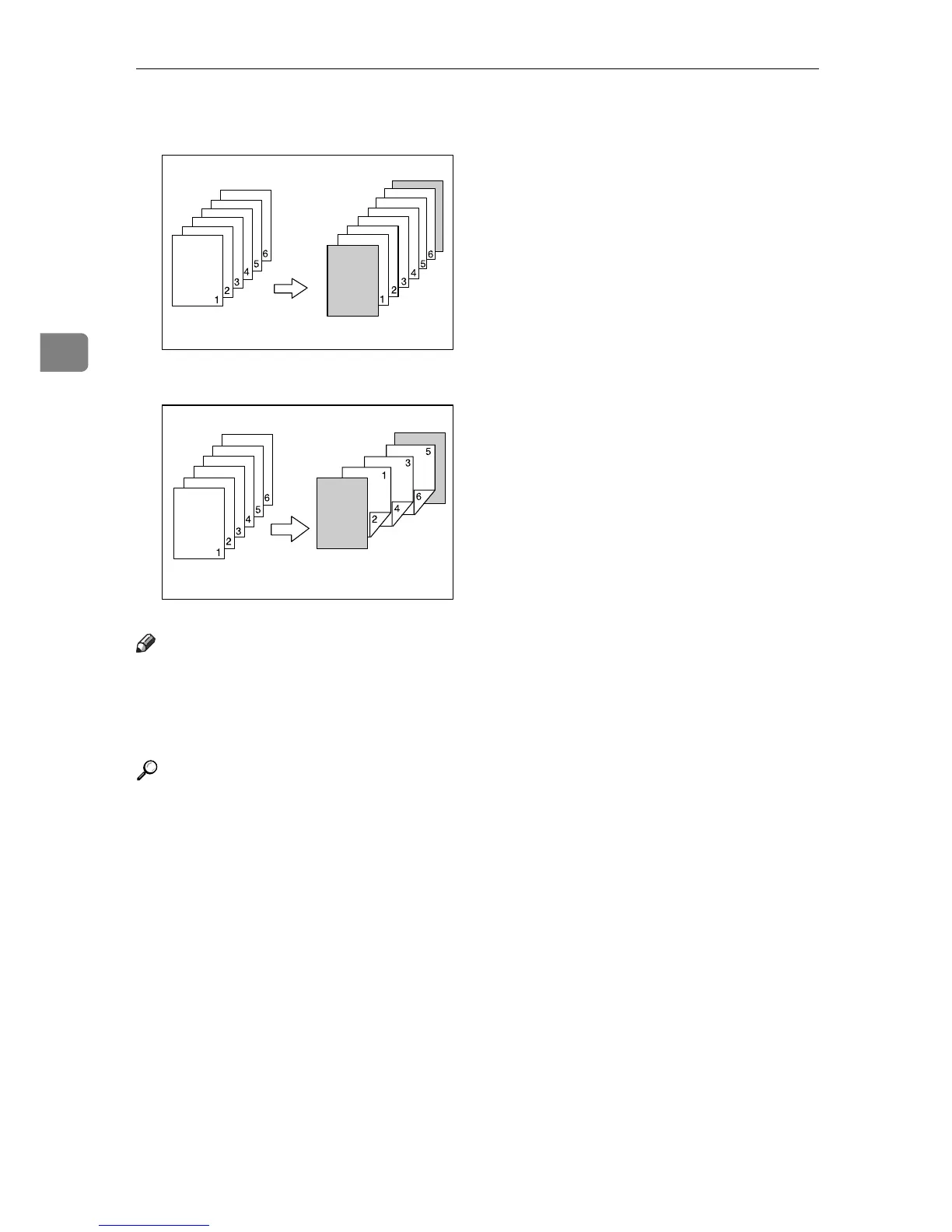
•Blank
When printing one side:
When printing both sides:
Note
❒ If [Auto Tray Select] is set as the paper feed tray for the body paper, the paper
will be delivered from a tray containing paper in the K orientation. There-
fore, if the cover paper is set to the L orientation, the orientation of cover and
body will be different.
Reference
For printing methods, see the printer driver Help.
AEV040S
AEV041S











 To Next Page