Placing Originals
43
1
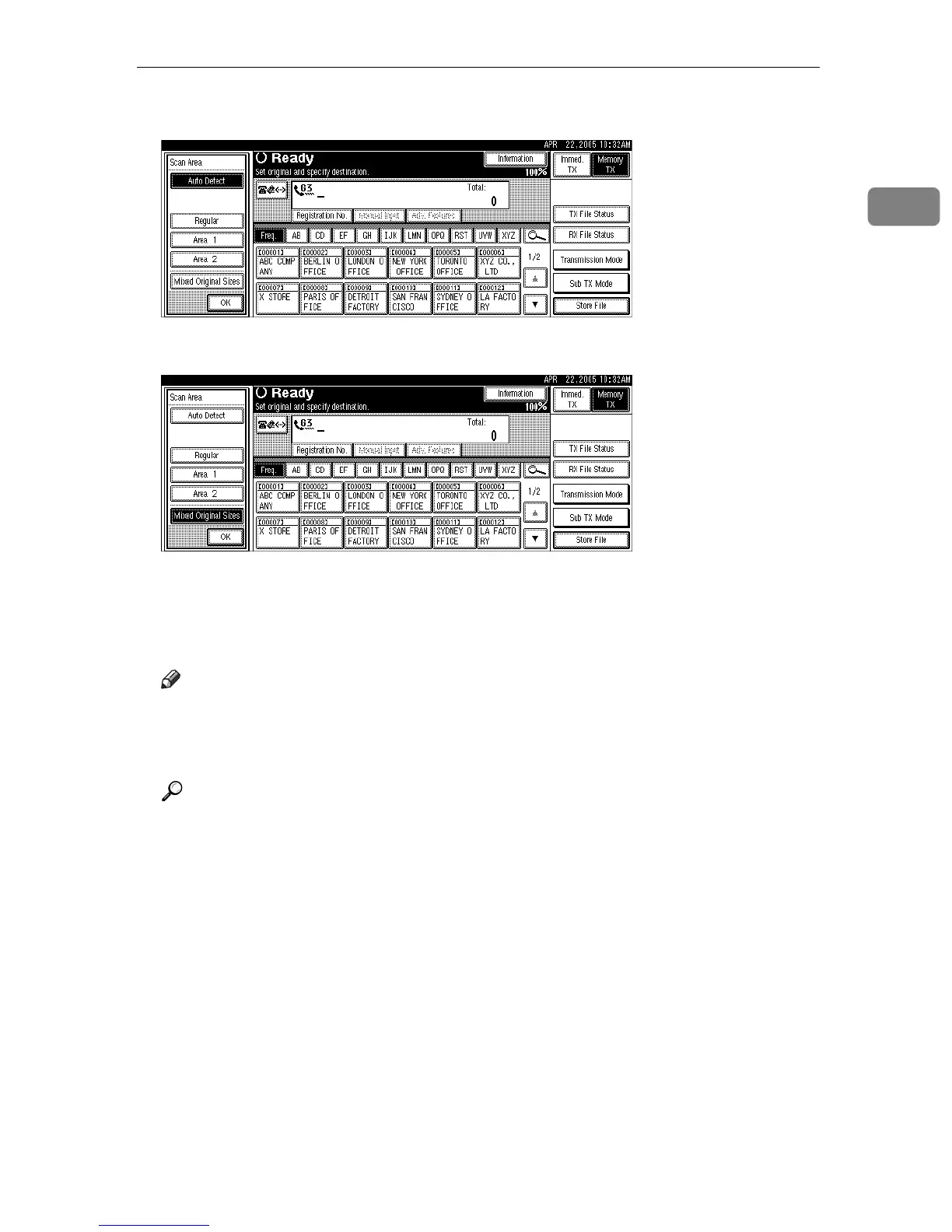
C Press [Mixed Original Sizes].
D Press [OK].
“
Mixed Original Sizes” is shown above the highlighted [Scan Area].
To cancel Mixed Original Sizes, press [Auto Detect].
E Specify a destination, and then press the {Start} key.
Note
❒ When using Mixed Original Sizes, the machine sends the originals by
Memory Transmission.
❒ When using Mixed Original Sizes, rotation transmission is disabled.
Reference
p.48 “Transmission with Image Rotation”











 To Next Page