6
*1
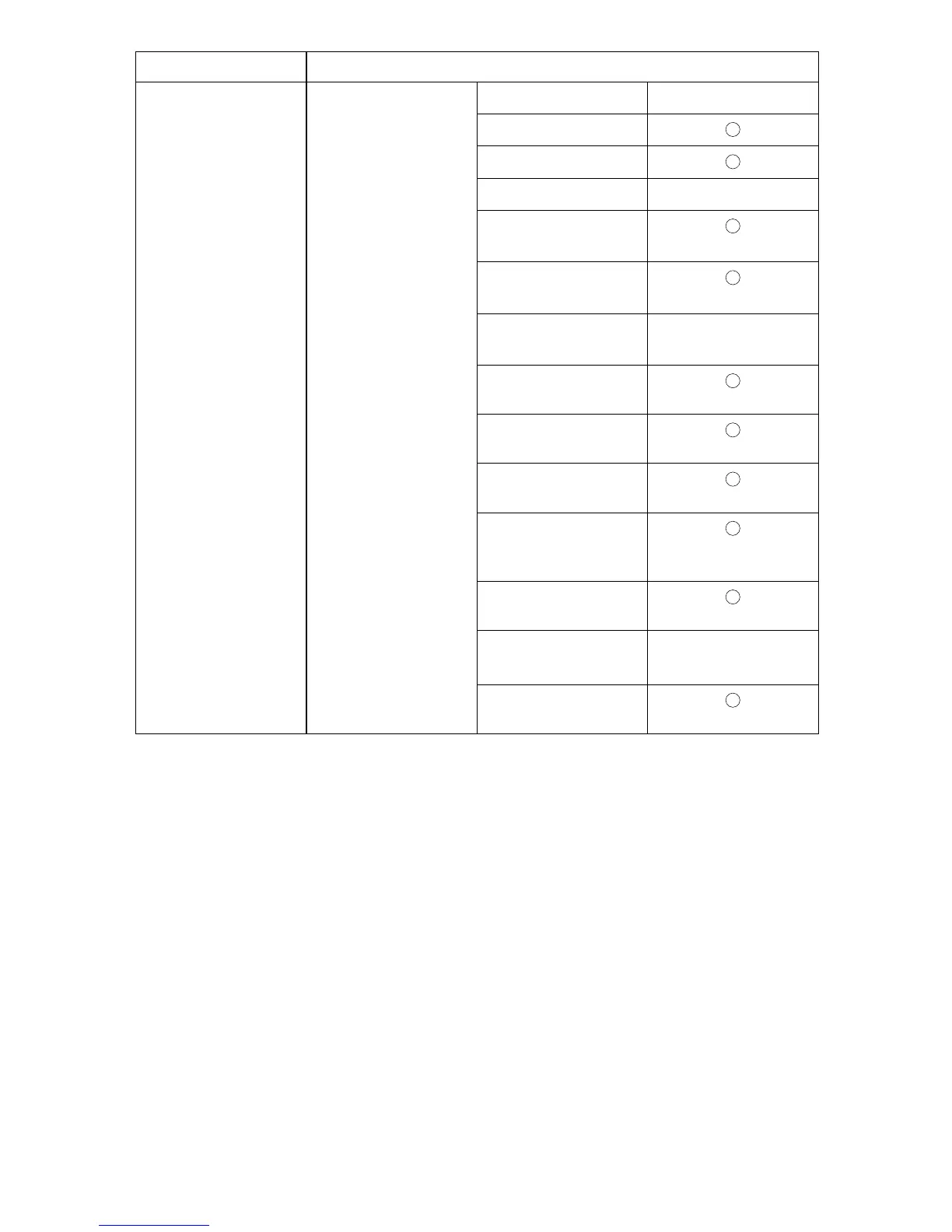
Appears when the optional IEEE 802.11b interface unit is installed.
If Ethernet and 802.11b (wireless LAN) are both connected to the machine, the select-
ed interface has priority.
*2
Minimum settings required to use transmission.
*3
Minimum settings required to use reception.
*4
Check[Effective] is selected for TCP/IP.
*5
If you select [On] for [POP before SMTP], select this function also.
*6
If you select [On] for [POP before SMTP], check the port number for [POP3].
*7
If you select [On] for [SMTP Authentication], select this function also.
IEEE 802.11b (wire-
less LAN)
File Transfer
SMTP Server
*2
$
SMTP Authentication
POP before SMTP
Reception Protocol
*3
$
POP3 / IMAP4 Set-
tings
*5
Administrator's E-
mail Address
*7
E-mail Communica-
tion Port
*3
*6
$
E-mail Reception In-
terval
Max. Reception E-
mail Size
E-mail Storage in
Server
Program / Change /
Delete E-mail Mes-
sage
Program / Change /
Delete Subject
Fax E-mail Account
*2
*3
$
Auto Specify Sender
Name
Interface Settings











 To Next Page