Transmission
66
1
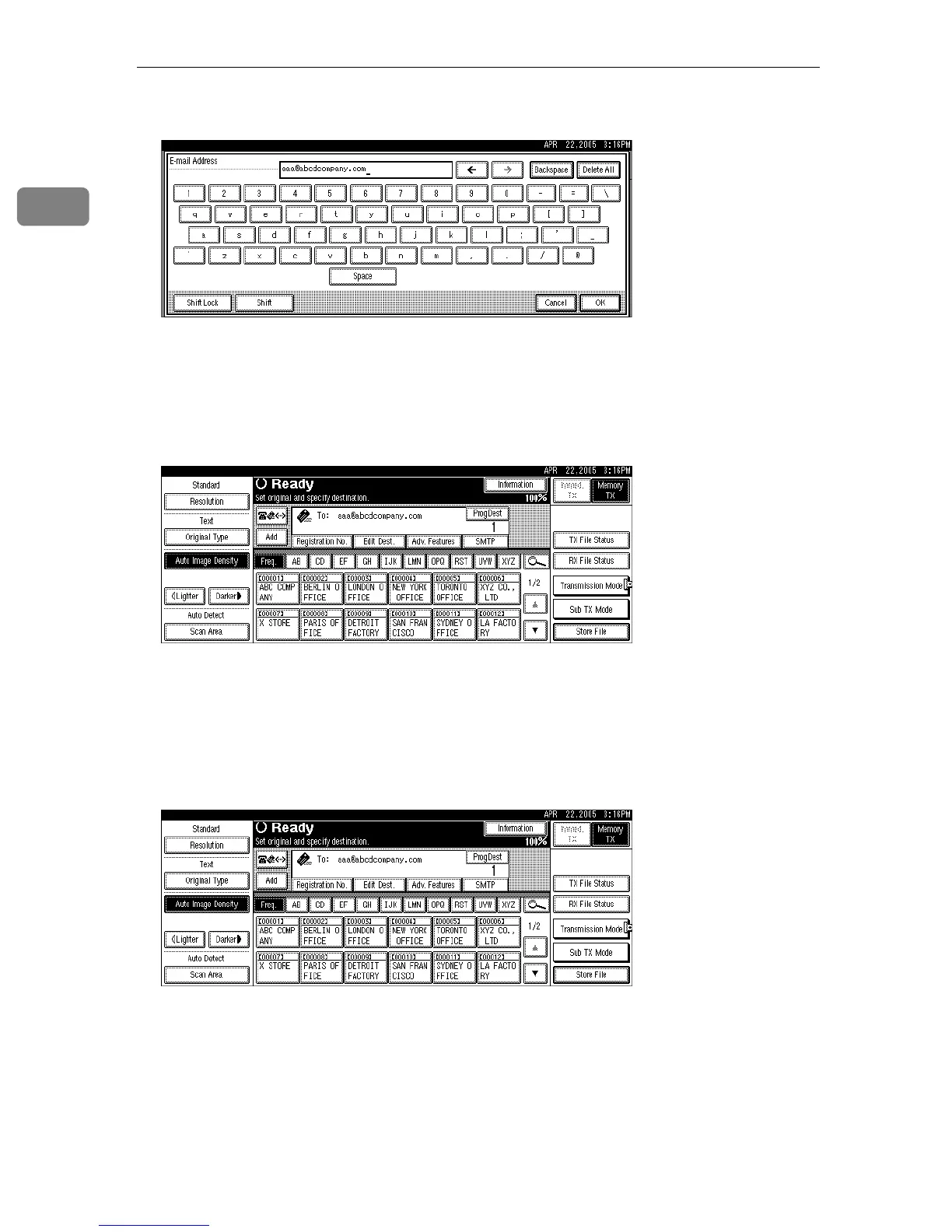
D Enter the e-mail address destination, and then press [OK].
If you enter an incorrect character, press [Backspace] or [Delete All]. Then, re-
enter the characters correctly.
To change the e-mail address after pressing [OK], press [Edit Dest.], re-enter an
e-mail address, and then press [OK].
The destination is specified.
If you do not want to add a destination, proceed to step
G
.
Press [ProgDest] in order to store the entered e-mail address in the Address
Book.
You can specify whether or not to bypass the SMTP server by pressing [SMTP].
E To add a destination, press [Add].
It is not necessary to press [Add] when adding destinations using the destina-
tion list.











 To Next Page