Searching for a Destination in the Address Book
85
1
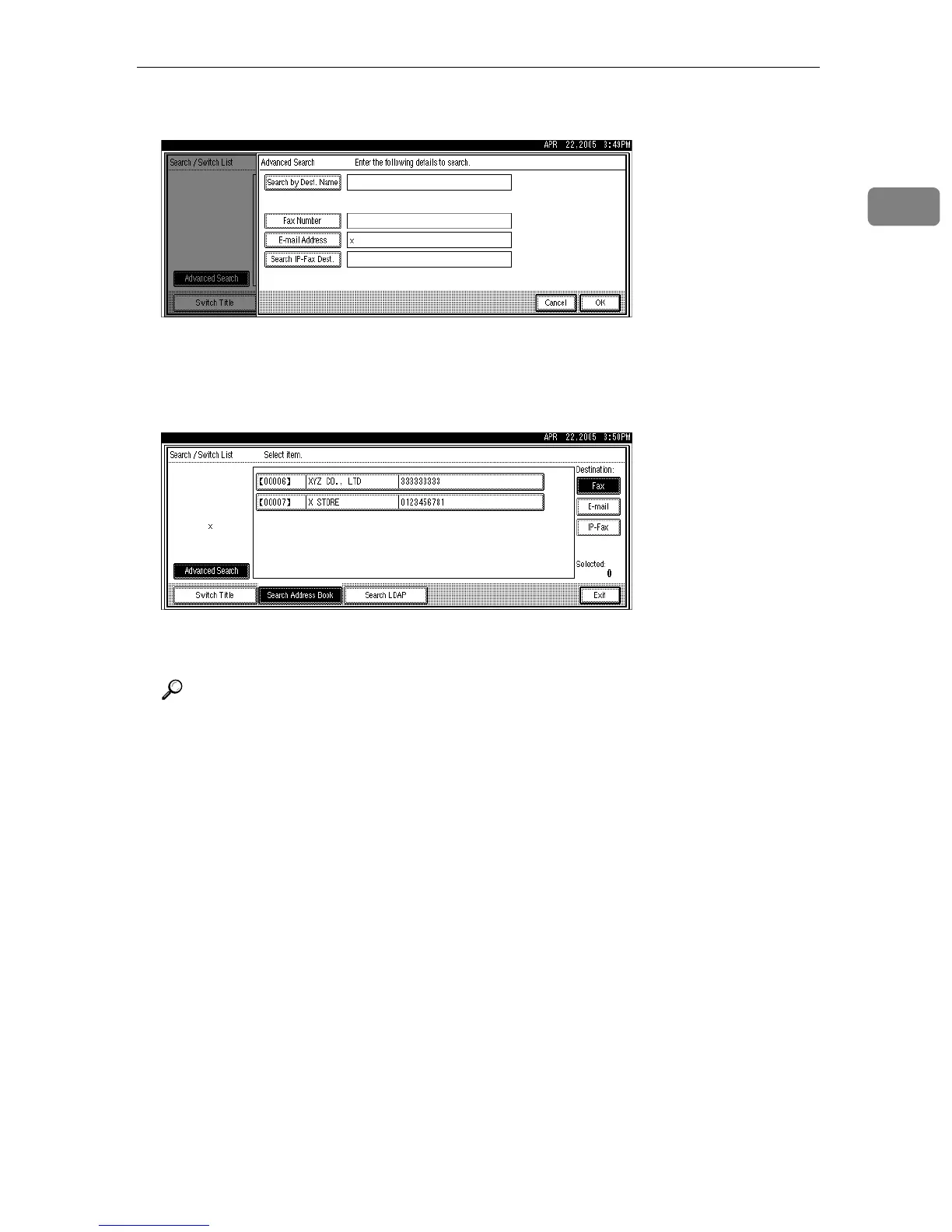
E Confirm the entered characters and press [OK].
A search-in-progress message appears.
When the search is finished, a result appears.
F Select a destination.
If the desired destination does not appear, use [U] or [T] to scroll through the
list.
Reference
“Entering Text”, About This Machine











 To Next Page