Protocol Analysis
R&S
®
RTM20xx
194User Manual 1317.4726.02 ─ 01
Remote commands:
● BUS<b>:CAN:FCOunt? on page 411
BUS<b>:CAN:FRAMe<n>:DATA? on page 413
BUS<b>:CAN:FRAMe<n>:STATus? on page 412
BUS<b>:CAN:FRAMe<n>:STARt? on page 412
BUS<b>:CAN:FRAMe<n>:STOP? on page 413
BUS<b>:CAN:FRAMe<n>:TYPE? on page 411
BUS<b>:CAN:FRAMe<n>:ACKState? on page 413
BUS<b>:CAN:FRAMe<n>:ACKValue? on page 414
BUS<b>:CAN:FRAMe<n>:CSSTate? on page 414
BUS<b>:CAN:FRAMe<n>:CSValue? on page 414
BUS<b>:CAN:FRAMe<n>:DLCState? on page 414
BUS<b>:CAN:FRAMe<n>:DLCValue? on page 415
BUS<b>:CAN:FRAMe<n>:IDSTate? on page 415
BUS<b>:CAN:FRAMe<n>:IDTYpe? on page 415
BUS<b>:CAN:FRAMe<n>:IDValue? on page 416
BUS<b>:CAN:FRAMe<n>:BSEPosition? on page 416
BUS<b>:CAN:FRAMe<n>:BCOunt? on page 416
BUS<b>:CAN:FRAMe<n>:BYTE<o>:STATe? on page 417
BUS<b>:CAN:FRAMe<n>:BYTE<o>:VALue? on page 417
11.5.5 Search on Decoded CAN Data
Using the search functionality, you can find various events in the decoded data, the same
events which you also can trigger on. Before you can start the search, you have to con-
figure the bus correctly and acquire decoded data.
To search on decoded data, use the search type "Protocol". The source is automatically
set to the configured protocol.
See also: chapter 10, "Search", on page 132.
11.5.5.1 CAN Search Setup
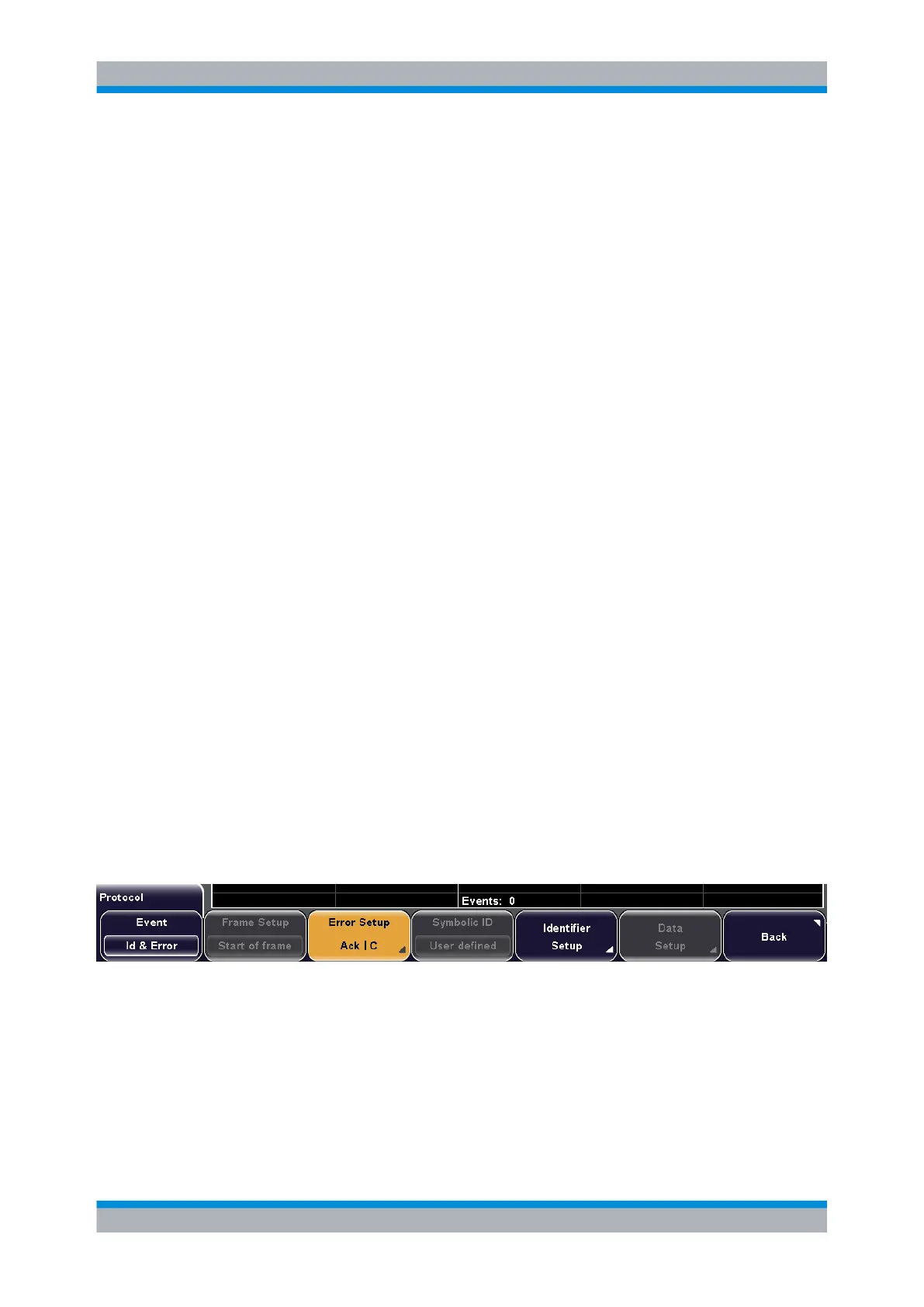
Event
Sets the event or combination of events to be searched for. Depending on the selected
event, the appropriate settings in the softkey menu are activated.
Remote command:
SEARch:PROTocol:CAN:CONDition on page 418
Frame Setup
Selects the frame type to be searched for.
CAN (Option R&S RTM-K3)

 To Next Page
 Loading...