Toggles the display of the center of pressure ellipse. More
information can be found in the Balance recording section (see 9).
Toggles the display of the frame division cross.
Toggles the display of the division marker in the COP per foot
balance analysis. More information can be found in the COP per
foot balance analysis section (see COP per foot).
Toggles the display of the center-of-pressure separately per foot.
More information can be found in the COP per foot balance
analysis section (see COP per foot).
Toggles the display of the center of pressure ellipse separately per
foot. More information can be found in the COP per foot balance
analysis section (see COP per foot).
Toggles the display of foot axes.
Toggles the display of a grayscale foot silhouette underneath the
dynamic measurement.
Toggles the display of the subtalar joint angles. More information
can be found in the 2D analysis section (see 10.7).
Toggles the display of numerical values. More information can be
found in the 2D analysis section (see 10.7).
Toggles the display of multi step annotations. More information can
be found in the multi step analysis section (see 10.19).
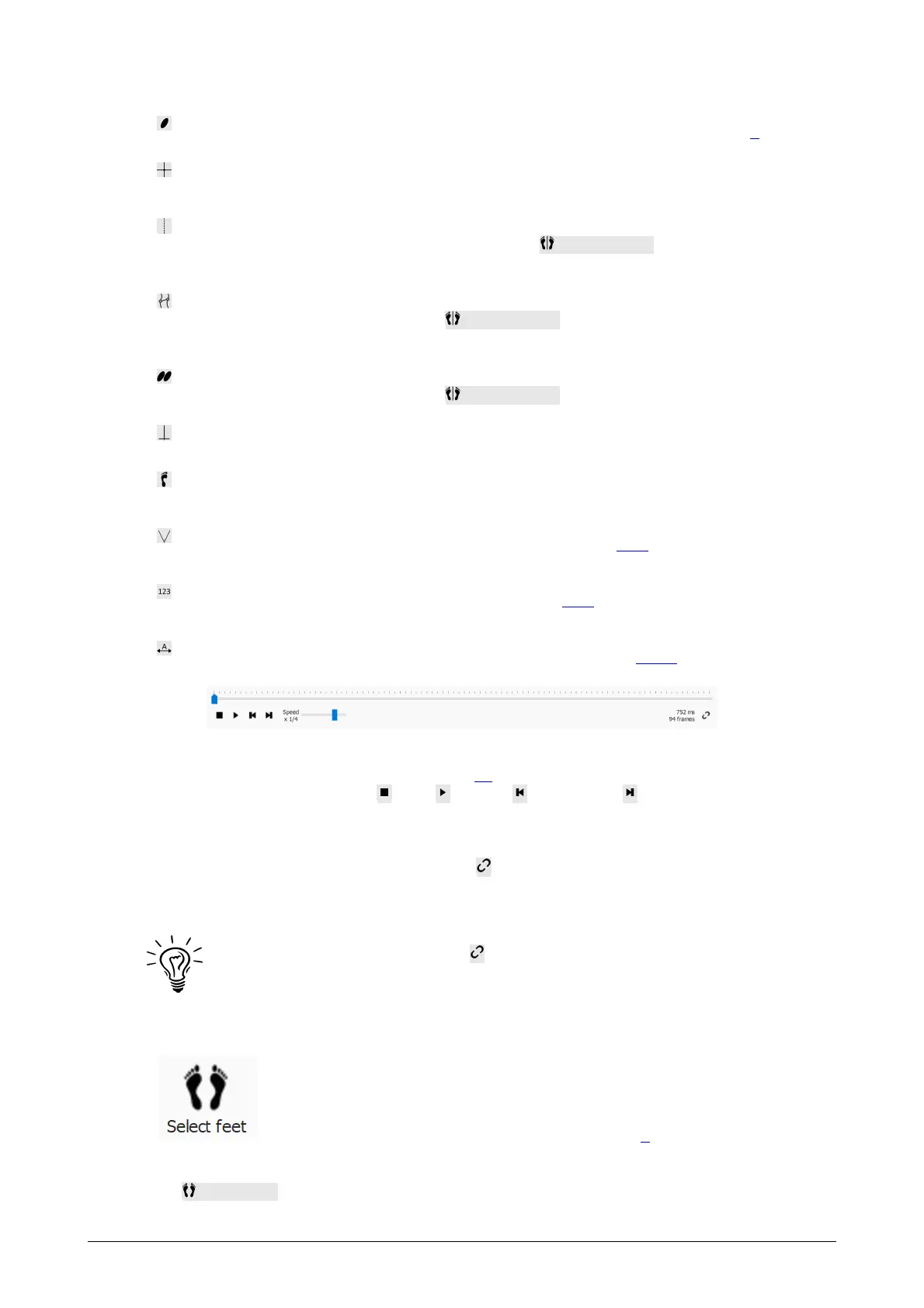
Figure 36: The Replay console controls the roll-off of a dynamic measurement.
Replay Console The Replay console (Figure 36) controls the roll-off of a dynamic
measurement. Besides the stop , play , rewind and forward controls it contains
a slider to scroll to any frame and a speed multiplier to manipulate the speed of the roll-
off.
When an analysis shows multiple roll-offs the button controls the replay timing. If
toggled time is expressed as a percentage of contact duration, otherwise the replay is in
real-time.
Footscan 9 saves the state of the button, which is shared among all
analyses.
Feet Selection Most analyses apply to a single left and/or right
foot. To these analyses, the other feet of the dynamic
measurement are not relevant. footscan 9 introduces foot
selection to decide which pair of feet is best fit for analysis. The
application saves this selected pair along with the dynamic
measurement. The Record wizard (Chapter 9) sets the initial
selection.
Click Select feet to modify the current foot selection. A timeline unfolds, highlighting
®
®



 To Next Page