PASCA_TOUCHIT_EN
V02 | 07.2013
105
www.schaerer.comSystem
Load statistics
This function makes it possible to load the counter data from the SAVE DATA card into the
machine.
► Select the "System" menu.
► Select the "Chip card service" menu.
► Select the "Load statistics" menu.
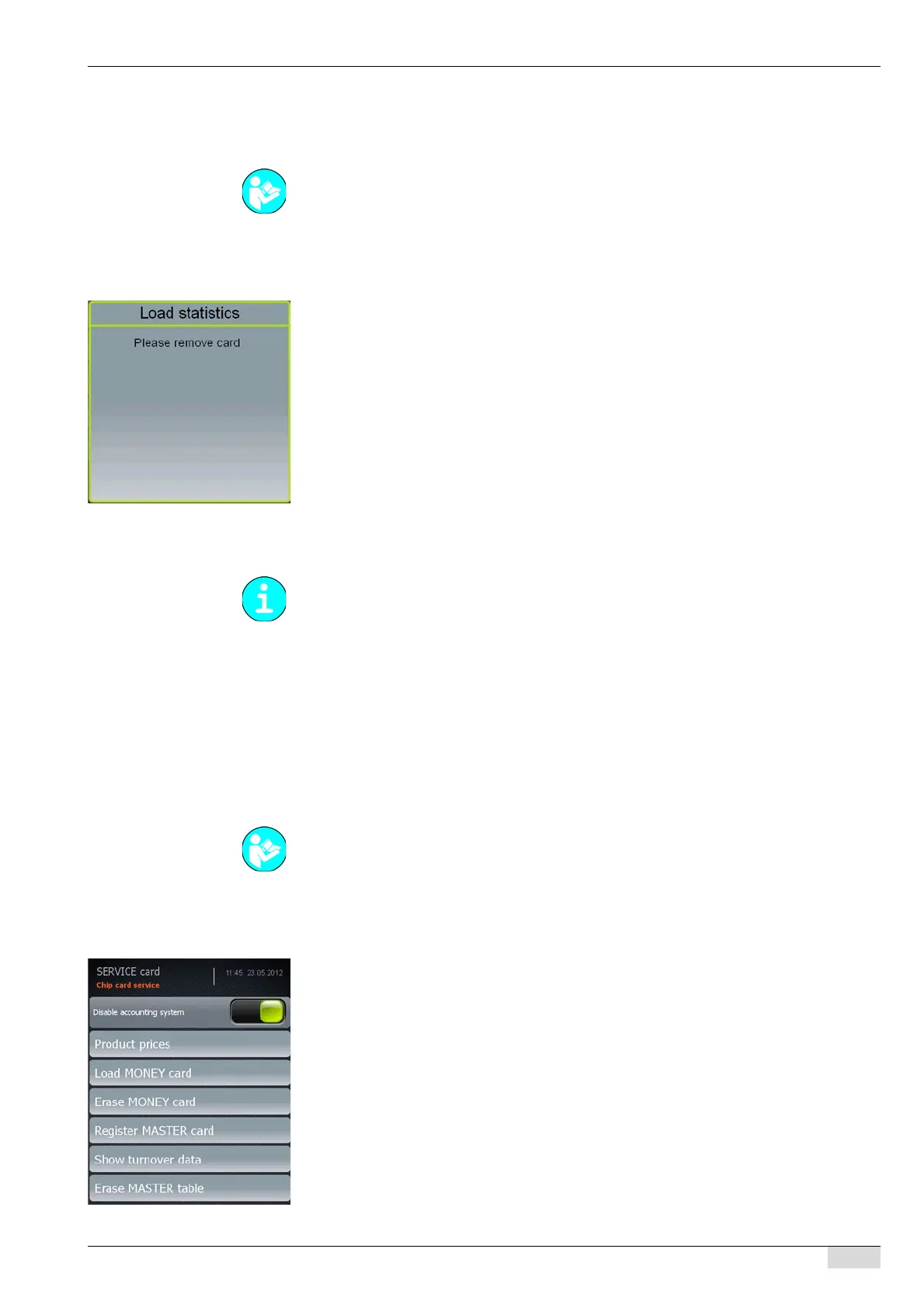
A message asking you to remove the SERVICE card appears.
► Withdraw the SERVICE card.
An instruction to insert the SAVE DATA card appears.
► Insert the card.
The counter data are loaded into the machine.
An instruction to remove the SAVE DATA card appears.
An instruction to insert the SERVICE card appears.
► Insert the SERVICE card.
The display returns to the "Chip card service" menu.
Simulating the PROGRAM card
This function simulates the PROGRAM card with the menu functions listed below.
• Disable accounting system
• product price
• Load MONEY card
• Erase MONEY card
• Show turnover data
• Disable accounting system
• Register MASTER card
• Erase MASTER table
► Select the "System" menu.
► Select the "Chip card service" menu.
► Select the "Simulate PROGRAM card" menu.
The menu that contains the parameters appears.
A parameter is only active if a payment system is activated or if a beverage price has been
assigned.
See "Programming" - "SERVICE card".
A payment system must be activated in the "Accounting" menu.
See "Programming" - "Access".














 To Next Page