www.schaerer.com Configuration
PASCA_TOUCHIT_EN
V02 | 07.2013
54
Specific configurations of a new beverage can be made in the setup menus listed below.
Which menus appear depends on the selected beverage and the system parameter settings.
• Common settings.
• Milk mix settings.
• Milk settings.
• Foam settings.
• Coffee settings.
• Choco settings.
• Milk powder settings.
• Cup heater settings.
• Hot water settings.
• Steam settings.
Common settings
Parameters: Common Settings
Display text Description Setting range Notes
1) Product type Selection menu for the desired beverage.
► Select the desired beverage in the selec-
tion menu.
The selected beverage is adopted
with preset menus.
Which setup menus are displayed de-
pends on the selected beverage and
the system parameter settings.
No product
Ristretto
Espresso
Coffee
Mug
Americano
White America-
no
Cappuccino
Latte Macchiato
Latte
Milk
Milk Foam
Hot Water
Steam
Cup Heater
Hot chocolate
Chociatto
The selection of possible
beverages depends on the
settings in the system
parameters and the ma-
chine equipment.
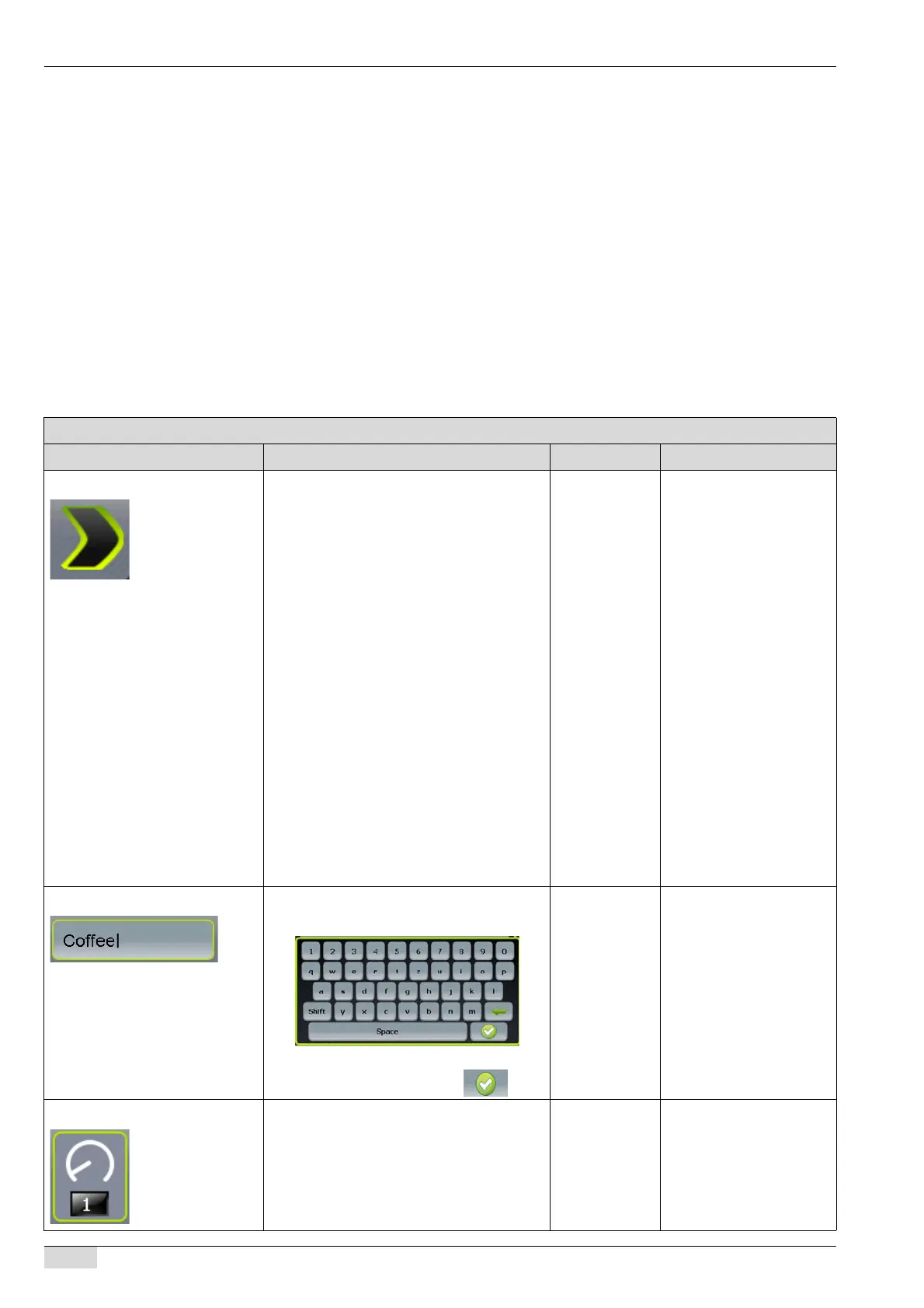
2) Product name ► Press the text field and hold for ±2 sec.
The keypad appears.
► Enter the beverage name.
► Confirm the entry using the field.
Entry of your
choice
-
3) Counted products The set value is the number by which the
counter is incremented every time the beve-
rage is dispensed.
0-20 The standard setting is 1.














 To Next Page