PASCA_TOUCHIT_EN
V02 | 07.2013
25
www.schaerer.comBasic operation
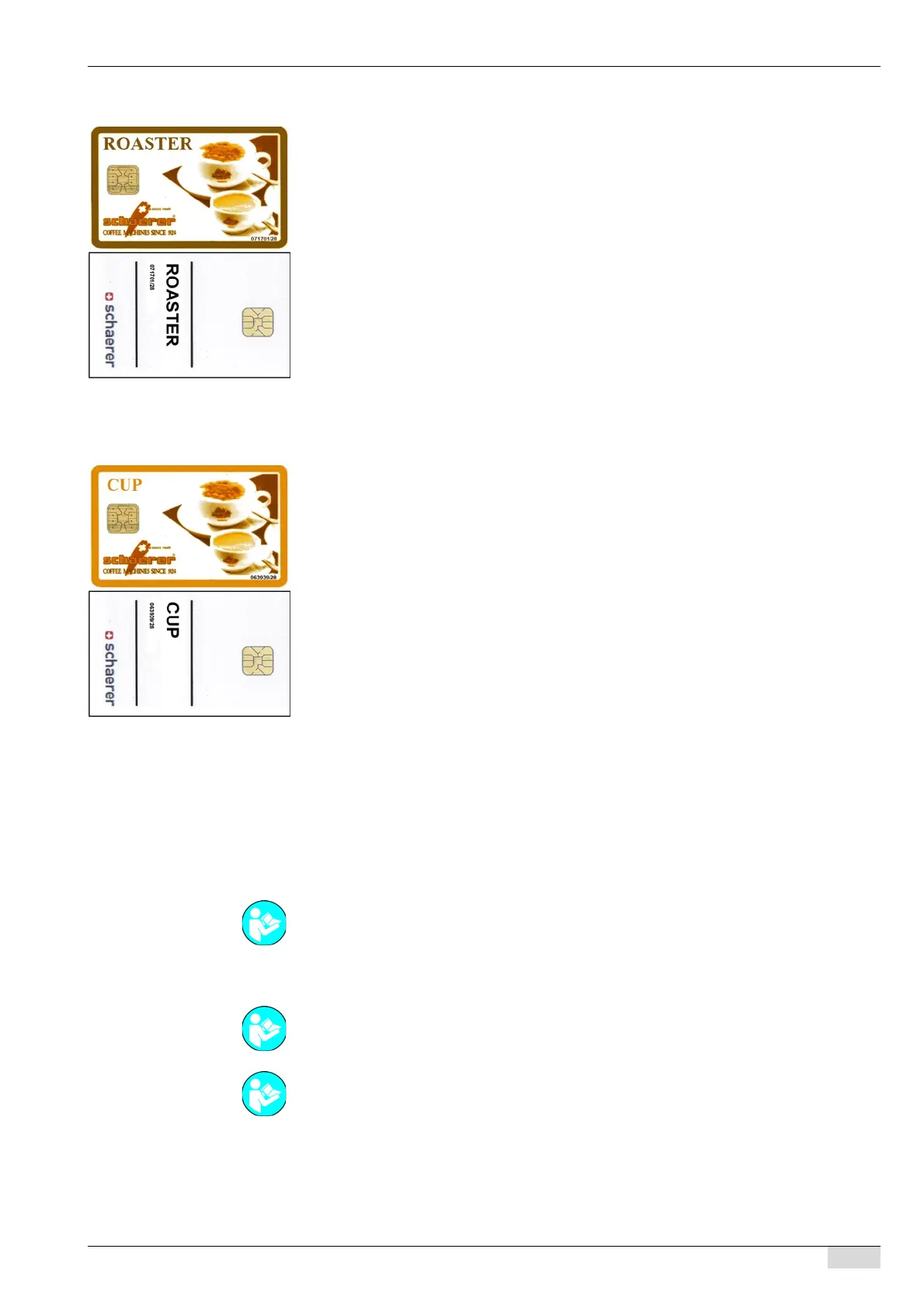
ROASTER card
ROASTER card 071701/28
• With article number 071701 (see first 6 digits).
• Chip version SLE28 (see last 2 digits).
• A special card for machines used by the coffee roaster.
• The card can be used for multiple machines and pieces of machine equipment.
• The customer number is not checked.
• The machine number is not checked.
• No PIN entry required.
The following functions are available:
• This card can be used to read out all counters and to clear the daily counter.
• The brewing water temperature can be changed by ±2°C in the product configuration.
• Beverages that have already been set can be changed with the following configuration pa-
rameters: powder ratio, water quantity, foam quantities, milk quantities, etc.
CUP card
CUP card 063939/28
• With article number 063939 (see first 6 digits).
• Chip version SLE28 (see last 2 digits).
• All counters can be read out (the counters cannot be erased).
• The card can be used for multiple machines and pieces of machine equipment.
• The customer number is not checked.
• The machine number is not checked.
• No PIN entry required.
Clearing chip cards
The following chip cards can be cleared so that they can be used in a machine other than the
one in which they were used before:
•CHEF card
•PROGRAM card
• SAVE DATA card
MONEY A/B cards can be cleared with the SERVICE card or PROGRAM card if this function
has been enabled for these cards.
Changing the chip card PIN
A PIN can be assigned or changed for the following chip cards:
• PROGRAM card (does not require a PIN)
• SERVICE card
See "Service technician menu" - "System" - "Chip card service" on clearing chip cards.
See "Service technician menu" - "System" - "Chip card service" - "Simulate PROGRAM card"
on clearing MONEY cards.
See "Service technician menu" - "System" - "Chip card service" - "Configure PROGRAM card"
on enabling functions on the PROGRAM card.














 To Next Page