PASCA_TOUCHIT_EN
V02 | 07.2013
91
www.schaerer.comSystem
► Select "Edit system parameters" (PIN entry required).
► Select the "Clear error log" parameter.
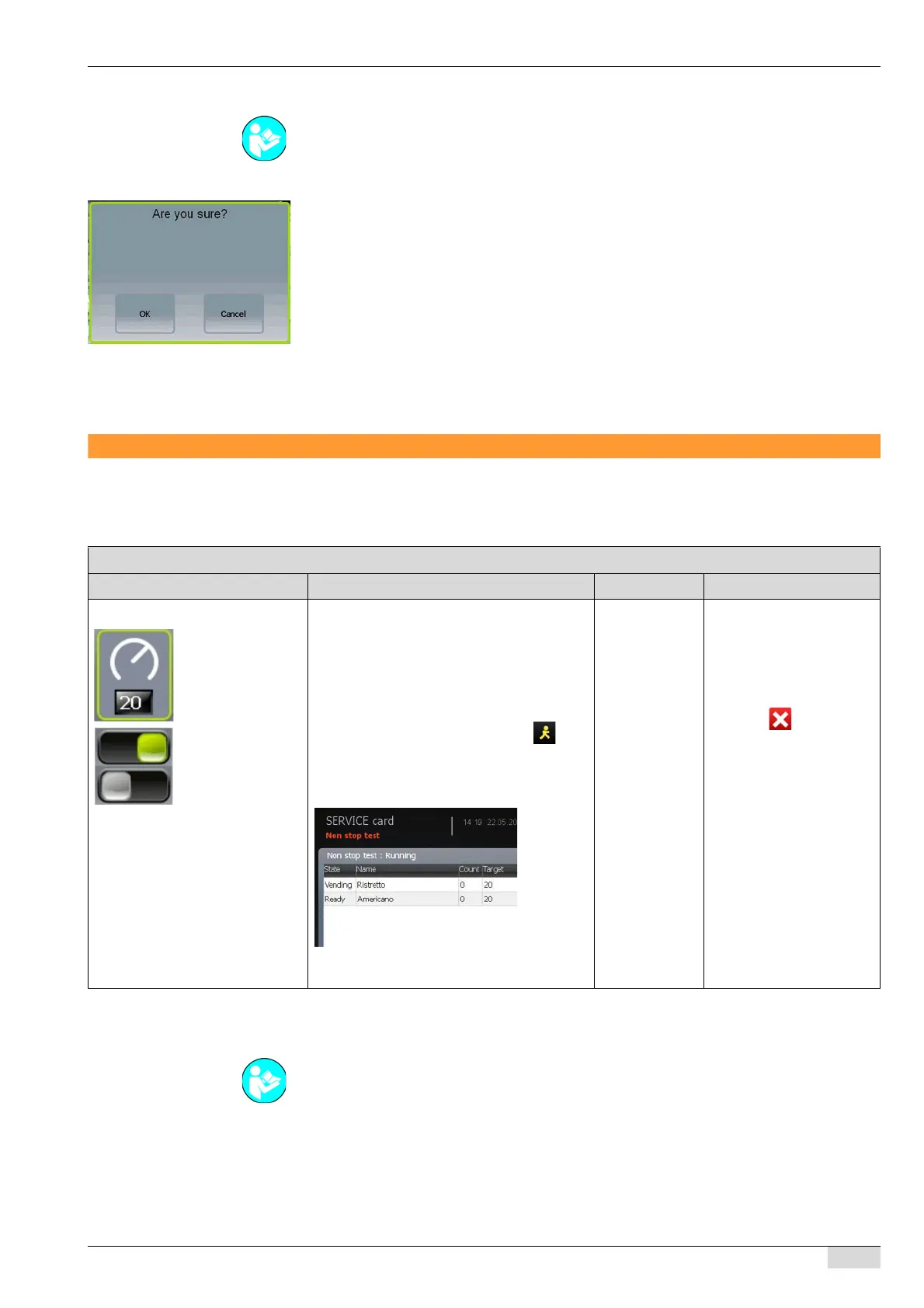
A warning message with an entry request appears.
Option 1: Reset the error statistics.
► Select the [OK] field.
The error statistics are cleared permanently.
The cleaning statistics are cleared permanently.
Option 2: Retain the settings.
► Select the [Cancel] field.
The error and cleaning statistics continue to be available.
Test / calibration
Non stop test
Move brew cylinder
► Select the "Test / calibration" system parameter.
► Select the "Brew cylinder" submenu.
See "Programming" - "Access".
Non stop test parameters
Display text Description Setting range Notes
1) Number of tests Sets the number of beverages to be dispen-
sed for a test.
► Enter the desired number of times a bev-
erage is dispensed for a test in the field.
► Switch on the parameter for all desired
beverages using the [ON/OFF] field.
► Start the test output(s) using the field.
The selected beverage is dispensed
the number of time that is preset here.
The window appears with the
The beverages are output in the
specified sequence.
0-100
All programmed
beverages
The selection of possible
beverages depends on the
system parameter settings
and the machine equip-
ment.
Interrupt the test output
using the field. The be-
verage that is currently
being dispensed is fully
output.
See "Basic operation"- "SERVICE card" - "Gaining access with the SERVICE card".














 To Next Page