www.schaerer.com Troubleshooting
PASCA_TOUCHIT_EN
V02 | 07.2013
140
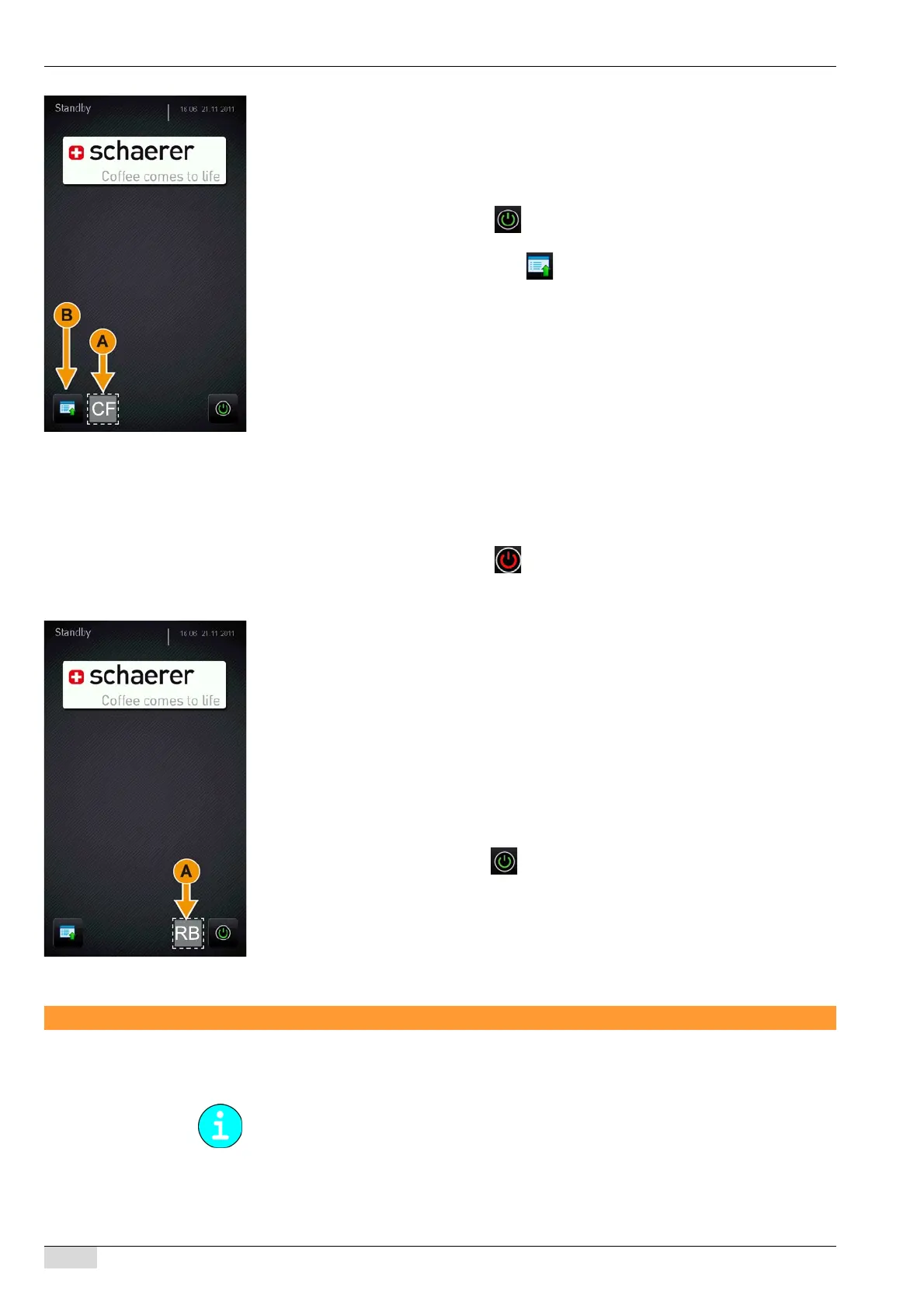
► Press and hold the invisible [Clear Flag] field (A) for ±2 sec.
The "Clear cleaning flag" message is displayed.
The cleaning that had been previously started and requested by the system is now
cleared.
The cleaning process is cancelled.
The machine currently has no incomplete cleaning procedures.
► Switch on the machine using the [ ] field at the bottom right.
► Select an available beverage preparation option with coffee, milk, choco and/or a topping.
► Active a cleaning procedure using the [ ] field (B).
The cleaning process starts.
The new cleaning procedure ensures that any amounts of cleaning product remaining
from the previous cleaning are flushed out of the machine.
The cleaning process is completed without interruption.
Activating the restart
A restart can be triggered using the invisible [Reboot] function field.
This field, which is present but not visible, is active in standby mode.
► Switch off the machine using the [ ] field at the bottom right.
The machine is in standby mode.
► Press the invisible [Reboot] field (A).
A restart is executed.
The machine is in standby mode.
During a new start, the following executions are carried out:
• Establish communication
• Reboot coffee machine
• Download current version of SCA software
• Download machine state
• Download machine configuration
• Download product info
• Synchronizing Time/Date
• Download product configuration
► Switch on the machine using the field at the bottom right.
The machine is in stand-by mode.
Replacing the touch screen
Installing the touch screen
To remove the touch screen, contact Schaerer technical support.














 To Next Page