PASCA_TOUCHIT_EN
V02 | 07.2013
51
www.schaerer.comConfiguration
Product configuration
Access to beverage settings
► Perform the access steps using the SERVICE card.
► First select the "Configuration" menu, followed by the "Product configuration" menu.
The "Product configuration" menu with the beverage fields is displayed.
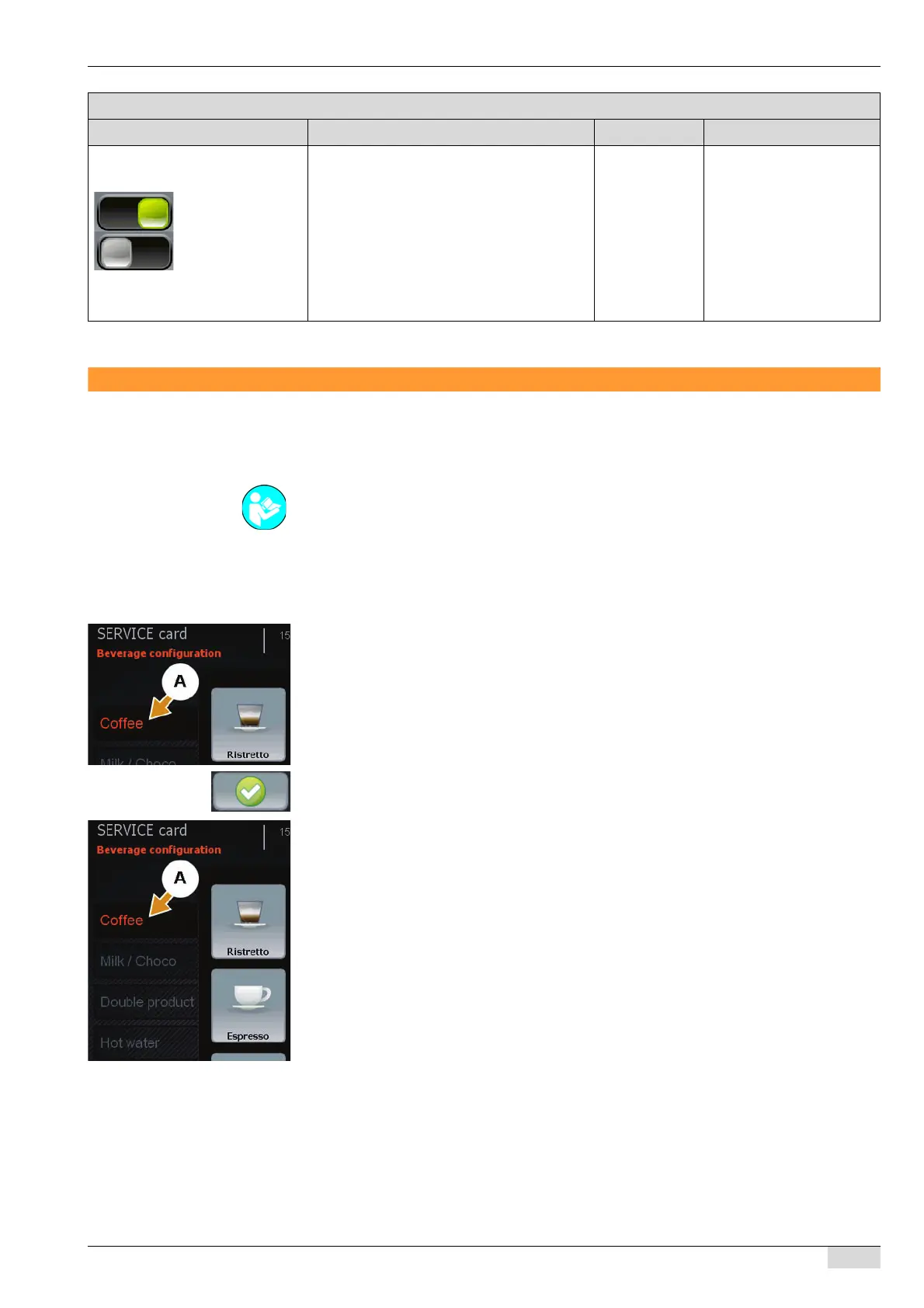
Naming the tab beverage level (A):
► Select the field of the desired tab beverage level (A) and hold it for ±2 sec.
The keypad appears.
► Enter the "Tab" name on the keypad and adopt it using the [Confirm] field.
Every tab beverage level (A) contains 8 beverage fields that you can configure freely. Each of
these beverage fields can be edited using the tasks listed below found in the "Action" selection
menu (B).
• [Modify product settings]
• [Copy product]
• [Change product button position]
• [Delete product]
• [Product prices]
• Assign a new beverage to the field.
25) Rinse Cappuccinatore with
steam
"ON" setting:
During hot rinsing of the foamer head, steam
is additionally used for rinsing.
On/off The standard setting is
"ON".
The "9 Enable steam
flush" system parameter
must be activated.
A milk system must be
selected in the "7 Fresh
milk system" system para-
meter.
Parameters: General Parameters
Display text Description Setting range Notes
See "Programming" - "SERVICE card".














 To Next Page