PASCA_TOUCHIT_EN
V02 | 07.2013
125
www.schaerer.comAccounting
Accounting system setup
Parameters: Accounting system setup
Display text Description Setting range Notes
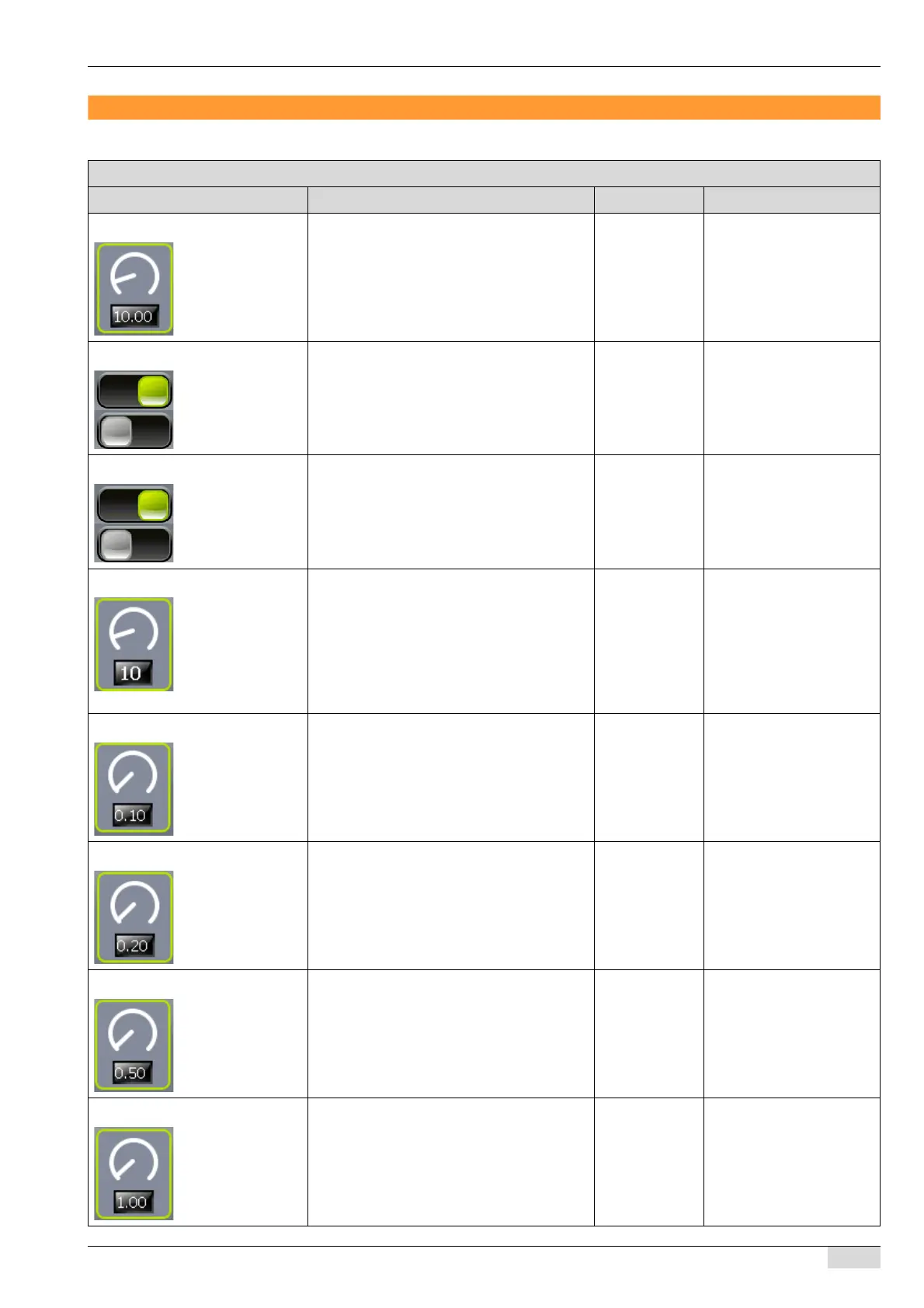
0) Credit limit This setting limits the maximum possible in-
sertion amount into the payment system.
max. mögliche Einwurfmenge am Zahlungs-
system.
0.00-100.00 -
1) Clear rest balance Deletes the remaining credit on a MONEY
card if the remaining amount is too small for
another beverage.
On/off The standard setting is
"OFF".
2) EMP channel-6 token Reserves EMP channel 6 of the coin tester
for token recognition.
On/off If this parameter is activa-
ted, the "Coin value coin 6"
parameter is not required.
See the "9 Coin value coin
6" parameter .
3) Token limit Sets the maximum number of inserted to-
kens.
Example:
► Set the token limit to 5.
The token inserted in coin tester
channel 6 is output again without rec-
ognition and registration.
0-99 This parameter appears
after the "2 EMP channel-6
token" parameter is activa-
ted.
4) Coin value coin 1 Sets the value of a coin for coin tester chan-
nel 1.
0.00-100.00 The standard setting is
0.10.
5) Coin value coin 2 Sets the value of a coin for coin tester chan-
nel 2.
0.00-100.00 The standard setting is
0.20.
6) Coin value coin 3 Sets the value of a coin for coin tester chan-
nel 3.
0.00-100.00 The standard setting is
0.50.
7) Coin value coin 4 Sets the value of a coin for coin tester chan-
nel 4.
0.00-100.00 The standard setting is
1.00.














 To Next Page