PASCA_TOUCHIT_EN
V02 | 07.2013
17
www.schaerer.comBasic operation
► Select the "Create the USB-SAVE-DATA flash drive" field.
A window that provides information on the loading process is displayed.
The USB-SAVE-DATA-PLUS flash drive is configured.
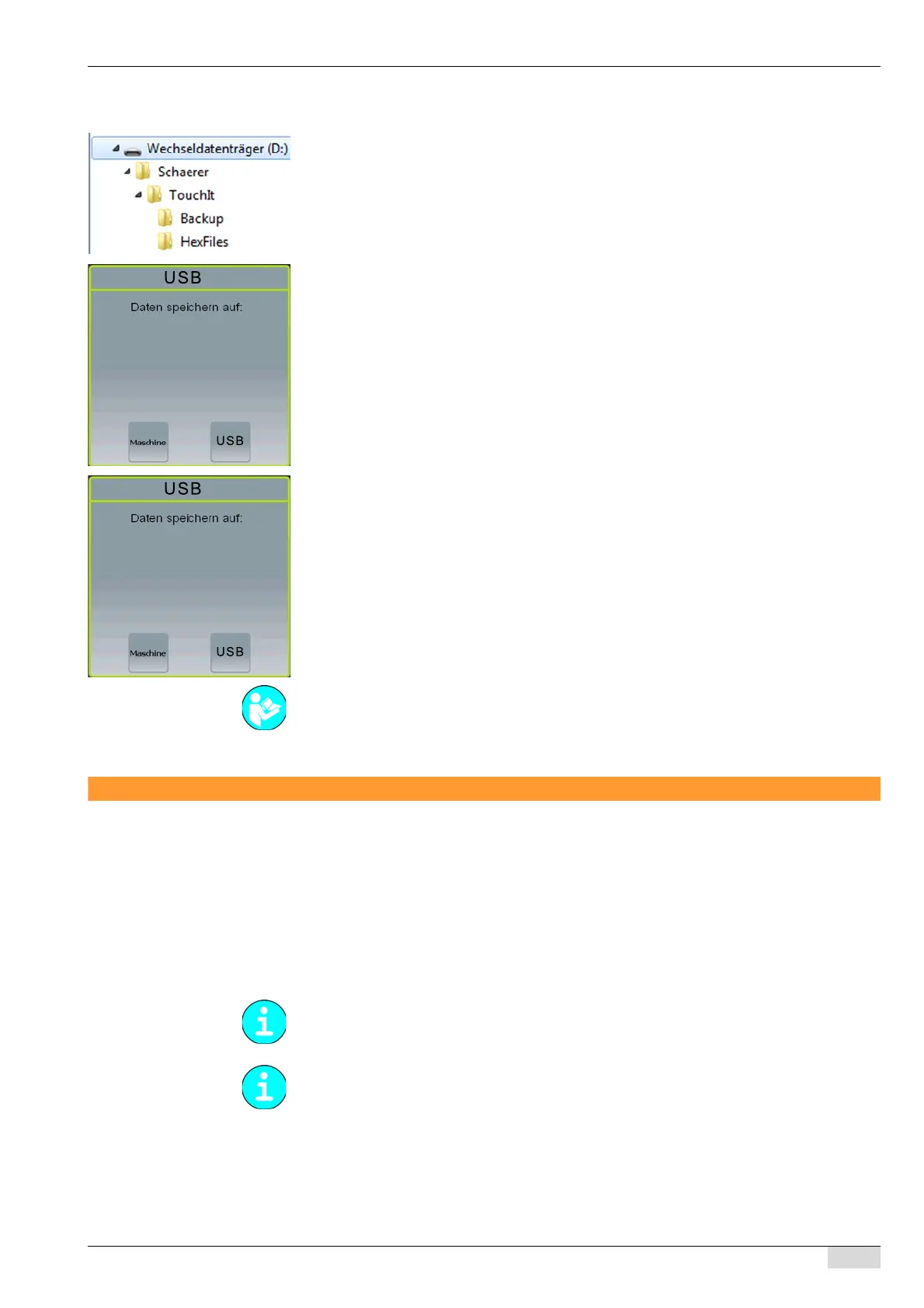
A Schaerer directory structure is created (see figure on the left).
► Remove the USB-SAVE-DATA-PLUS flash drive again.
Option 2: Loading the data from the USB-SAVE-DATA-PLUS flash drive
The machine is switched on and ready for use.
► Insert the USB-SAVE-DATA-PLUS flash drive (or the SAVE DATA card).
An instruction to confirm the storage direction is displayed.
► Select the [Machine] field.
The data are loaded from the USB-SAVE-DATA-PLUS flash drive (or the SAVE DATA
card) onto the machine.
Option 3: Overwriting the USB-SAVE-DATA-PLUS flash drive (backup)
The machine is switched on and ready for use.
► Insert the USB-SAVE-DATA-PLUS flash drive (or the SAVE DATA card).
An instruction to confirm the storage direction is displayed.
► Select the [USB] (or [SAVE DATA]) field.
The data are loaded from the machine to the flash drive (or onto the card).
Overview of data transfer
Methods for data transfer
The various data transfer methods and functions are listed and described here.
• Hex load from a USB stick for the service technician
• Hex load from TouchIT
• Update TouchIT Software
• Backup
• Restoration
See also "System" - "Restore/backup" - "Backup" for further information on backing up and re-
storing data.
As of version V5.31, the machine software and the TouchIT software are provided as a pack-
age.
As of version V5.43, a daily data backup of the SCA software (machine software) is performed
automatically.














 To Next Page