www.schaerer.com Programming
PASCA_TOUCHIT_EN
V02 | 07.2013
30
Overview
Overview of the 4 main menus with menu items:
• The "Configuration" main menu contains the parameter and user interface settings.
• The "System Parameters" main menu contains the parameter and function settings in ac-
cordance with the machine configuration.
• The "Infos" main menu provides information about the installed software versions and the
counters and statistics.
• The "Accounting" main menu contains the selection of the payment systems and their set-
tings.
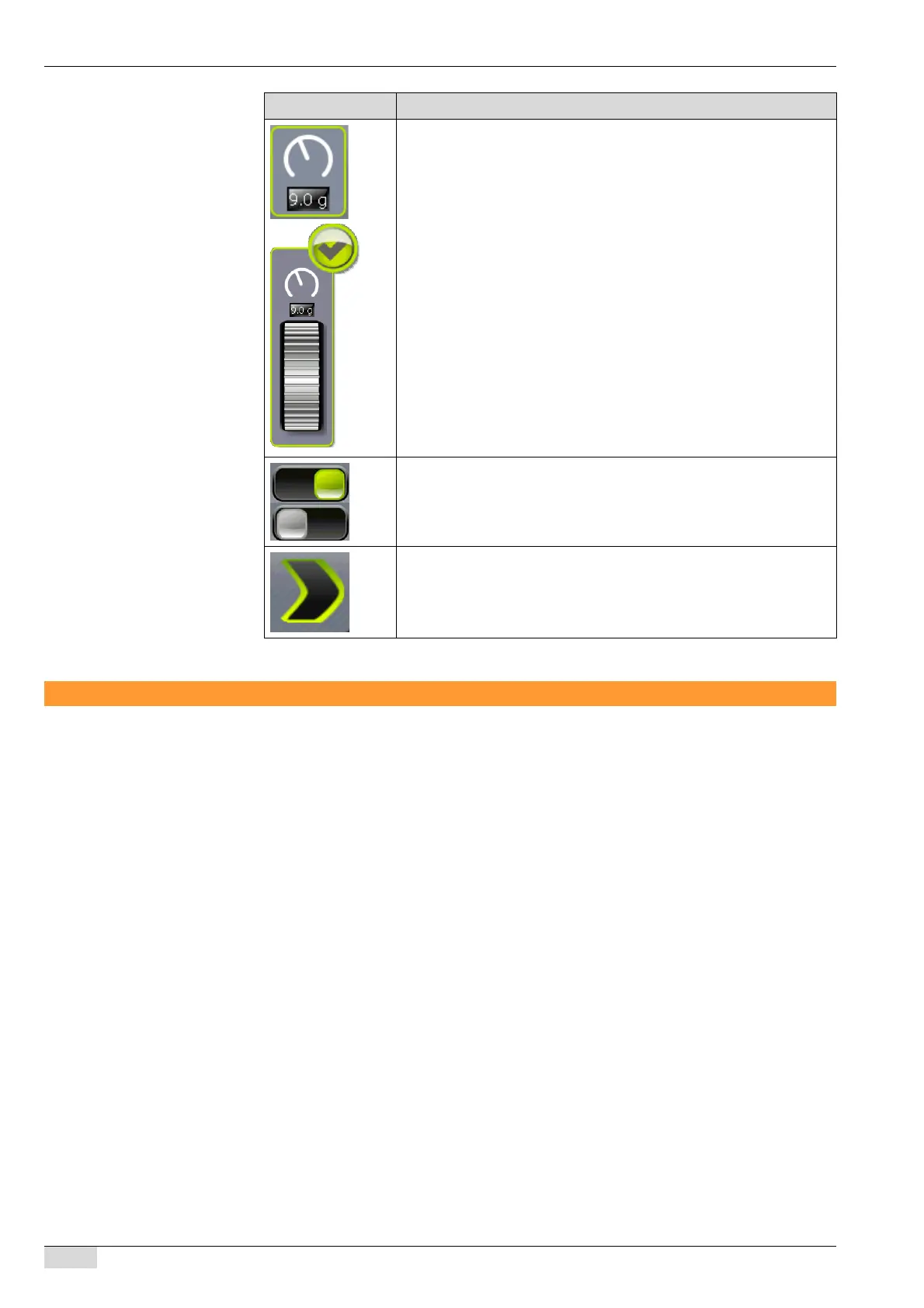
Touching this field opens the adjustment wheel.
► Set the desired value by turning the wheel up or down.
► Confirm the set value by pressing the check mark.
The set value is adopted and displayed in the field.
Enable / disable a function
Opens a selection field.
Symbol Description














 To Next Page