PASCA_TOUCHIT_EN
V02 | 07.2013
23
www.schaerer.comBasic operation
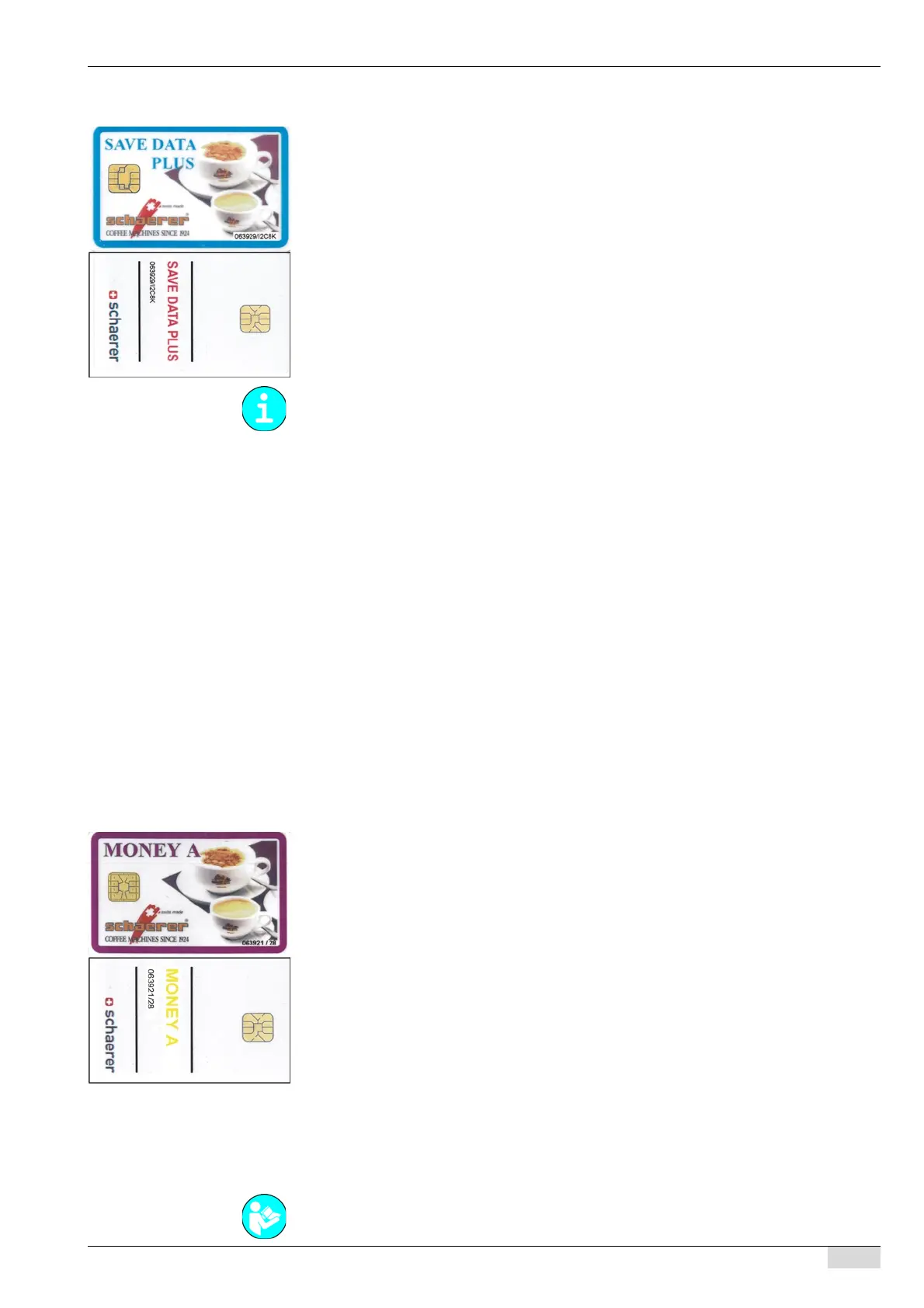
SAVE-DATA card
SAVE DATA card 063929/12C8K or with the included USB-SAVE-DATA-PLUS flash drive of
the machine.
• With article number SAVE DATA 063929 (see first 6 digits).
• Chip version 12C8K (see last 5 digits).
• Article number of USB-SAVE-DATA-PLUS flash drive with hook-and-loop fastener
064219.
• Data memory for machine data, product configurations* and counters and statistics.
• The customer number is checked.
• The machine number is checked.
• No PIN entry required.
The following settings must be made to be able to use the SAVE DATA card/USB-SAVE-
DATA-PLUS flash drive:
• The machine number on the card must be identical with the machine number on the ma-
chine.
• The machine number and the customer number are stored on the card when it is used for
the first time.
• Configure the USB-SAVE DATA PLUS flash drive using the [Create a USB-SAVE-DATA
flash drive] field.
The following functions are available:
• A copy of all of the machine data can be stored on the card or flash drive.
• Before a "Master Reset" is executed, a copy of the data can be stored on the card or on
the flash drive.
• If the CPU needs to be replaced, the card or the flash drive are used for intermediate stor-
age.
• The machine data can be copied from the machine to the card or USB-SAVE-DATA-PLUS
flash drive and vice versa.
MONEY A card
MONEY A card 063921/28
• With article number 063921 (see first 6 digits).
• Chip version SLE28 (see last 2 digits).
• Credit card for the Schaerer payment system.
• The customer number is checked.
• The machine number is not checked.
• No PIN entry required.
The following settings must be made so that the MONEY A card can be used:
• A payment system must be selected.
• A beverage price must be assigned.
The following functions are available:
• Together with the PROGRAM card, credit can be added to the card or all of the credit can
be erased.
• The MONEY system can be combined with another payment system such as a coin tester.
In this case, the card can also be loaded using the coin tester.
• The [Price factor A] parameter in the "Accounting" menu can be used to assign a discount
of up to 100% using the SERVICE card.
When using the SAVA DATA card, the product configurations are stored with the recipe but
without a beverage name and beverage field layout.
See "System" - "Chip card service" - "Simulating the PROGRAM card" for a detailed descrip-
tion of the individual menu settings.














 To Next Page