PASCA_TOUCHIT_EN
V02 | 07.2013
11
www.schaerer.comBasic operation
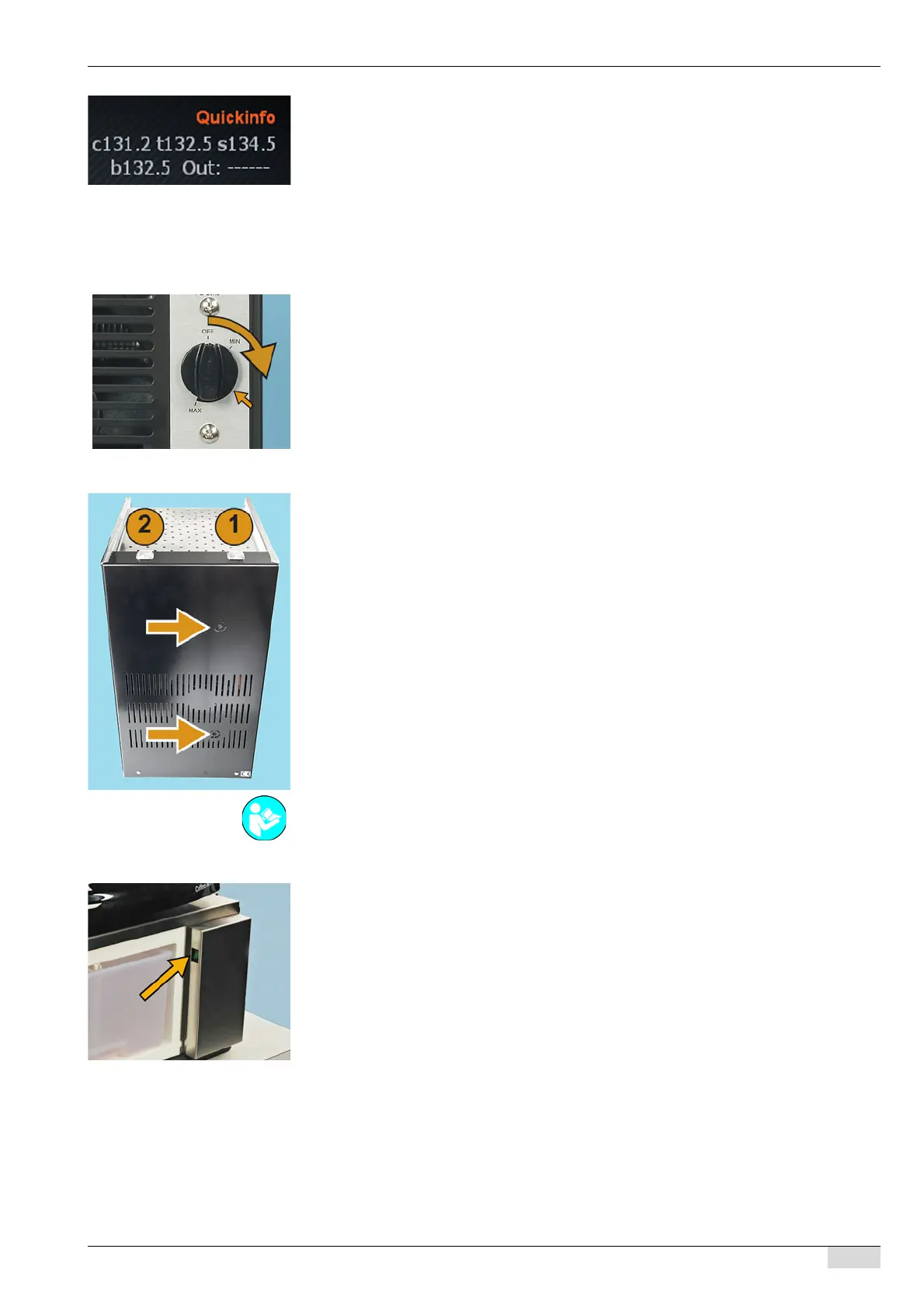
The Quick Info indicates the following temperatures:
• (c) the coffee boiler temperature (option).
• (t) the tea boiler temperature (option).
• (s) the steam boiler temperature (option).
• (b) the booster temperature.
Optional accessories (Option)
Option 1: Cooling unit for the Milk Smart System
► Set the temperature switch on the back of the cooling unit, see arrow.
The cooling unit is switched on.
Option 2: Cup & Cool
► Switch on the cup warmer unit via the main switch (1).
The switch lights up.
► Switch on the cooling unit via the main switch (2).
The switch lights up.
Option 3: Under-machine cooling unit
► Open the door of the under-machine cooling unit.
► Switch on the switch, see arrow.
The cooling unit is switched on.
The cooling temperature is preset at the factory.
► Close the door.
A detailed description of the setting of thermostats (see arrow) is included in the separate op-
erating instructions for the "Cup warmer and Cup & Cool".














 To Next Page