www.schaerer.com Basic operation
PASCA_TOUCHIT_EN
V02 | 07.2013
12
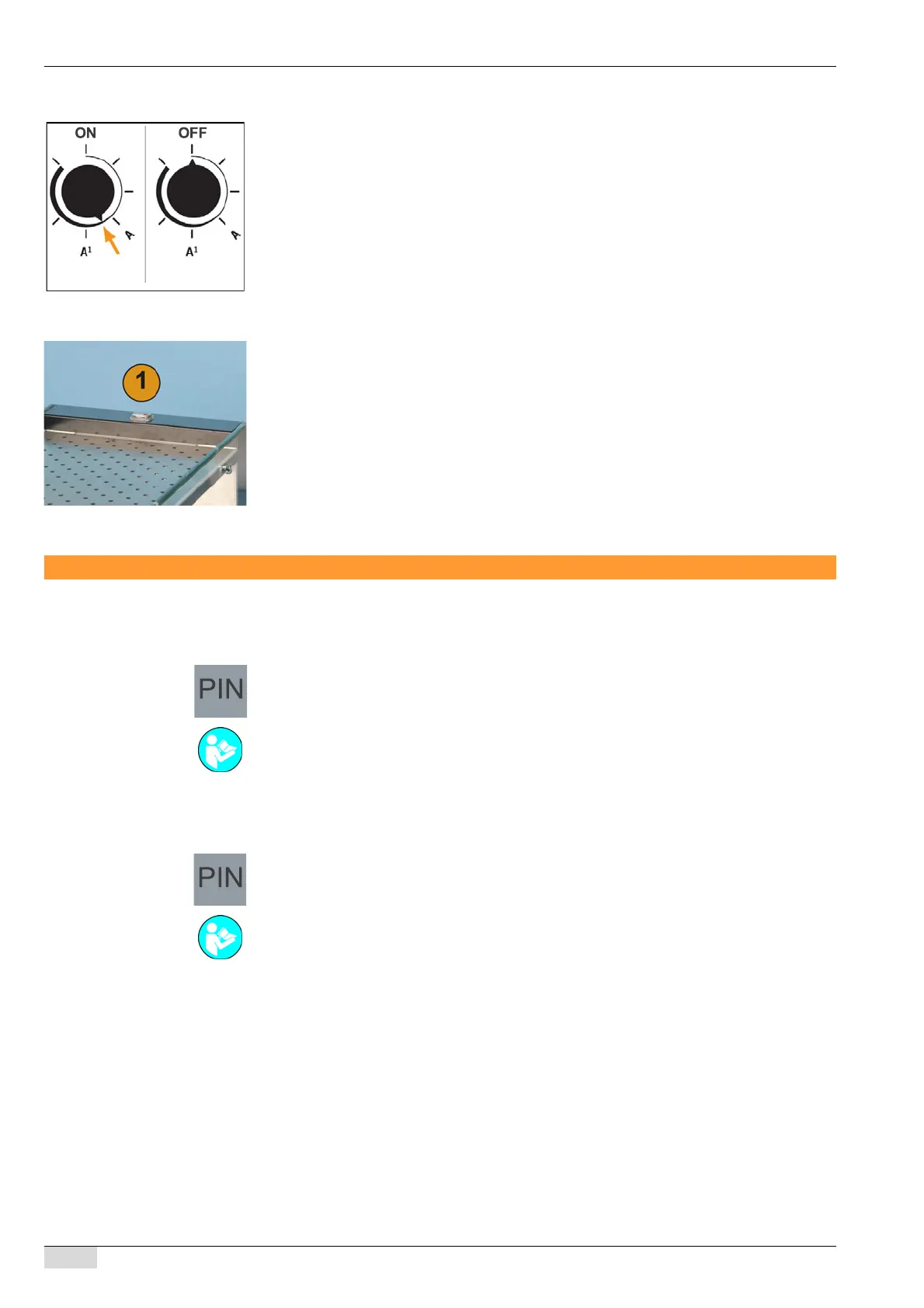
Option 4: Cooling unit for the cold milk system
► Remove the cooling unit cover.
► Set the temperature switch of the cooling unit, see arrow.
► Mount the cooling unit cover again.
The cooling unit is switched on.
Option 5: Cup warmer
► Switch on the cup warmer unit via the main switch (1).
The switch lights up.
Standby eco mode
Eco mode reduces all boiler temperatures after a fixed period of inactivity.
► Insert the SERVICE card at the top right.
The PIN keypad appears.
► Enter the PIN to access the programming.
► Select the [System Parameters] field.
► Select the [3 Edit system parameters] field.
The PIN keypad appears again.
► Enter the PIN for the system parameters.
► Activate [3 Edit system parameters].
► Activate the [22 Eco Mode] system parameter.
After a period of inactivity of 20 min, the boiler temperatures are reduced to 40°C.
See "Programming" - "Service card" for details.
See "Programming" - "Service card" for details.














 To Next Page