www.schaerer.com Basic operation
PASCA_TOUCHIT_EN
V02 | 07.2013
22
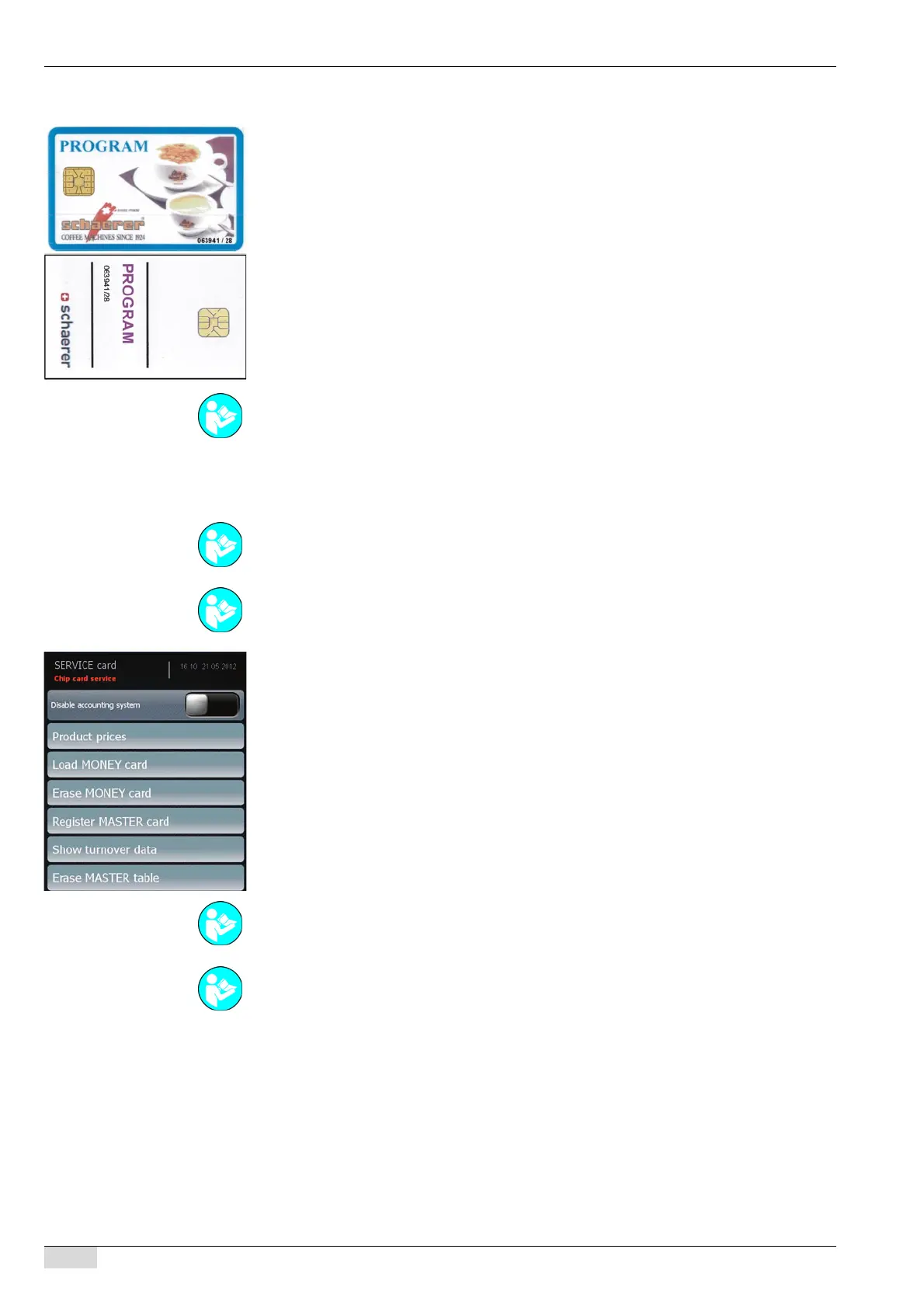
PROGRAM card
PROGRAM card 063941/28:
• With article number 063941 (see the first 6 digits).
• Chip version SLE28 (see last 2 digits).
• No PIN entry required.
• The menus available with the PROGRAM card must be enabled using the SERVICE card.
The following settings must be made so that the PROGRAM card can be used:
• A payment system must be selected.
• A beverage price must be assigned.
Menu selection with the PROGRAM card:
• [Disable accounting system] Switches the payment system on/off.
• [Product price] Defines and assigns the beverage price.
• [Load MONEY card] Credit on the inserted card is increased by a set value.
• [Erase MONEY card] Credit on the inserted card is erased.
• [Register MASTER card] The card is registered and entered in the MASTER table.
• [Show turnover data] The "Turnover counter" is displayed.
• [Erase MASTER table] All registered MASTER cards are erased without requesting further
confirmation.
See "System" - "Chip card service" - "Configuring the PROGRAM card" to activate the individ-
ual menu functions.
See "Accounting" to assign a payment system.
See "Configuration" - "Product configuration" to assign a beverage price.
See "Configuration" - "Product configuration" for a detailed description of the individual menu
settings.
See "System" - "Chip card service" - "Simulating the PROGRAM card" for a detailed descrip-
tion of the individual menu settings.














 To Next Page