PASCA_TOUCHIT_EN
V02 | 07.2013
29
www.schaerer.comProgramming
Access to system parameters
► Select the "System" main menu.
► Select the [System Parameters] menu.
The [System Parameters] menu is displayed.
► Select [3 Edit system parameters].
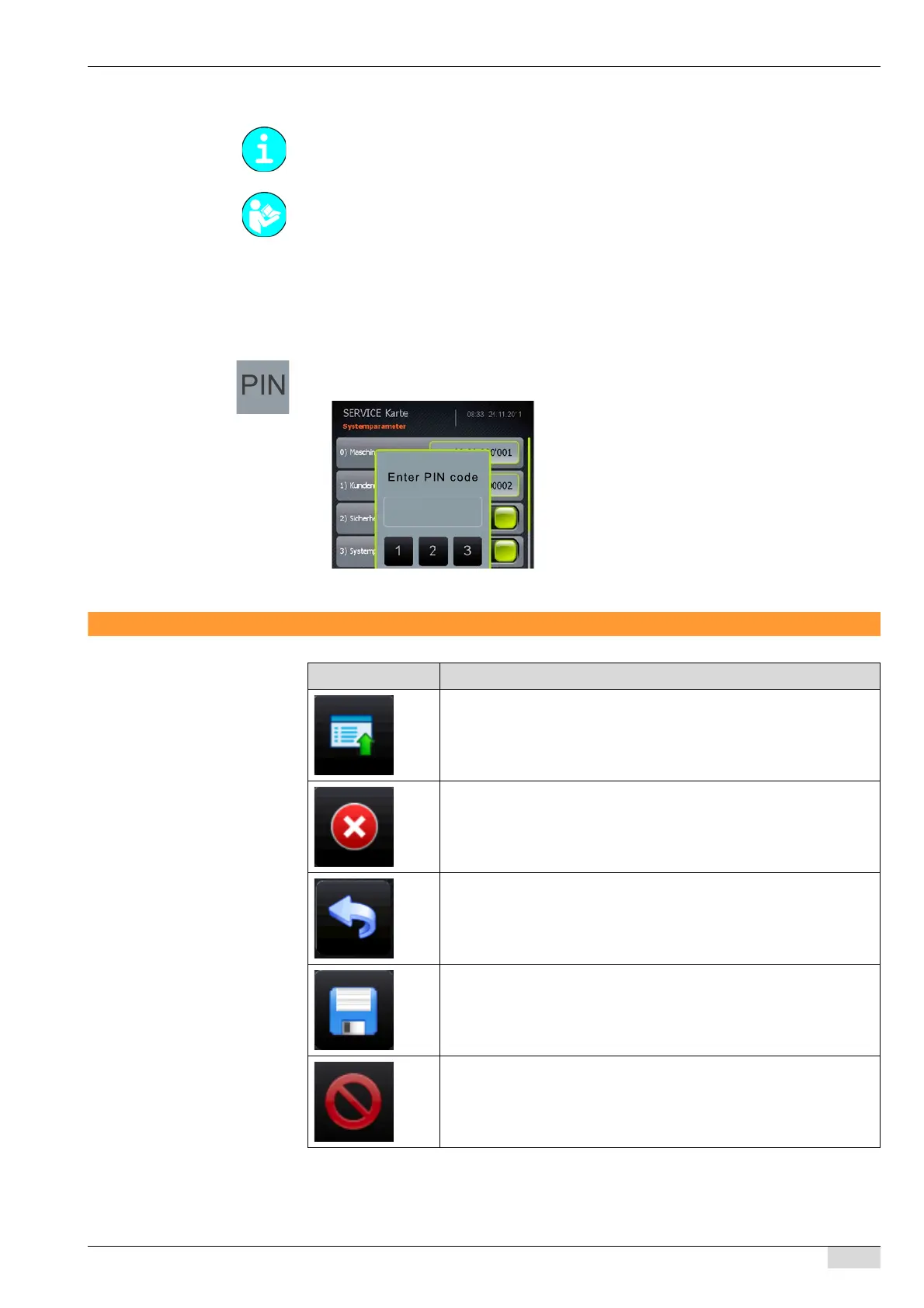
The PIN keypad appears.
► Enter the fixed PIN [ XXXX ] on the keypad.
The system parameters can now be adjusted.
Navigation
Access to the "System parameters" menu requires the entry of a fixed PIN. The PIN can be
requested by calling the Technical Support Hotline (+41 32 681 62 75).
See "Access" - "Access to main menus"
Symbol Description
Opens the "Quick Menu" in standby mode.
Opens the "Service" selection menu when the machine is switched on.
Stops/cancels dispensing of a beverage
Back to previous window
Save settings that have been made
Delete / set a value to zero














 To Next Page