PASCA_TOUCHIT_EN
V02 | 07.2013
57
www.schaerer.comConfiguration
Milk settings
Parameters: Milk settings
Display text Description Setting range Notes
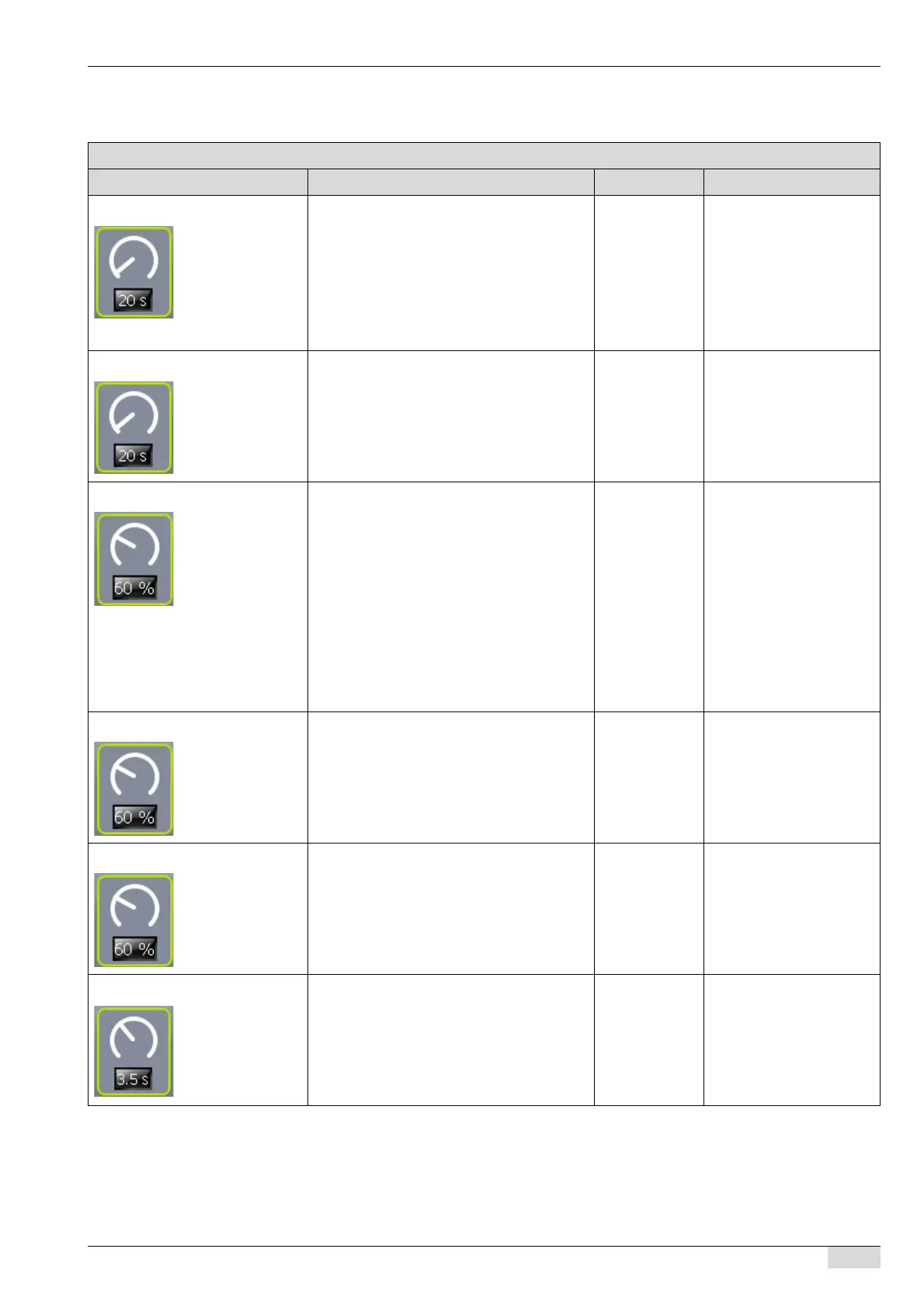
701) Cold milk time Sometimes used for latte macchiato; howe-
ver, cold milk can also be added to cappucci-
no and milk coffee to create special recipes.
► Enter the cold milk time in the field.
Cold milk is added to the beverage for
the set time.
0-40.0 sec The standard setting is
0.0 sec.
A fresh milk system must
be selected in the system
parameters.
The "Milk Smart" system
parameter does not sup-
port this function.
702) Hot milk time Defines the dispensing of hot milk during the
time set here.
0-40.0 sec A fresh milk system must
be selected in the system
parameters.
703) Pump hot milk The pump speed determines the dispensing
temperature. Reducing the pump speed in-
creases the temperature and vice versa.
The recommended temperature is ±72 °C,
measured directly under the outlet in the milk
stream.
45-100% The "702 Hot milk time"
parameter must be set to a
value > 1. >0 enthalten.
The standard setting is
55%.
The "Milk pump" or "Cen-
ter Milk" system parameter
is selected.
In a "Milk Smart" system,
the temperature is regula-
ted using a milk restrictor
at the end of the hose.
704) Pump hot milk left
See the information under the "703 Pump hot
milk" parameter.
45-100% "Twin Milk" is selected in
the "7 Fresh milk" system
parameter.
See the information under
the "Pump hot milk" pa-
rameter.
705) Pump hot milk right
See the information under the "703 Pump hot
milk" parameter.
45-100% "Twin Milk" is selected in
the "7 Fresh milk" system
parameter.
See the information under
the "Pump hot milk" pa-
rameter.
706) Waiting time milk Downtime between hot milk and the next
component of the beverage.
0-9.9 sec A fresh milk system must
be selected in the system
parameters.














 To Next Page