www.schaerer.com System
PASCA_TOUCHIT_EN
V02 | 07.2013
108
The menu that contains the parameter appears.
The "Product configuration" parameter is only active if at least one beverage is activat-
ed. min.
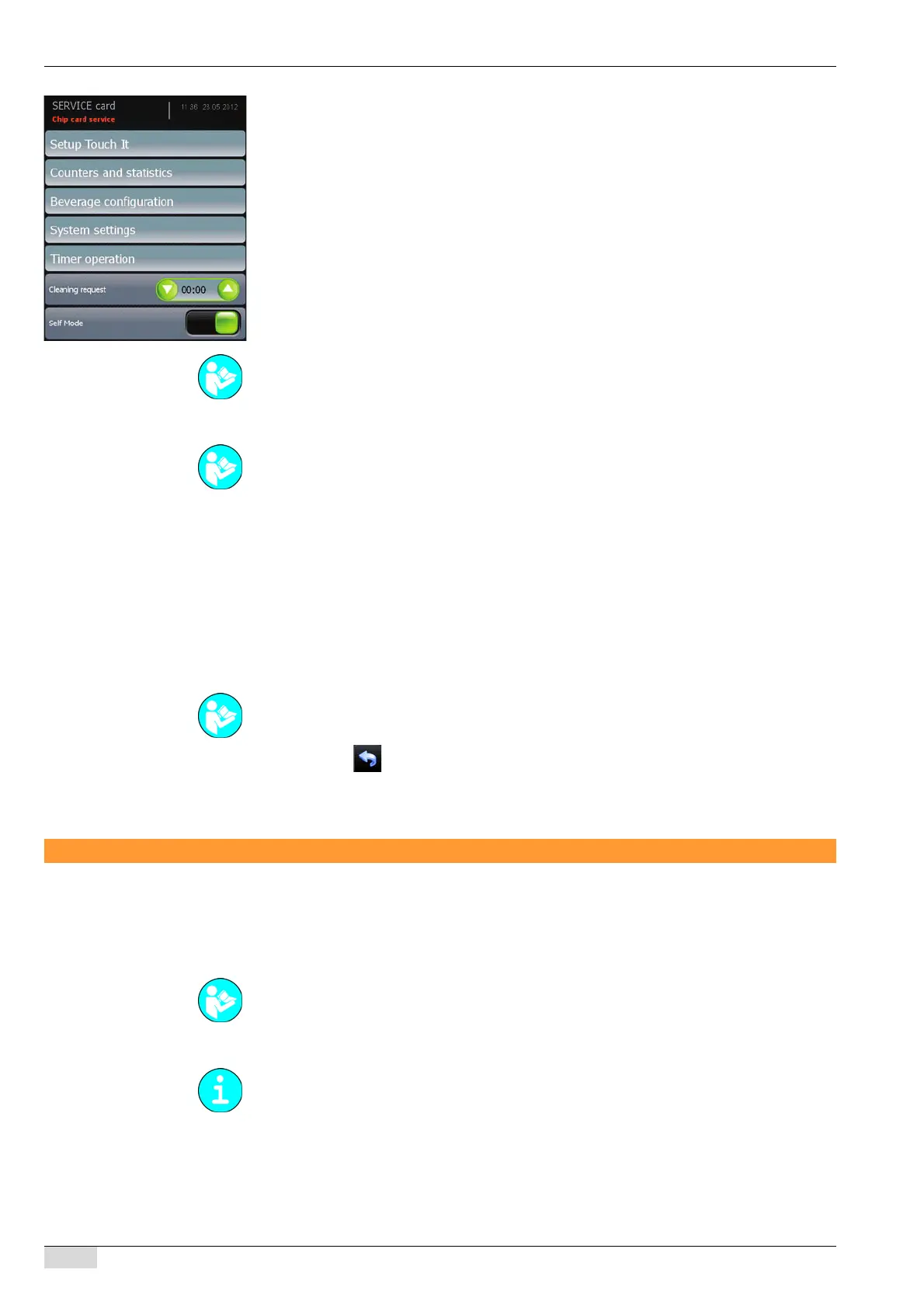
Option 1: "TouchIT configuration" menu
Option 2: "Counters and statistics" menu
Option 3: "Cleaning instructions" parameter
► Used to enter the hours and minutes after which a cleaning request should be displayed.
If the value is "00.00", no cleaning request appears.
Option 4: "Self mode" parameter
Makes it possible to activate/deactivate the "Self" mode with the CHEF card.
► Switch on the field.
The "Self mode settings" parameter in the "Configuration" menu can now be accessed
with the CHEF card.
► Select the field.
The display returns to the "Chip card service" menu.
Restore/backup
Backup
A backup saves the machine configuration onto the TouchIT. If a USB stick for the service
technician is inserted, the settings are automatically loaded onto the USB stick.
Option 1: Performing a backup on the SCATouchIT
► Select the "System" menu.
► Select the "Restore / Backup" menu.
► Select the "Backup" menu.
See "Configuration" for a detailed description of the "TouchIT configuration", "Product config-
uration" and "Timer operation" menus.
See "Info" for a detailed description of the "Counters and statistics" and "System settings"
menus.
See "Configuration" - "Self mode settings" for more detailed setting information on the self
mode.
See "Programming" - "Access".
Note the different path names of the storage location. In the 1st generation touch screen, the
name is (USB_Mstick) and in the 2nd generation it is (USB_Disk).














 To Next Page