www.schaerer.com Basic operation
PASCA_TOUCHIT_EN
V02 | 07.2013
14
The following elements in the main window depend on the machine state:
Symbol Description
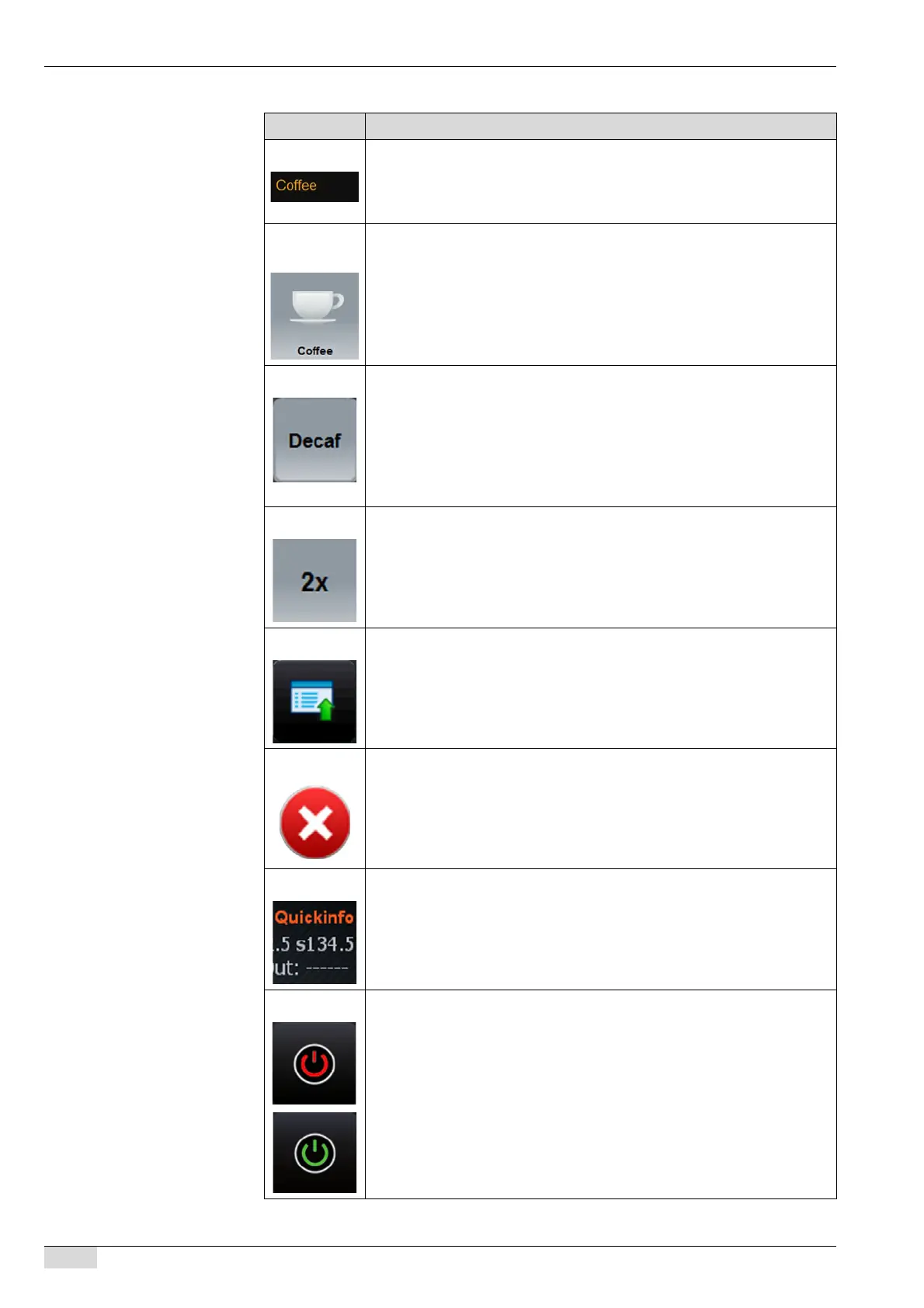
Beverage tab There are four beverage tabs (C), see the figure above. Eight beverages
can be stored on each tab.
The beverage tabs can be set in the [Product configuration] parameter in
the [Configuration] menu.
Beverage but-
ton
The desired beverage can be assigned to each beverage button and pro-
grammed accordingly.
The respective beverage is dispensed by pressing a beverage button.
The beverage tabs can be set in the [Product configuration] submenu of the
[Configuration] menu.
DECAF To be able to dispense decaffeinated beverages (DECAF), two grinders are
needed, one of which is filled with decaffeinated beans. Another possibility
is to manually add decaffeinated ground coffee.
The [DECAF] field is used to define the product configuration with decaffei-
nated coffee.
The [DECAF] field can be activated in the [TouchIT configuration] submenu
of the [Configuration] menu.
Double The [2x] field is used to dispense a double beverage. The beverage
selected after pressing this field is dispensed with double the usual quantity.
The [2x] field can be activated in the [TouchIT configuration] submenu of the
[Configuration] menu.
Service This field opens the "Quick Menu" in standby mode or the "Service" menu
when the machine is switched on.
See "Basic operation"- "Switching on" - "Quick Menu in standby mode" for
further information.
Stop The [Stop] field is only displayed while a beverage is being dispensed. The
beverage currently being dispensed and any other previously selected be-
verages can being cancelled using this field.
Info The [Quick Info] field at the top right must be activated in the [Service] field
of the Quick Menu. The Quick Info provides information on the current boiler
temperatures.
See "Basic operation"- "Switching on" - "Quick Info" for further information.
ON/OFF The [ON/OFF] field at the bottom right is used to switch the machine from
standby to the operating mode.
The field can be shown/hidden using the [-8- Power button visible] in the
[TouchIT configuration] submenu of the [Configuration] menu.














 To Next Page