2
SEL-749M Relay Instruction Manual Date Code 20080918
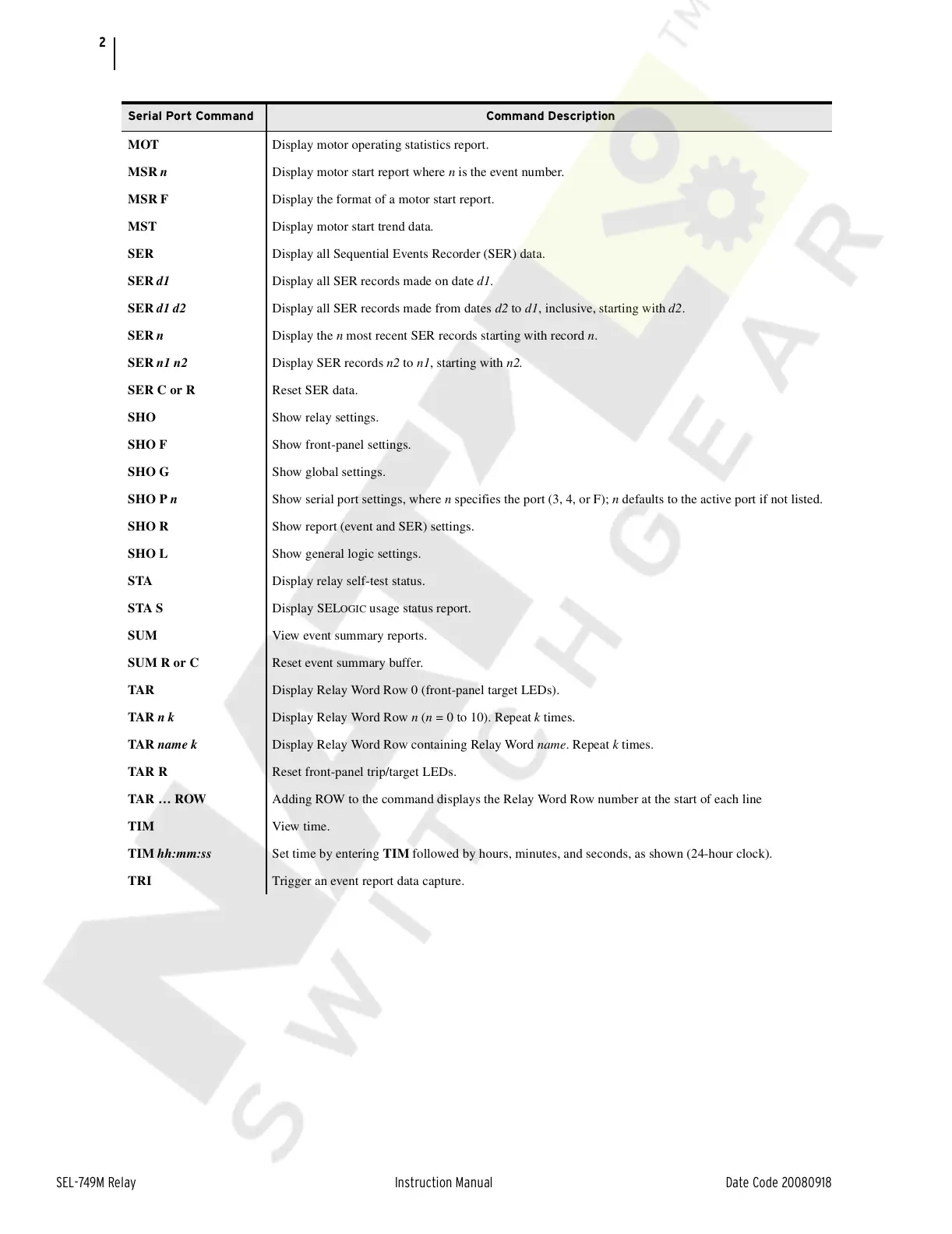
MOT Display motor operating statistics report.
MSR n Display motor start report where n is the event number.
MSR F Display the format of a motor start report.
MST Display motor start trend data.
SER Display all Sequential Events Recorder (SER) data.
SER d1 Display all SER records made on date d1.
SER d1 d2 Display all SER records made from dates d2 to d1, inclusive, starting with d2.
SER n Display the n most recent SER records starting with record n.
SER n1 n2 Display SER records n2 to n1, starting with n2.
SER C or R Reset SER data.
SHO Show relay settings.
SHO F Show front-panel settings.
SHO G Show global settings.
SHO P n Show serial port settings, where n specifies the port (3, 4, or F); n defaults to the active port if not listed.
SHO R Show report (event and SER) settings.
SHO L Show general logic settings.
STA Display relay self-test status.
STA S Display SEL
OGIC usage status report.
SUM View event summary reports.
SUM R or C Reset event summary buffer.
TAR Display Relay Word Row 0 (front-panel target LEDs).
TAR n k Display Relay Word Row n (n = 0 to 10). Repeat k times.
TAR name k Display Relay Word Row containing Relay Word name. Repeat k times.
TAR R Reset front-panel trip/target LEDs.
TAR … ROW Adding ROW to the command displays the Relay Word Row number at the start of each line
TIM View time.
TIM hh:mm:ss Set time by entering TIM followed by hours, minutes, and seconds, as shown (24-hour clock).
TRI Trigger an event report data capture.
Serial Port Command Command Description
Courtesy of NationalSwitchgear.com



 To Next Page