5
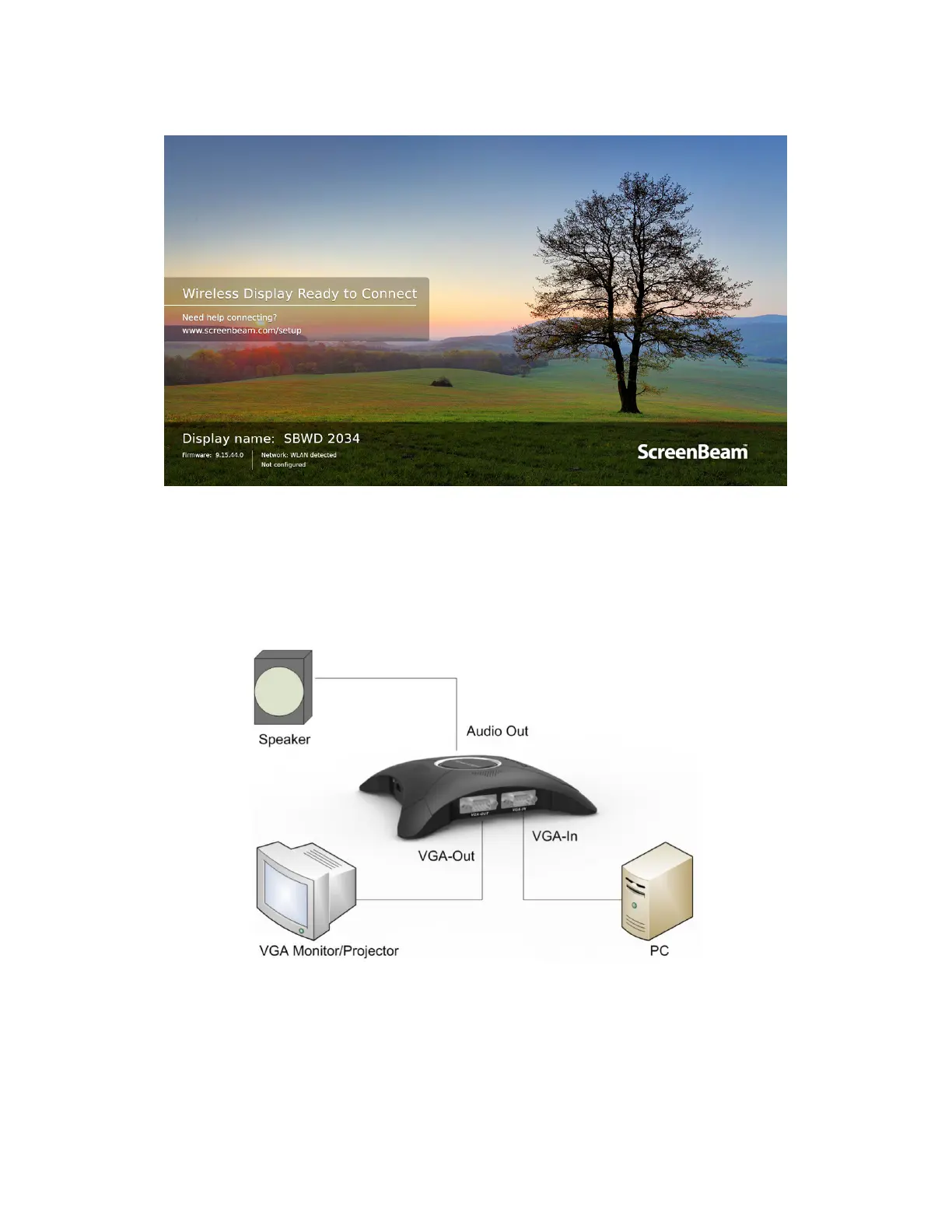
7. Verify that the “Wireless Display Ready to Connect” screen appears on the HDTV.
The receiver is connected to the HDTV, and it is ready for use.
Note: Connections to other display devices are similar.
8. (Optional) VGA bypass setup is shown below. Refer to Section 4.1 VGA Use Case for
details about how the input and outputs work.



 To Next Page