10
Part III Connecting Client Device
This section provides the instructions on how to connect to ScreenBeam using the native
screen mirroring from the most common operating systems and using ScreenBeam SBCast
app.
Refer to www.screenbeam.com/setup for details and instructions for common operating
systems.
Note: The web page will display instructions based on the client-device OS. Use the links at
the bottom of the web page to select OS-specific instructions.
3.1 Overview of Wireless Display Network Modes
The ScreenBeam 960 allows presenters with Windows 10, macOS, iOS, or Android device
to wirelessly display without requiring any apps. ScreenBeam 960 supports Wi-Fi Miracast
and wireless display over existing infrastructure network.
3.1.1 Wi-Fi Miracast
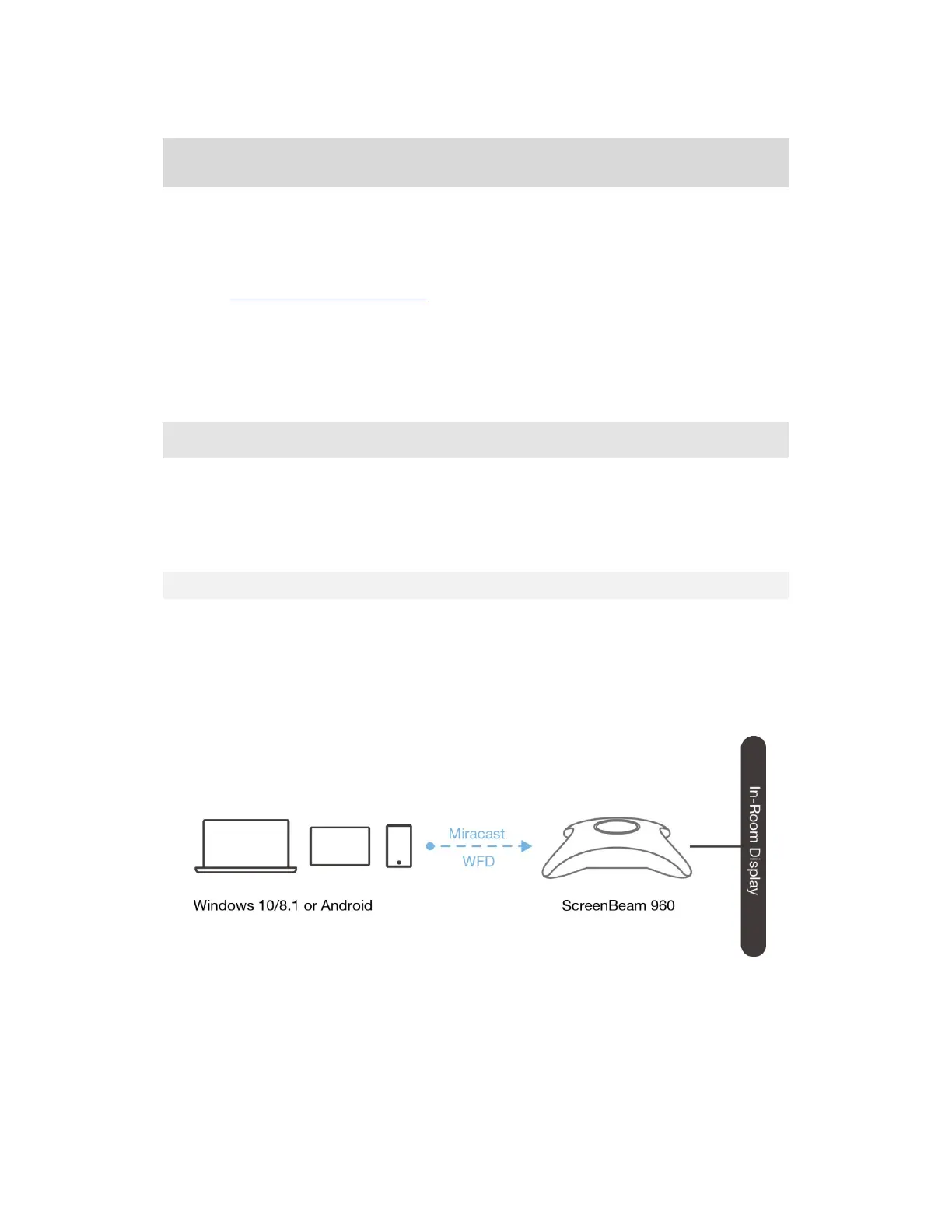
The Wi-Fi Miracast mode allows compatible Wi-Fi Miracast devices to connect directly to
ScreenBeam, even when connected to an infrastructure wireless network. Miracast is
commonly available on Windows 10/8.1 and Android 4.4 (and later) devices since 2015.
Users can enjoy wireless display and Internet access if the client device is already
connected to Wi-Fi.



 To Next Page