41
5.3 Configuring ScreenBeam
After you have logged into the Local Management Interface, you can configure ScreenBeam
960 on the Local Management Interface.
5.3.1 General Settings
This section introduces some general settings for the receiver.
5.3.1.1 Changing Local Management Interface’s Display Language
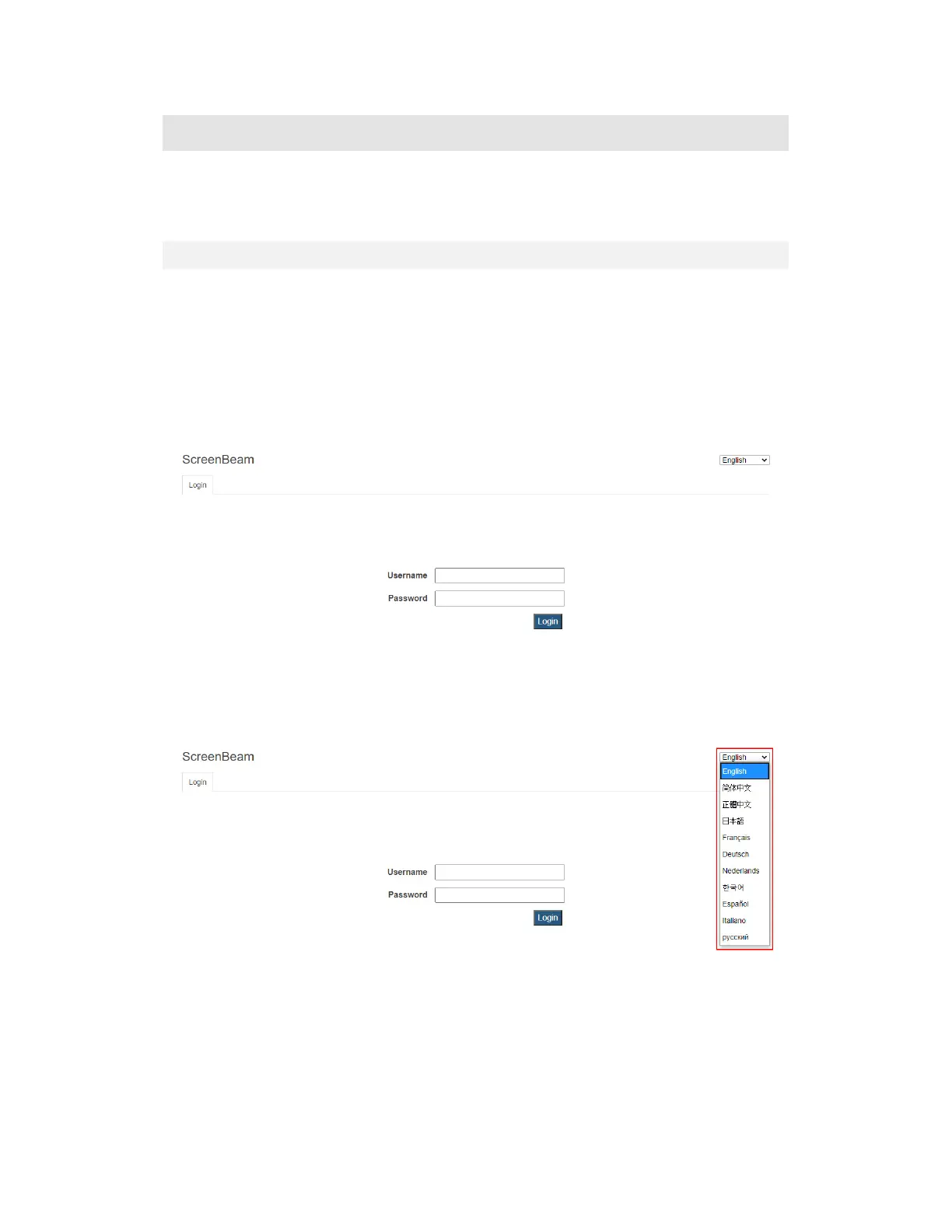
To change the LMI’s display language, follow this procedure:
1. Open the Local Management Interface’s login page. Refer to Section 5.2 Using Local
Management on ScreenBeam for detail.
2. On the upper right corner of the screen, select your language. Available languages are
English, Simplified Chinese, Traditional Chinese, Japanese, French, German, Dutch,
Korean, Spanish, Italian, and Russian.
3. The display language changes immediately.
Note: This setting changes the webpage’s display language only.



 To Next Page