27
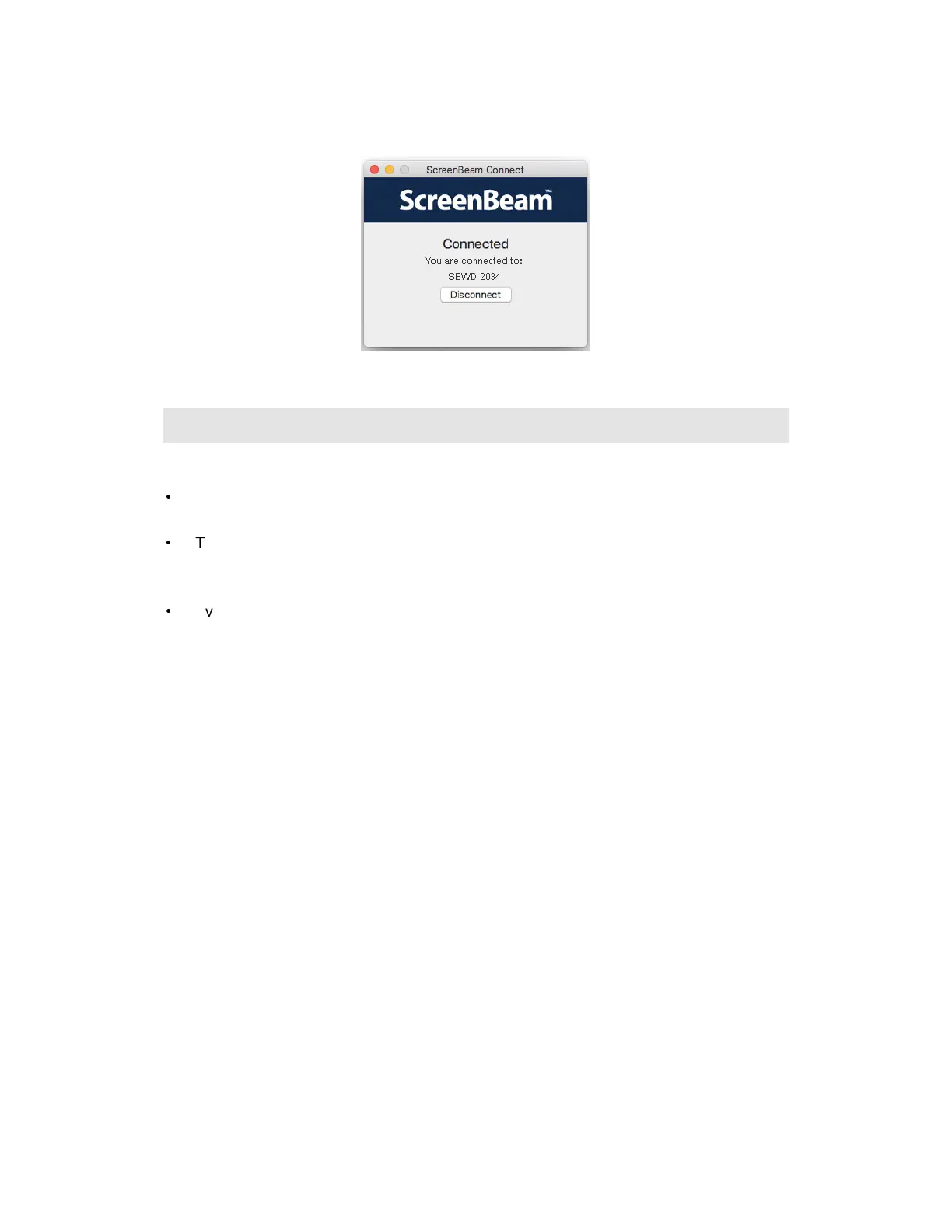
11. The device has connected to the receiver. And the device’s screen is displayed on the
HDTV.
3.6 Tips for Optimal Performance
For optimal performance, you can try these tips:
•
Keep the receiver within line-of-sight of the source device. Doing this will help ensure
the receiver receives the best possible signal.
•
The receiver's optimal wireless range is within 30 feet from the source device. However,
actual range and effectiveness depends on many factors, including other sources of
interference and the building materials used in the surrounding structure.
•
Avoid placing the receiver near wireless interference sources, such as metal shelf,
electric fans, items with motors, microwave ovens, cordless phones, and 2.4 GHz
Non-WiFi radio devices.



 To Next Page