15
Note:
To disconnect, follow instructions in step 1 to return to the screen mirroring menu and
select mirroring off.
Some Android devices do not support PIN and will fail to connect. Refer to Section
5.3.4.1 Setting up PIN Pairing Method for instructions on how to configure
ScreenBeam and disable PIN enforcement.
3.3 Connect using Existing Wireless Network or LAN
This section explains how to connect a client device to ScreenBeam 960 using existing
wireless network or LAN.
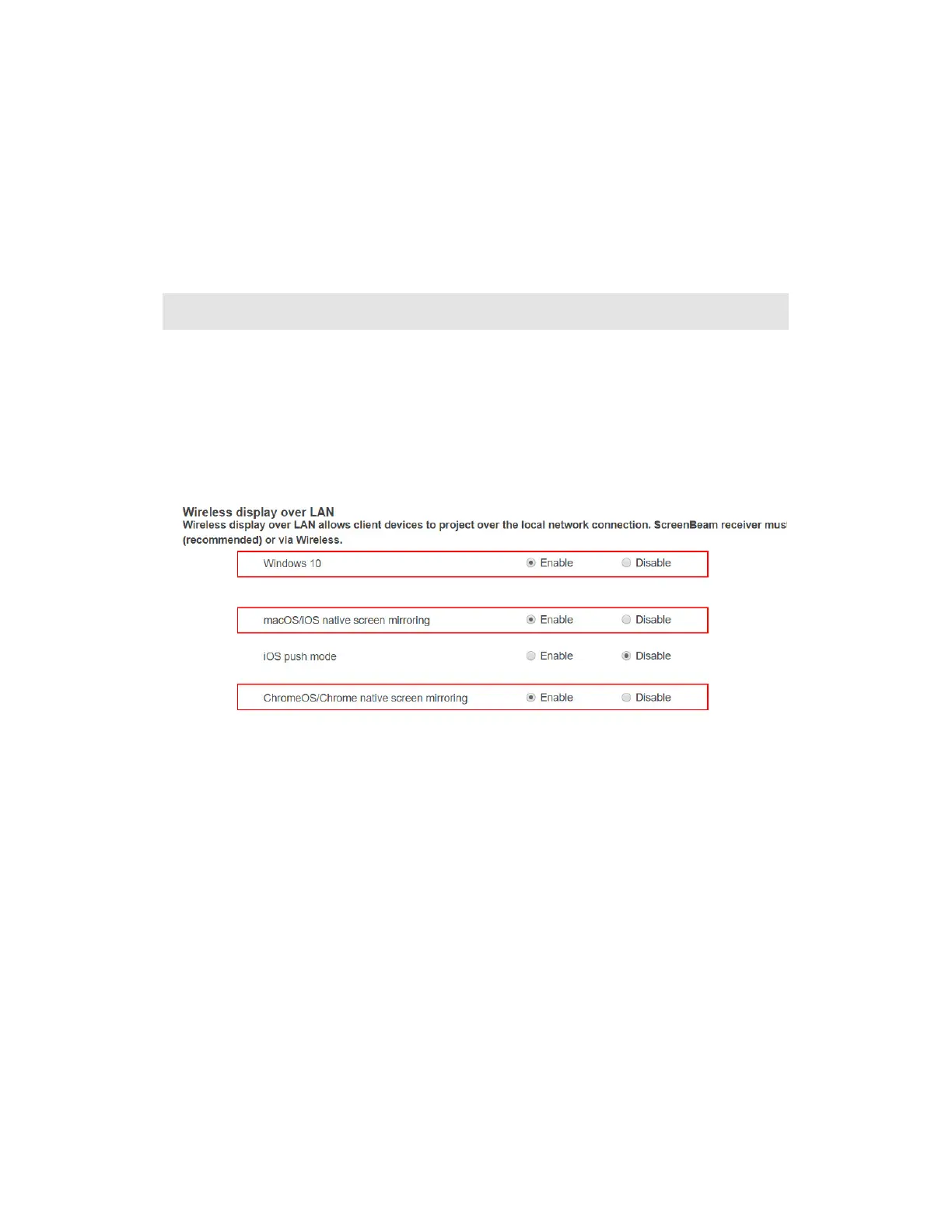
1. Make sure that the Wireless display over LAN feature is enabled for Windows 10
and/or macOS/iOS AirPlay screen mirroring. Refer to section 5.3.2 Wireless Display over
LAN for detail.
Note: You can also configure your receiver with CMS.
2. Connect the ScreenBeam receiver to a known network where your client device can
communicate over Wi-Fi. Refer to Section 2.2 Connecting the Receiver to a Network for
detail.



 To Next Page