32
Management Interface Access.
There are two situations about logging into the receiver’s LMI: when the receiver is in AGO
mode and when it is in NGO mode.
5.2.1 Method 1: Wireless P2P Direct Connection (AGO)
This method is available when the receiver is in AGO mode.
When AGO is enabled, users are allowed to log into the local management interface
through "https://192.168.16.1". Connect a Miracast-enable device to the receiver, and then
access the URL address with a web browser.
To log into the Local Management Interface in AGO mode, follow this procedure:
1. Connect a Miracast-enable device to ScreenBeam receiver.
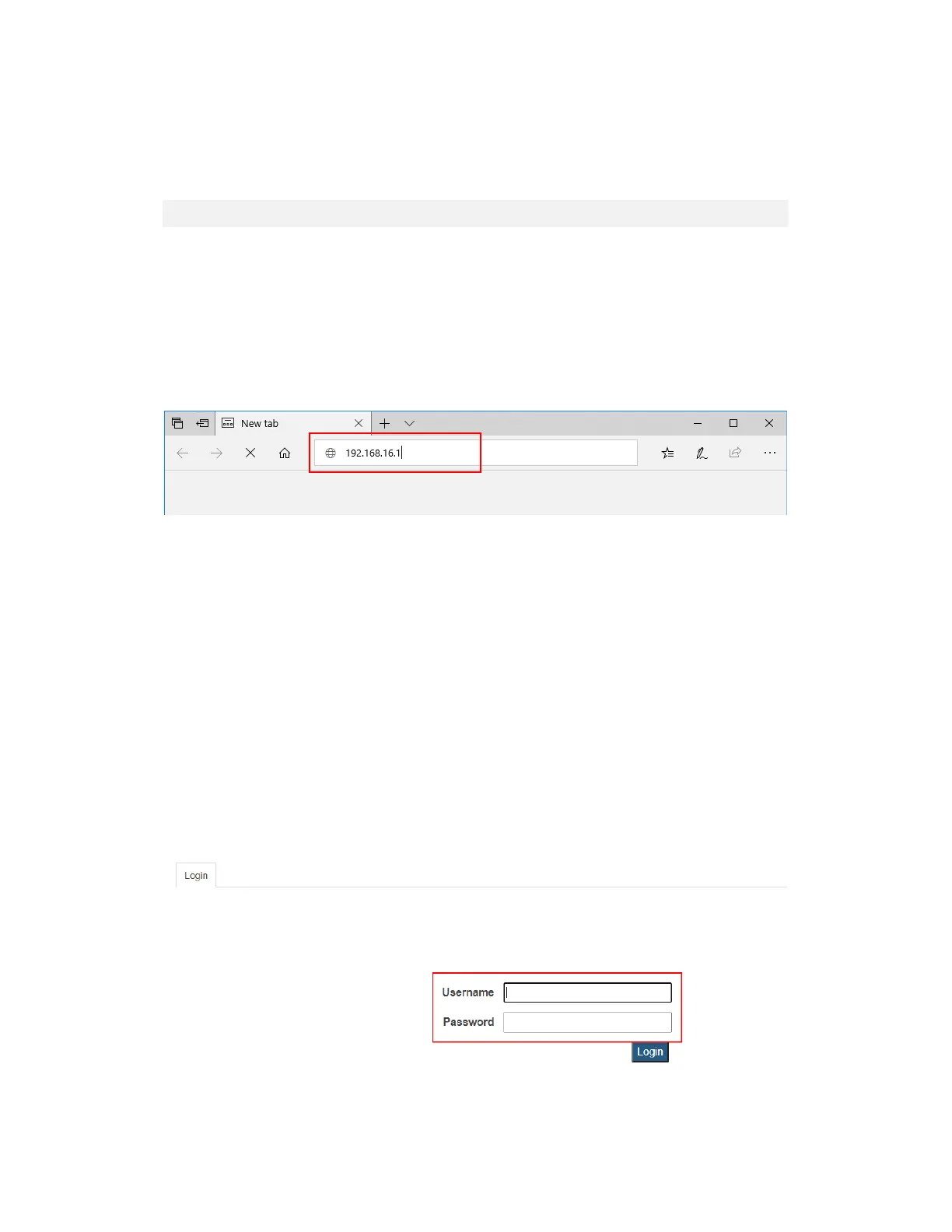
2. Access the URL address (https://192.168.16.1) with a web browser on the device.
3. The browser may give an error stating “The connection or site is not secure or private.”
Manually accept the connection as follows:
Chrome browser: click Advanced, and then click Proceed.
Edge/IE browser: click Details, and then Go on to the webpage (not
recommended).
Firefox browser: click Advanced, then click Add Exception, then click Confirm
Security Exception.
4. When the ScreenBeam management page appears, enter the Username
Administrator and Password screenbeam (both case-sensitive).
By default, the Username is Administrator, and password is screenbeam.
Note: The default password is Actiontec for firmware 9.15.43.0 or older. And upgrading
firmware to a newer version will not change the default password. The password will
only be updated if the ScreenBeam receiver is reset.



 To Next Page