34
5.2.3 Method 3: ScreenBeam Local Wi-Fi Network (NGO)
This method is available when the receiver is in NGO mode. There are two situations: when
the receiver’s SSID broadcast is disabled and when it is enabled.
By default, the receiver’s SSID broadcast is disabled.
5.2.3.1 When SSID Broadcast is Disabled
Connect to the receiver’s SSID from a wireless-enabled laptop (or other devices with Wi-Fi
access ability and a web browser), and then access this URL: https://192.168.51.1 with a
web browser.
To log into the Local Management Interface when the receiver doesn’t broadcast its SSID,
follow this procedure:
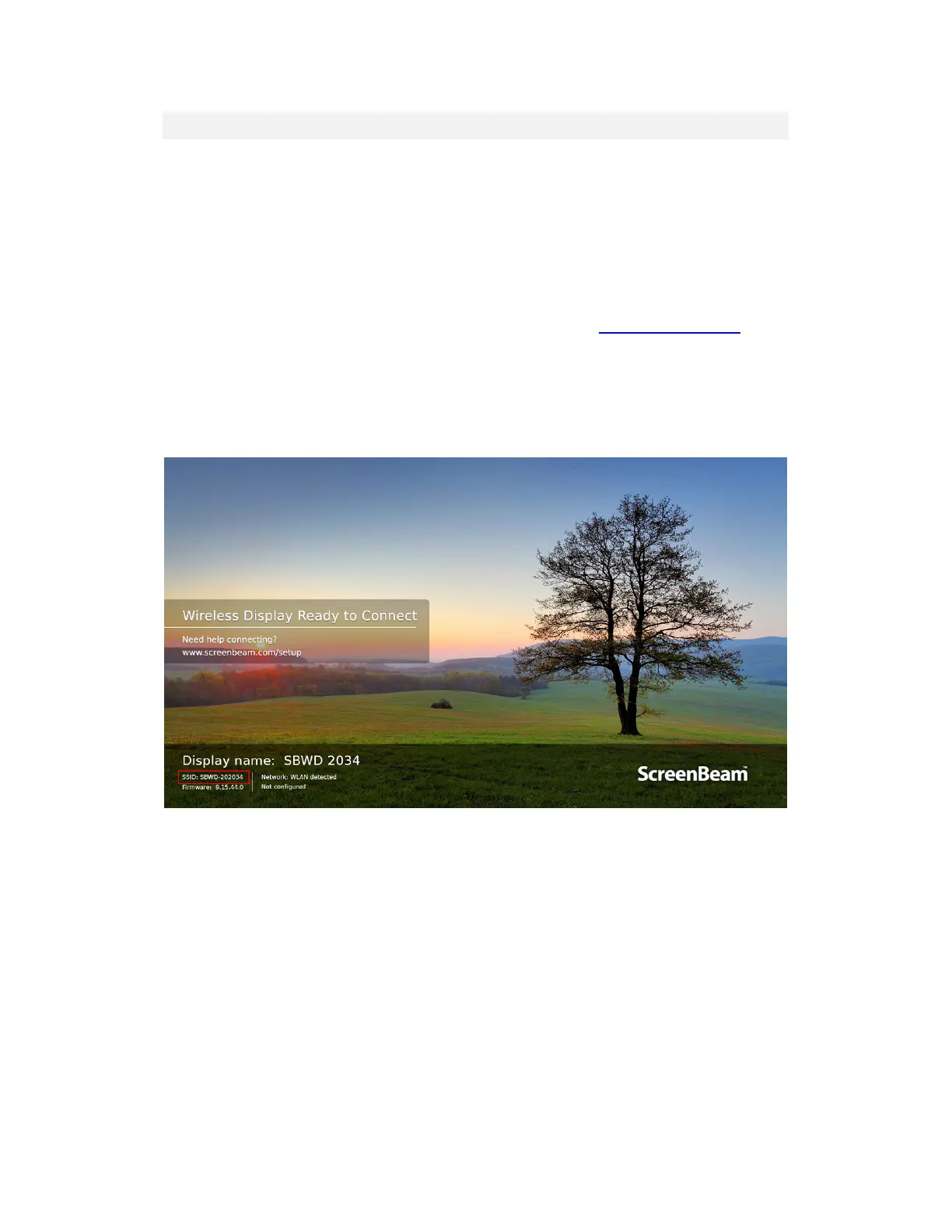
1. Find the receiver’s SSID in the lower left corner of the Wireless Display Ready to
Connect screen.



 To Next Page