47
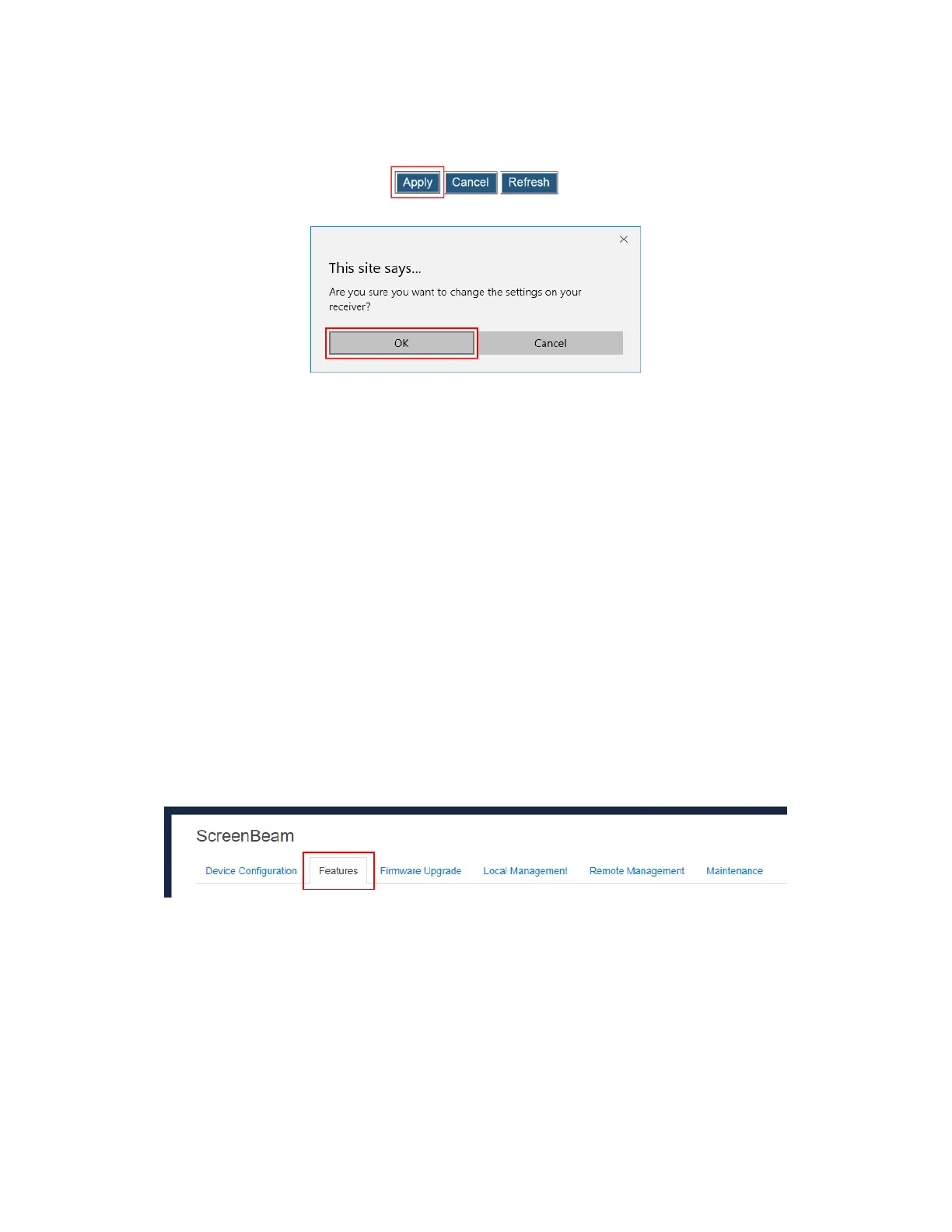
3. Click the Apply button, and then click OK on the pop-up message box to confirm.
5.3.2.2 Setting up Wireless Display over LAN for Mac OS or Windows 7
Devices
The Wireless Display over LAN feature allows Mac OSX devices and legacy Windows 7
devices to project over the local network.
Ensure the following requirements are met:
Operating system: Mac OS (Yosemite, El Capitan, Sierra, High Sierra) or Windows 7
100M/1000M Ethernet adapter (optional, but recommended) and WiFi adapter are
available
Stable local area network
Mac/Windows 7 device and ScreenBeam 960 receiver are connected to the same LAN
ScreenBeam SBCast app is installed and it is not block by any firewall or AV software
To set up wireless display over LAN for Mac OSX or Windows 7 devices, follow this
procedure:
1. Go to the Features tab page by clicking the Features tab.



 To Next Page