45
5.3.1.5 Setting up Time Zone
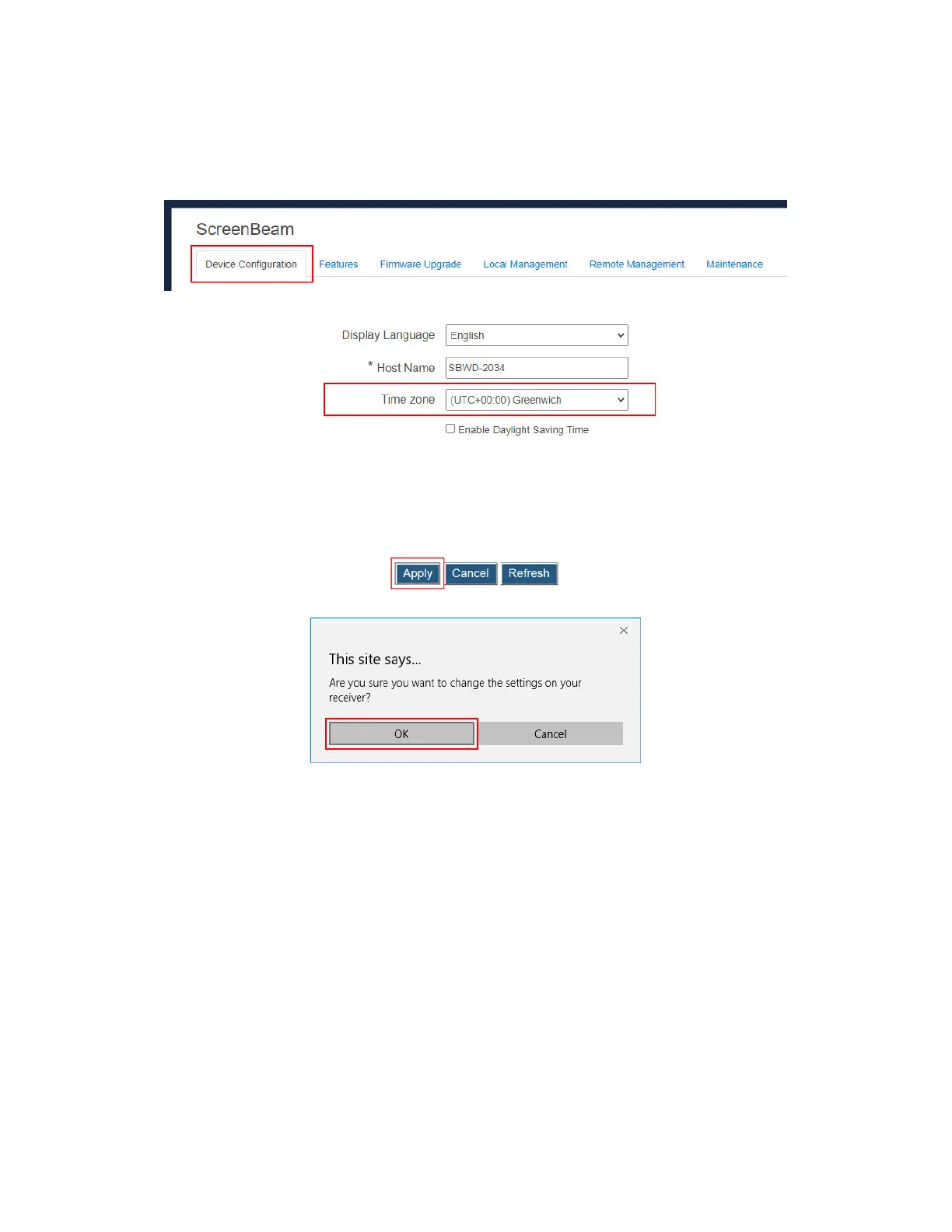
To select your time zone, follow this procedure:
1. Go to the Device Configuration tab page by clicking the Device Configuration tab.
2. Go to the Time zone lines, and select your time zone in the drop-down box.
Note: The receiver will synchronize its time with the CMS server it connects to, or with an
NTP server.
3. Check the Enable Daylight Saving time box if you want to enable daylight saving time.
4. Click the Apply button, and then click OK on the pop-up message box to confirm.



 To Next Page