76
5.3.6.5 Specifying a Local Management Communication Port for the
Receiver
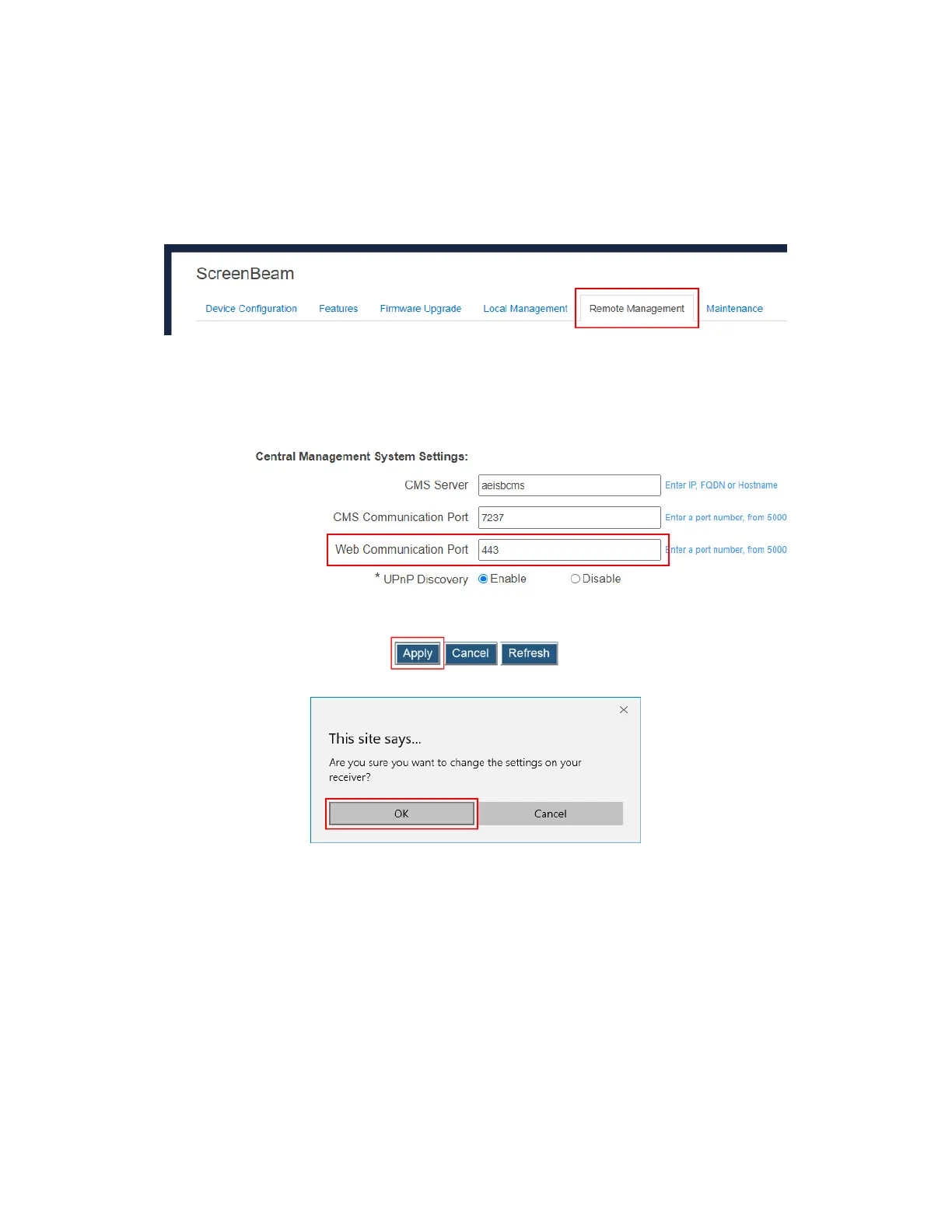
To specify a local management communication port for the receiver, follow this procedure:
1. Go to the Remote Management tab page by clicking the Remote Management tab.
2. Go to the Central Management System Setting section, and define a port for Web
Communication Port.
Web Communication Port: It is the communication port for the receiver’s Local
Management Interface.
3. Click the Apply button, and then click OK on the pop-up message box to confirm.



 To Next Page