40
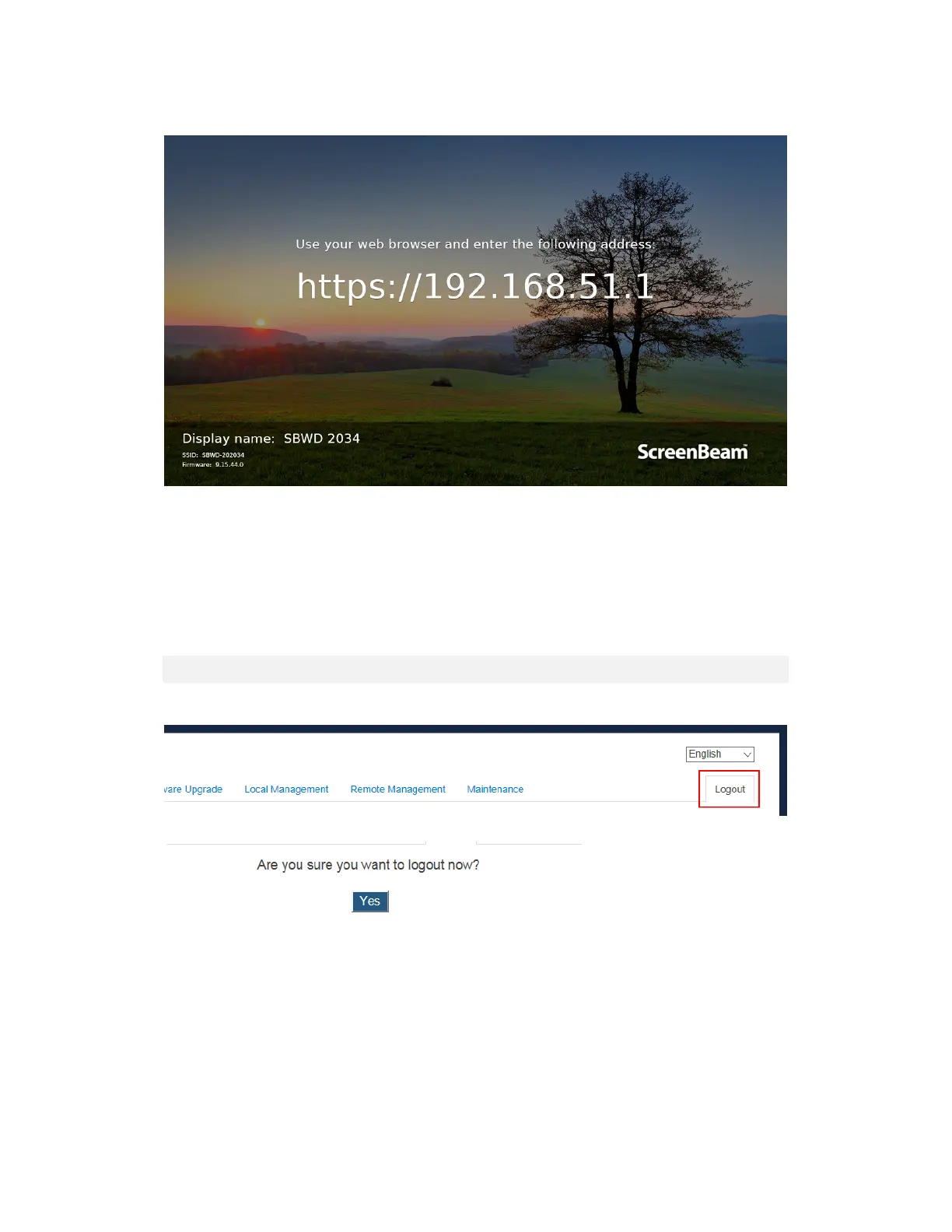
3. A URL (it is “https://192.168.51.1”) is displayed on the connected display.
Note: This link will be displayed in full screen for a few seconds, and then it is displayed in
the lower left corner (if network info display is enabled).
4. Access the URL address ("https://192.168.51.1") with a web browser on the laptop.
5. Follow the directions in Section 5.2.1 Method 1: Wireless P2P Direct Connection
(AGO) from Step 3 on.
5.2.4 Log Out
1. Go to the Logout tab page by clicking the Logout tab.
2. Click the “Yes” button to log out.
3. You will log out from the Local Management Interface immediately.



 To Next Page