52
AP if the Wi-Fi adapter of your source device cannot work in dual bands.
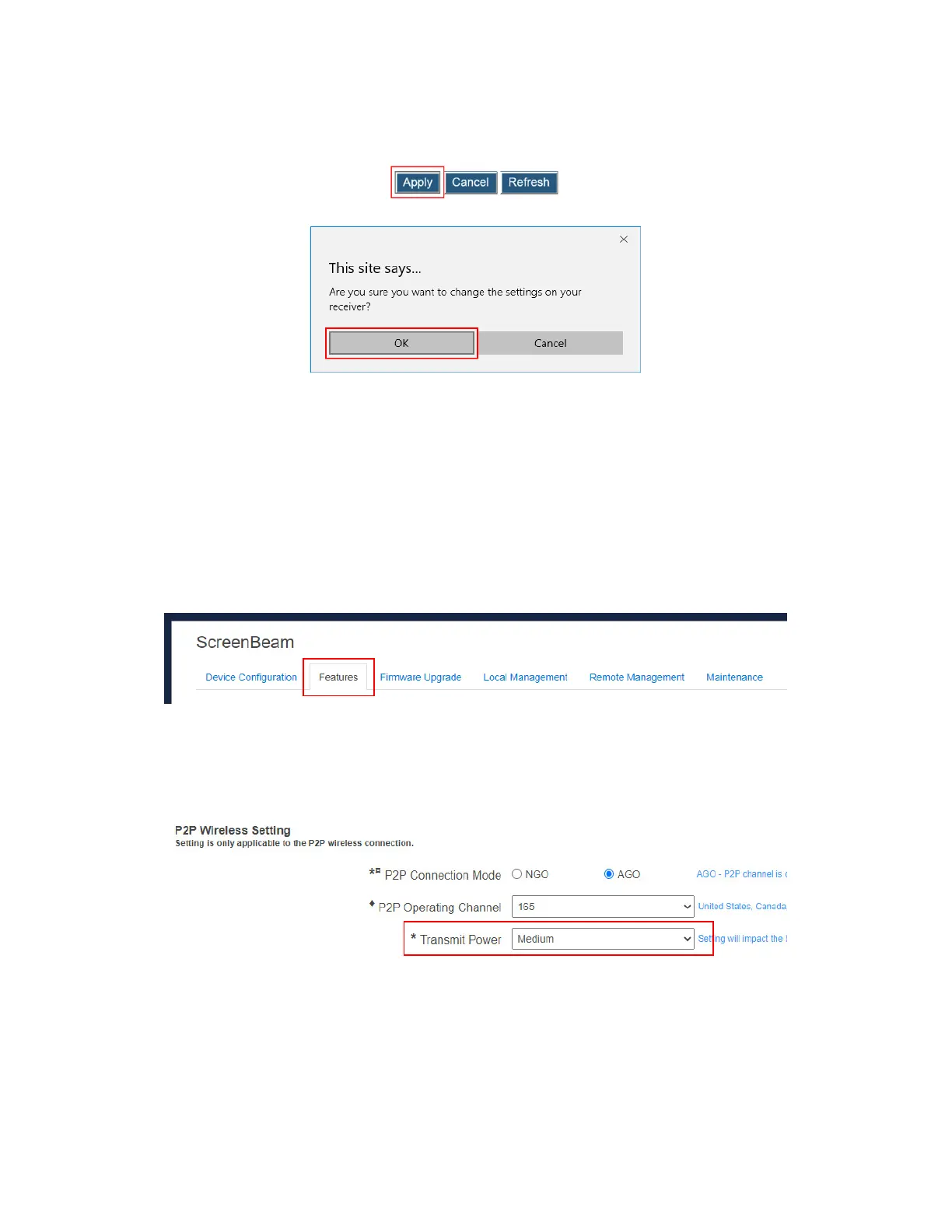
3. Click the Apply button, and then click OK on the pop-up message box to confirm.
Note: New setting takes effect on the next connection.
5.3.3.3 Setting up Transmit Power
ScreenBeam 960 allows users to tune down or up the transmission power of the Wi-Fi
adapter for Miracast connection.
To set up the receiver’s transmission power, follow this procedure:
1. Go to the Features tab page by clicking the Features tab.
2. Go to the P2P Wireless Setting section, and select an option from the Transmit Power
drop-down box.
Lower transmit power can reduce interference to the nearby devices. Higher transmit
power can ensure longer working distance.



 To Next Page