8
When EAP-TLS is selected, the following items are available:
User Name: It is the User Principal Name or RADIUS Identity (if necessary).
Note: The User Name supports these characters: a-z, A-Z, 0-9, @, ., and _.
Password: It is the password of the Private Key.
System Date & Time: It is used to set date and time for the receiver. Users should set
the date and time according to the validity period of the certificates.
CA Certificate: It is the root certificate. Click the Browse button to browse and add the
certificate.
User Certificate: It is the user certificate. Click the Browse button to browse and add
the certificate.
Private Key: It is the user’s private key. Click the Browse button to browse and add the
certificate.
Validity Period: It displays the effective period of the certificates.
Note:
Currently, only certificates in the “.pem” format are supported, and the certificates
must be generated using the “DER encoded binary X.509” method.
The length of the certificate file name must not exceed 64 bytes, and the file size
must be less than 100 KB.
All the three certificates are required for authentication.
User should select the right certificate file for each type of certificate.
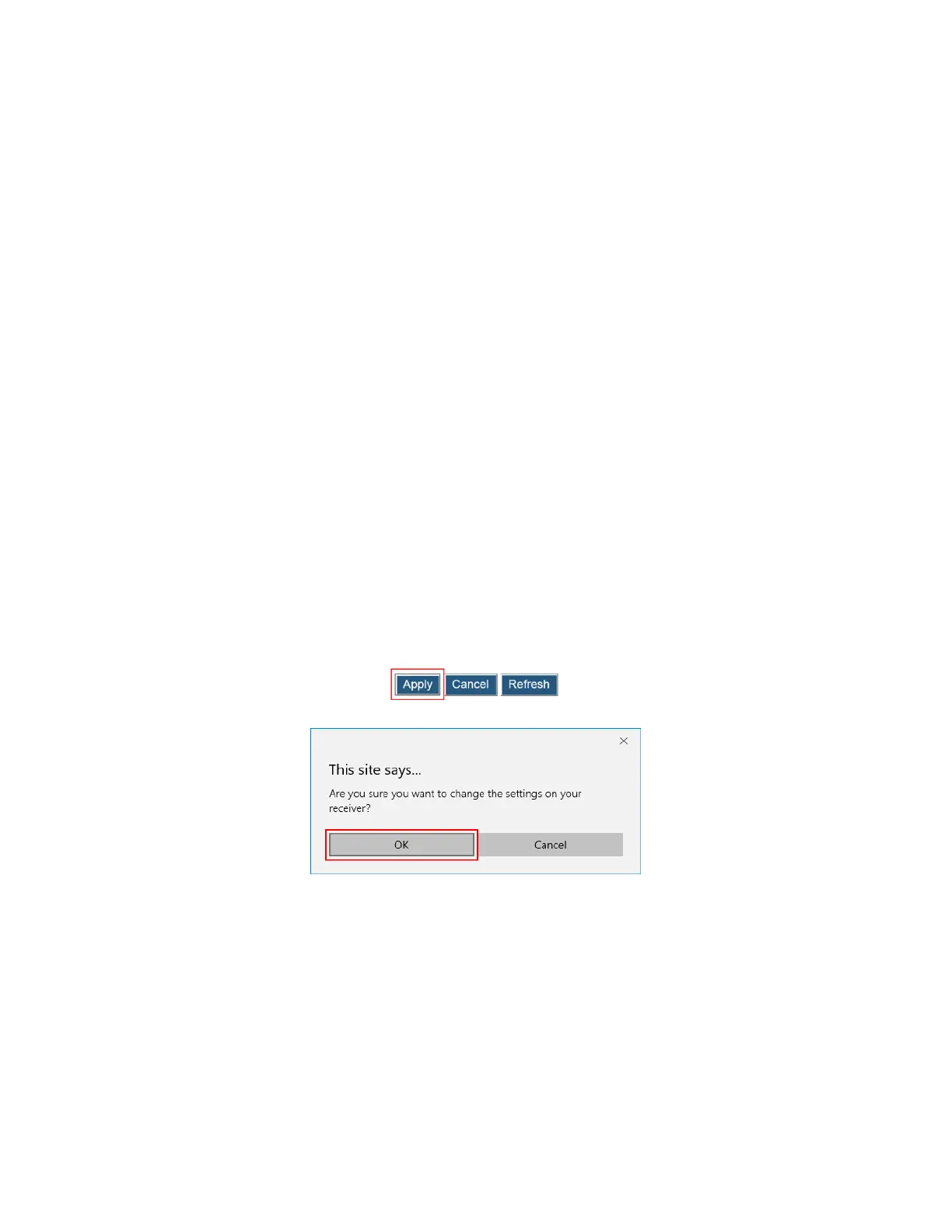
3. Click the Apply button, and then click OK on the pop-up message box to save the
network connection parameters. The WLAN adapter will connect to the wireless router
(AP) in a few seconds when the receiver is idle or when it is not connected to an
Ethernet network.



 To Next Page