29
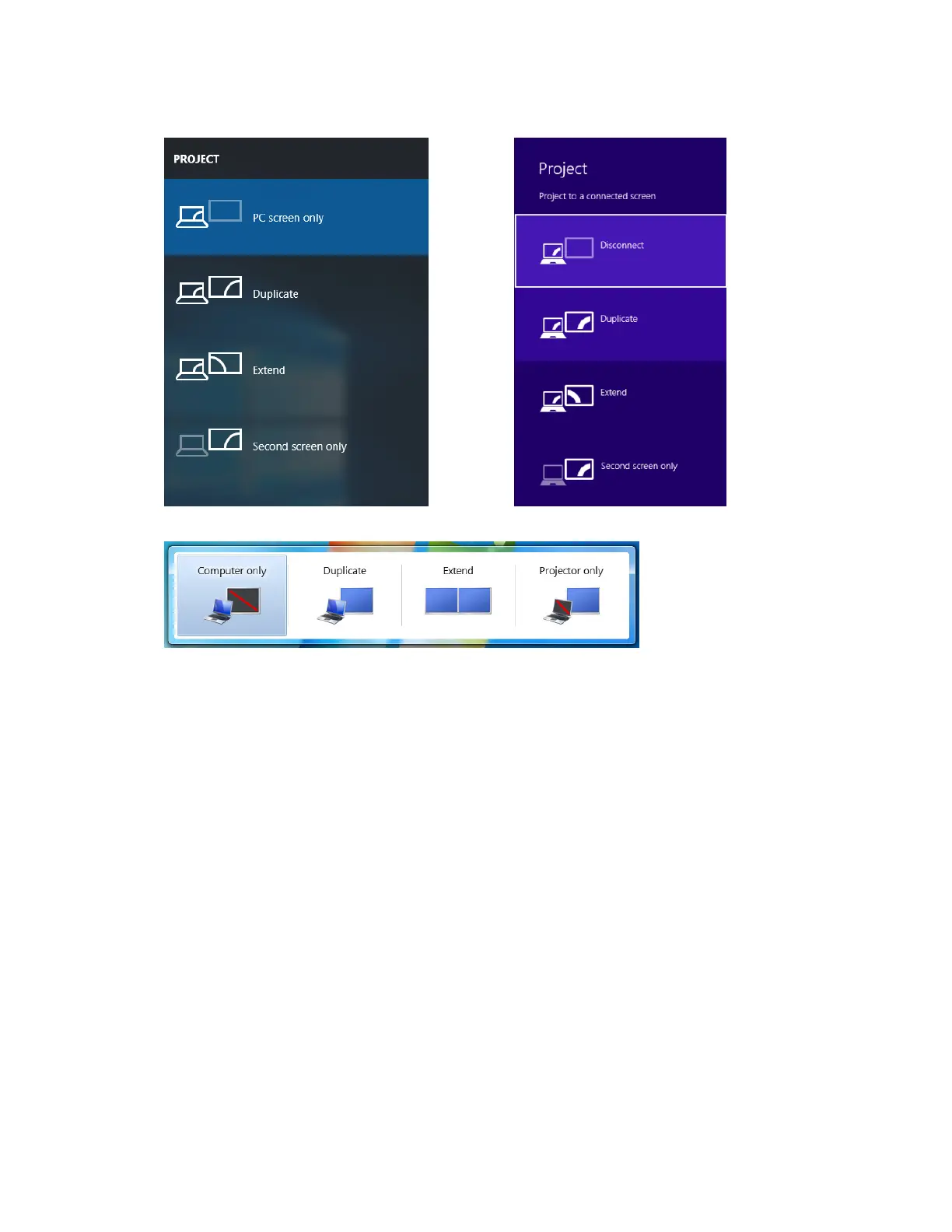
Windows 10 Windows 8.1
Windows 7
Duplicate
The Duplicate mode is used to display the same content on both the device's screen and
the HDTV simultaneously.
Note: There may be minor delay between the content displayed on the HDTV screen
compared to the device’s screen. This is due to the current state of wireless display
technology.
Extend
The Extend mode creates a single, extended "screen" between the source device and the
HDTV. When in the Extend mode, dragging windows to the right side of the device's screen
displays those windows on the HDTV, while dragging windows to the left of the HDTV
screen displays them back on the device's screen. This mode allows users to display
selected content on the HDTV, while all other windows remain on the device's screen. When
this mode is first selected, the HDTV displays only the Windows desktop.
Second Screen Only
The Second Screen Only mode causes the HDTV to be the only display for the device.
You’ll see everything on the connected screen, and your device’s screen will be blank.



 To Next Page