62
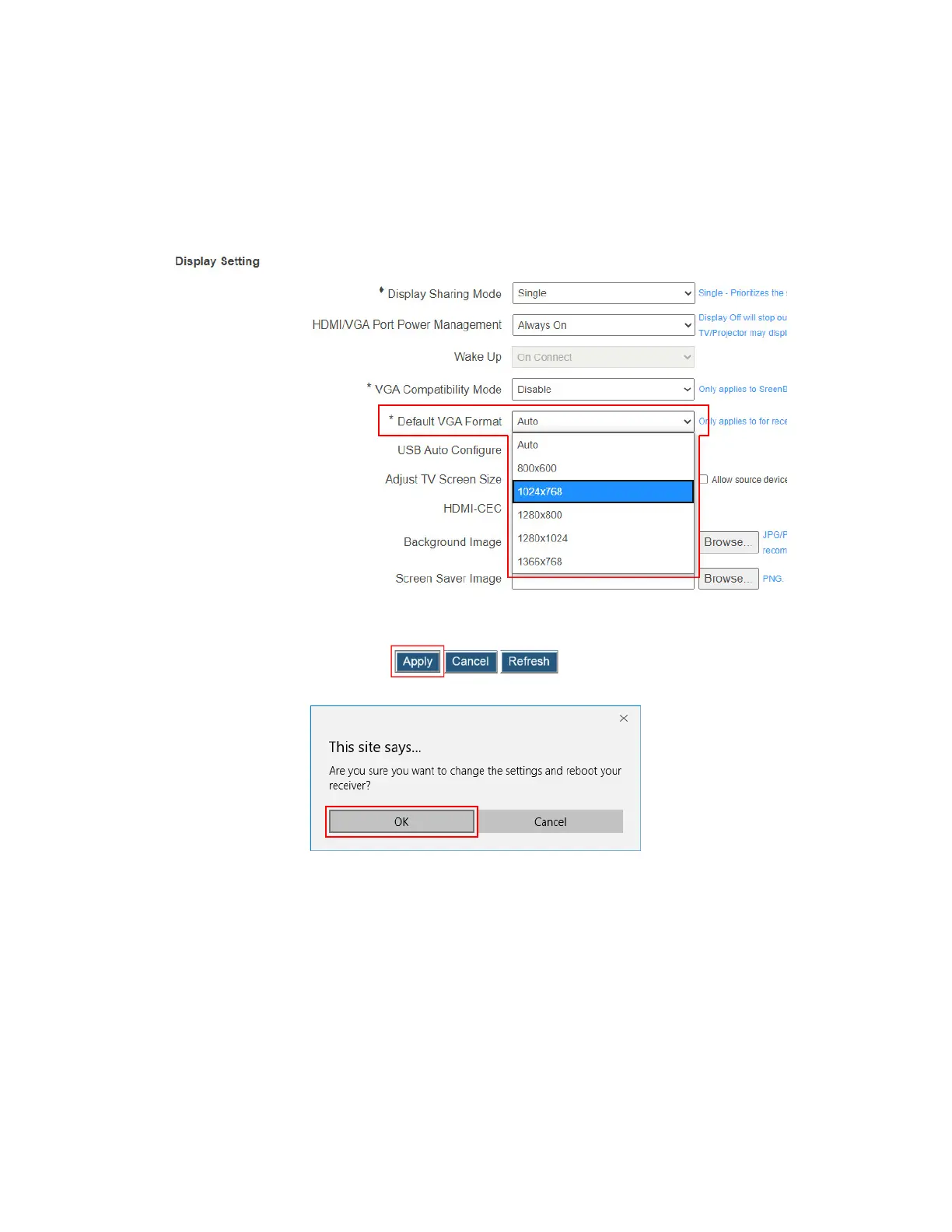
not get the EDID information from the display device, or the display device
provides no EDID information, or you want to set a resolution that is different from
the EDID, you can try the resolution options below.
Resolution options: There are five resolutions available: 800×600, 1024×768,
1280×800, 1280×1024, and 1366×768. The video output will be set to the selected
resolution, overwriting the EDID information.
3. Click the Apply button, and then click OK on the pop-up message box to confirm.
4. The receiver reboots, and new setting takes effect after the reboot.



 To Next Page